128
MB1 User Manual
© 2016 Expert Electronics
MAIN SCREEN DESCRIPTION
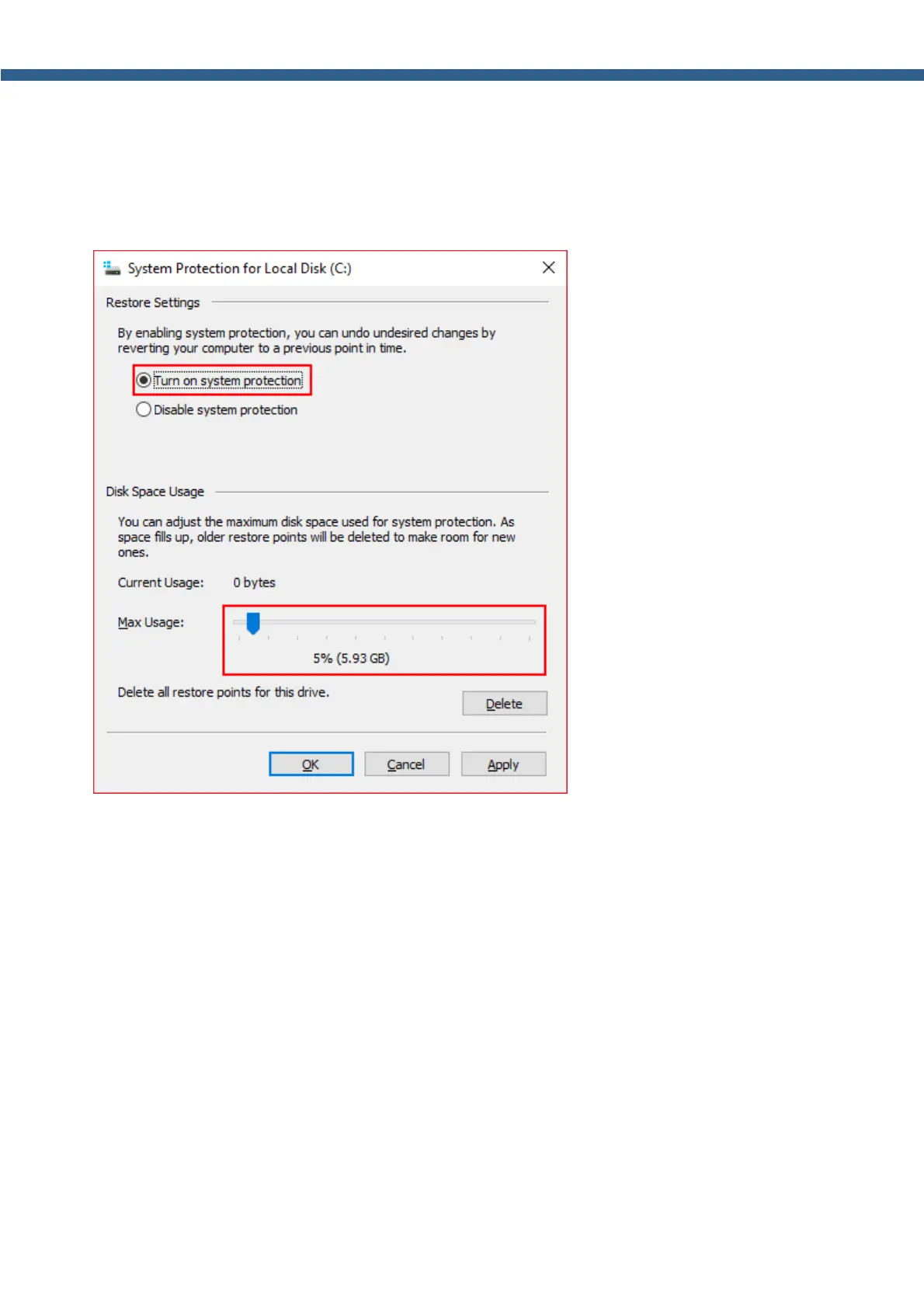
8. In the System Protection for Local DIsk (C:) window set the Turn on system
protection and with the slider set the Max Usage for this purposes - it is recommended to use
5...10 % of the disk (see the picture below).
9. Press Apply then OK, the window will be closed.



 To Next Page