EasyManua.ls Logo

Expert Electronics MB1 - Using the Band Memory

Default Icon
192 pages
Print Icon
To Next Page IconTo Next Page
To Previous Page IconTo Previous Page
Loading...
153
MB1 User Manual
© 2016 Expert Electronics
TRANSCEIVER OPERATIONS
7.9 Using the Band Memory
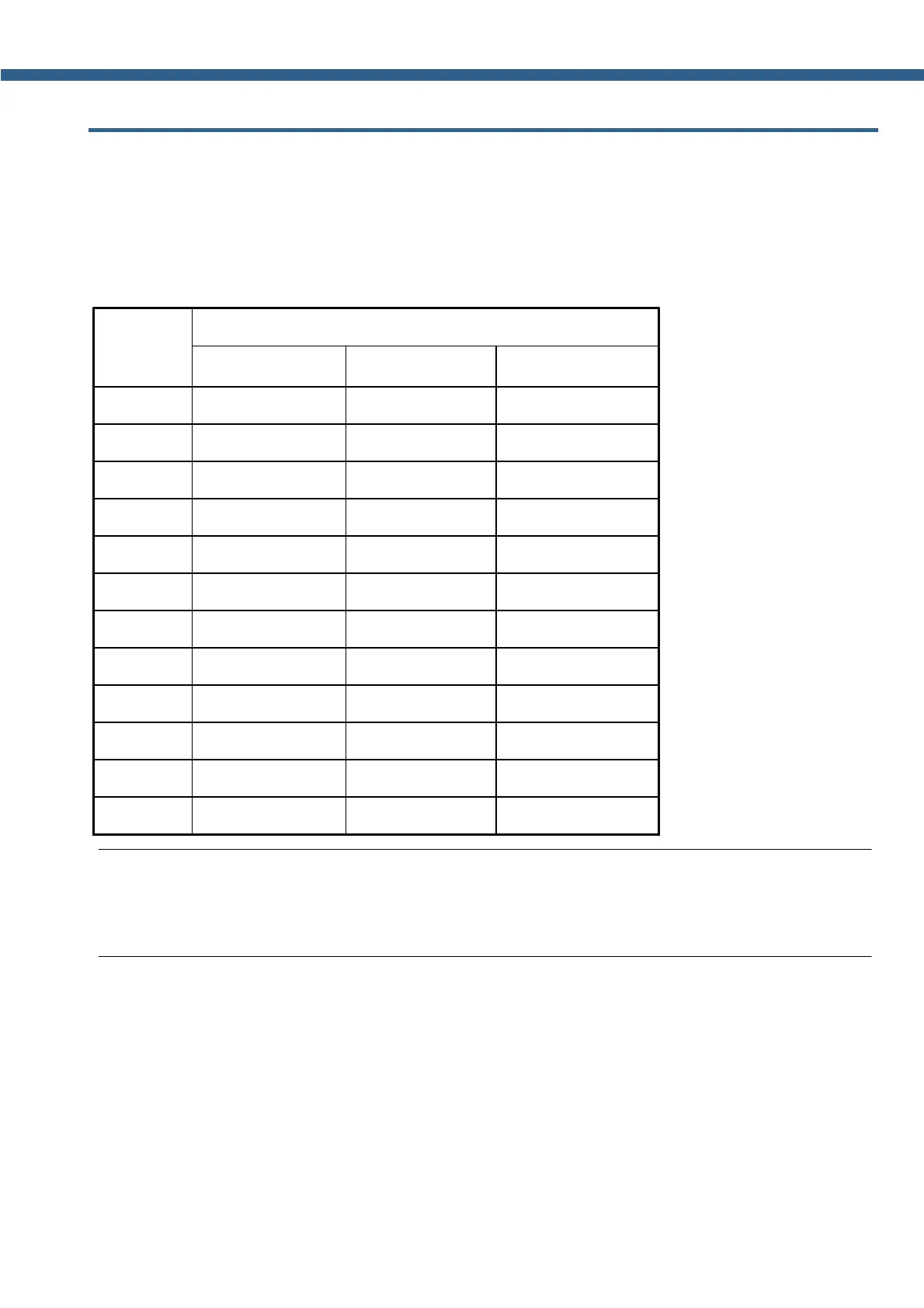
Band buttons have 3 position memory.
When you press the band button, receiver switches on this band - frequency stored in the first
band memory.
Successive presses of the band button cycles through memory position.
Band(M)
Default (MHz) and Mode
Band Memory 1
Band Memory 2
Band Memory 3
160
1.81/CW
1.87/LSB
1.95/LSB
80
3.51/CW
3.65/LSB
3.7/LSB
40
7.005/CW
7.07/LSB
7.1/LSB
30
10.1/CW
10.12/CW
10.13/CW
20
14.001/CW
14.15/USB
14.2/USB
17
18.068/USB
18.1/USB
18.15/USB
15
21.001/CW
21.1/USB
21.15/USB
12
24.89/USB
24.92/USB
24.96/USB
10
28.001/CW
28.3/USB
29/NFM
6
50.001/USB
51.0/NFM
52.0/NFM
2
144.1/CW
144.5/USB
145.5/NFM
Gen
2.5/AM
5.0/AM
15.0/AM
Note:
(
When you change the frequency and switch to another band, the transceiver saves the last
tuned frequency in the current band memory.

Table of Contents

Related product manuals