154
MB1 User Manual
© 2016 Expert Electronics
TRANSCEIVER OPERATIONS
7.10 Selecting the Operating Modes
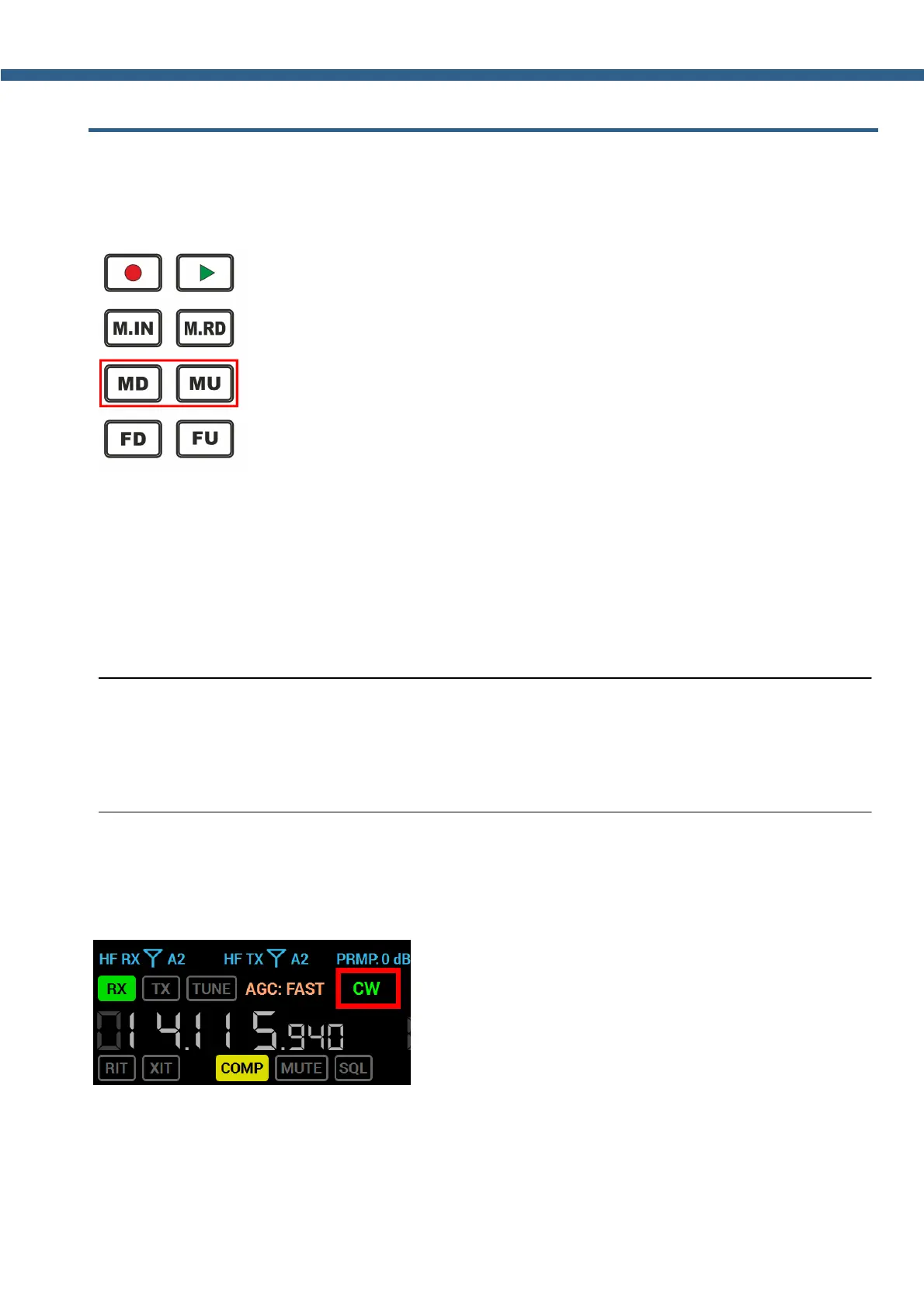
Selecting the Operating Modes - is carried out with the help of MD, MU buttons on the
front panel of the transceiver (marked with the red rectangle).
MD - Button to switch modulation type Down the list.
Press the MD button to select the previous modulation type Down the list.
Press again to cycle through the modulation types.
MU - Button to switch modulation type Up the list.
Press the MU button to select the next modulation type Up the list.
Press again to cycle through the modulation types.
Note:
(
The selection has an order : AM, SAM, DSB, LSB, USB, CW, NFM, WFM, SPEC,
DIGL, DIGU, DRM .
While the USB mode is active, pressing the MU button will switch on next mode - CW .
Selecting the mode type from the list - is carried out from the drop down menu.
Rollover mouse cursor on the mode type indicator on the transceiver's display (marked with the
red rectangle) and press left mouse button.



 To Next Page