55
MB1 User Manual
© 2016 Expert Electronics
MAIN SCREEN DESCRIPTION
5.1.6 Section 6
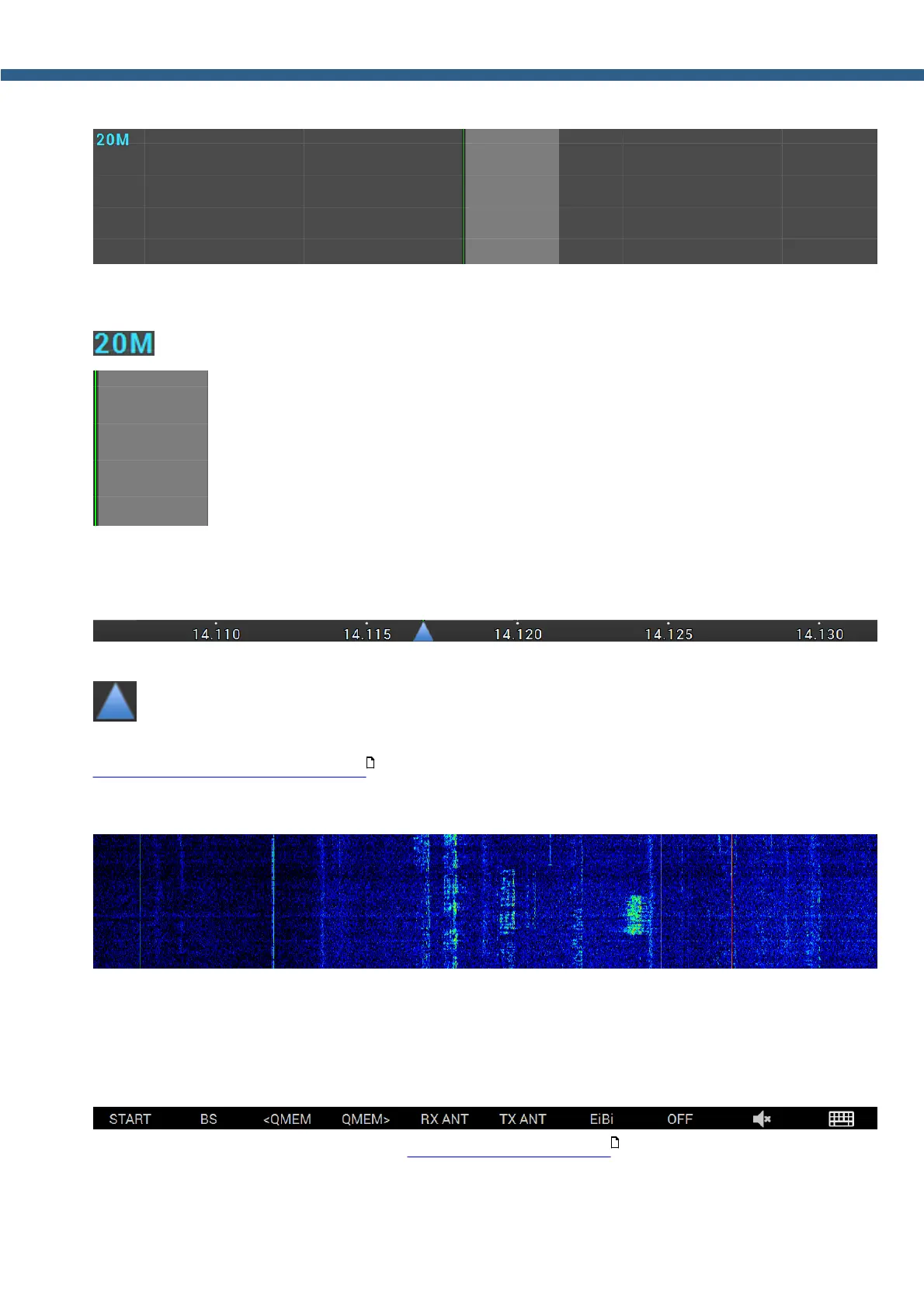
Transceiver's spectrum scope window. In this window you can see specter of the receiving/
transmitting signals: Amplitude - vertical, Frequency - horizontal.
- Amateur band indicator.
- Filter width is semitransparent. Vertical green line is a set frequency.
5.1.7
Section 7
Frequency scale.
- Spectrum scope zoom point marker.
Spectrum scope and waterfall are zoomed in or out in respect to this marker. (more details in
ZOOM-in ZOOM-out the graphics ).
5.1.8 Section 8
Waterfall graphic - Timed spectrum scope in format: Amplitude - Brightness, frequency -
horizontal, time - vertical.
5.1.9 Section 9
F1-F10 settings panel (more details in Functional buttons using ).
162
170



 To Next Page