54
MB1 User Manual
© 2016 Expert Electronics
MAIN SCREEN DESCRIPTION
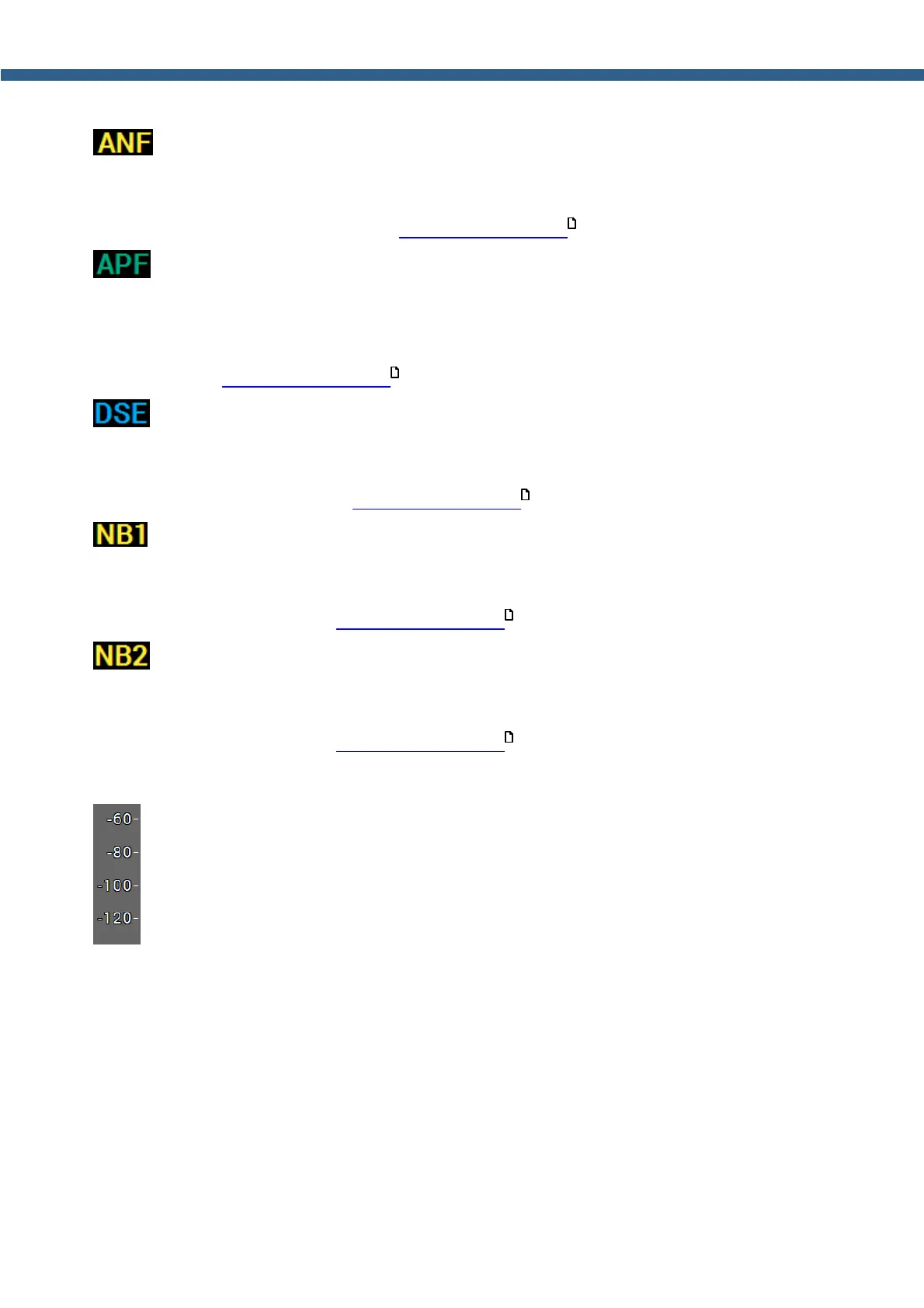
- Receiver Automatic Notch Filter indicator/button.
ANF indicator shines with a yellow light if the receiver automatic notch filter is enabled. Press this
indicator/button with either the mouse cursor or via touch screen to enable/disable receiver
automatic notch filter (more details in DSP functions using ).
- Analog peak-filter indicator button. APF creates the triangle filter's AFC (amplitude-
frequency characteristic) in the filter bandpass.
APF indicator shines with a green light if the analog peak-filter is enabled. Press this indicator/
button with either the mouse cursor or via touch screen to enable/disable analog peak-filter
(more details in DSP functions using ).
- Digital Surround Effect for CW signals indicator button.
DSE indicator shines with a blue light if the digital surround effect is enabled. Press this
indicator/button with either the mouse cursor or via touch screen to enable/disable digital
surround effect (more details in DSP functions using ).
- Receiver Noise Blanker indicator/button.
NB1 indicator shines with a yellow light if the receiver noise blanker is enabled. Press this
indicator/button with either the mouse cursor or via touch screen to enable/disable receiver
noise blanker (more details in DSP functions using ).
- Receiver Noise Blanker indicator/button (different from the NB1).
NB2 indicator shines with a yellow light if the receiver noise blanker is enabled. Press this
indicator/button with either the mouse cursor or via touch screen to enable/disable receiver
noise blanker (more details in DSP functions using ).
5.1.5 Section 5
- Signal level scale, dBm for the RX mode and dBV for the TX mode.
164
164
164
164
164



 To Next Page