138
MB1 User Manual
© 2016 Expert Electronics
MAIN SCREEN DESCRIPTION
5.10.6 Windows password
For automatic start of the MB1 transceiver by pressing the power button, you need to disable
Windows password.
Note:
(
Windows password is disabled by default.
5.10.6.1
Enable Windows password
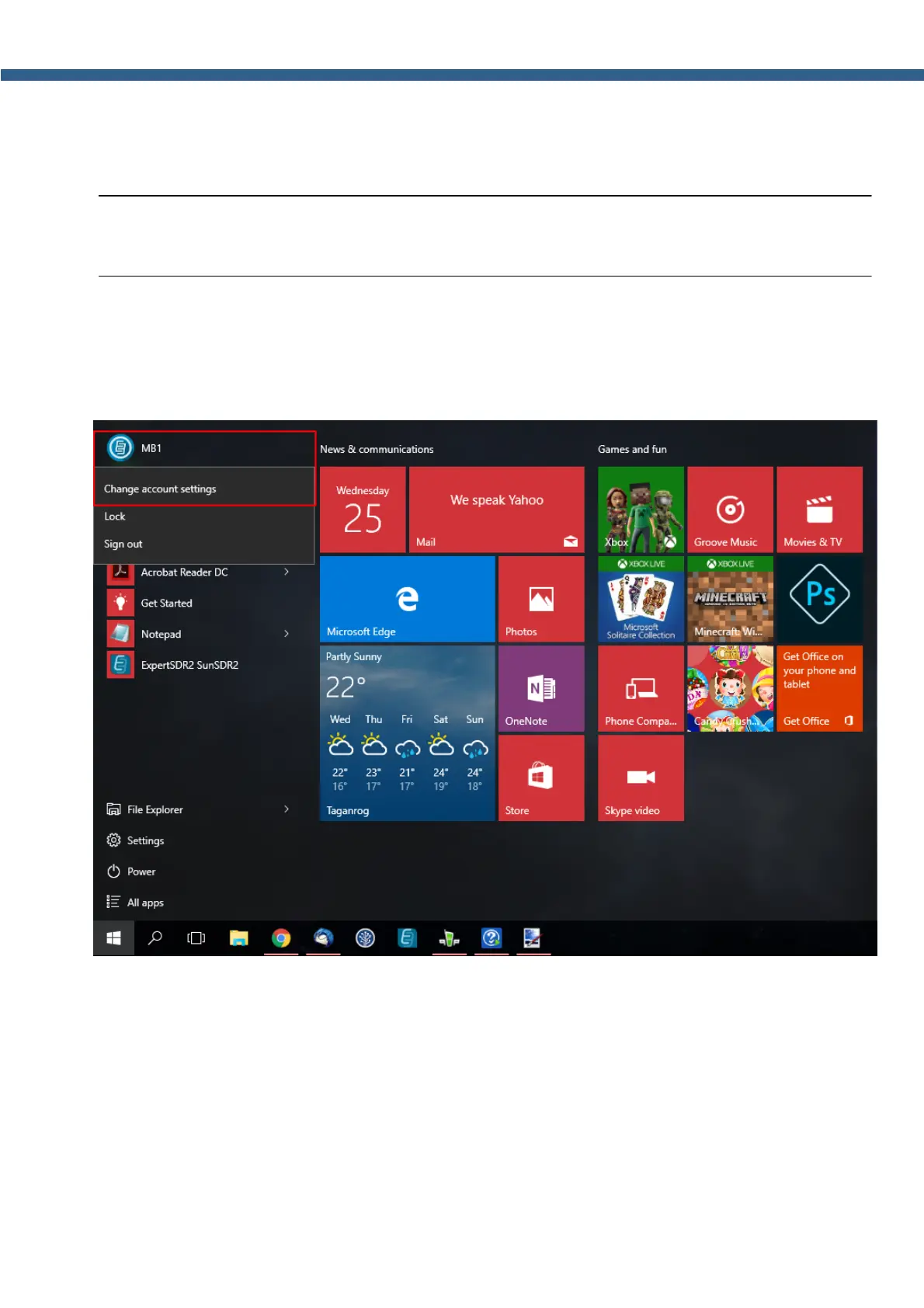
To enable the Windows password for your account, do the following:
1. Click the left/right mouse button on your account name in the Start menu and select
Change account settings.



 To Next Page