137
MB1 User Manual
© 2016 Expert Electronics
MAIN SCREEN DESCRIPTION
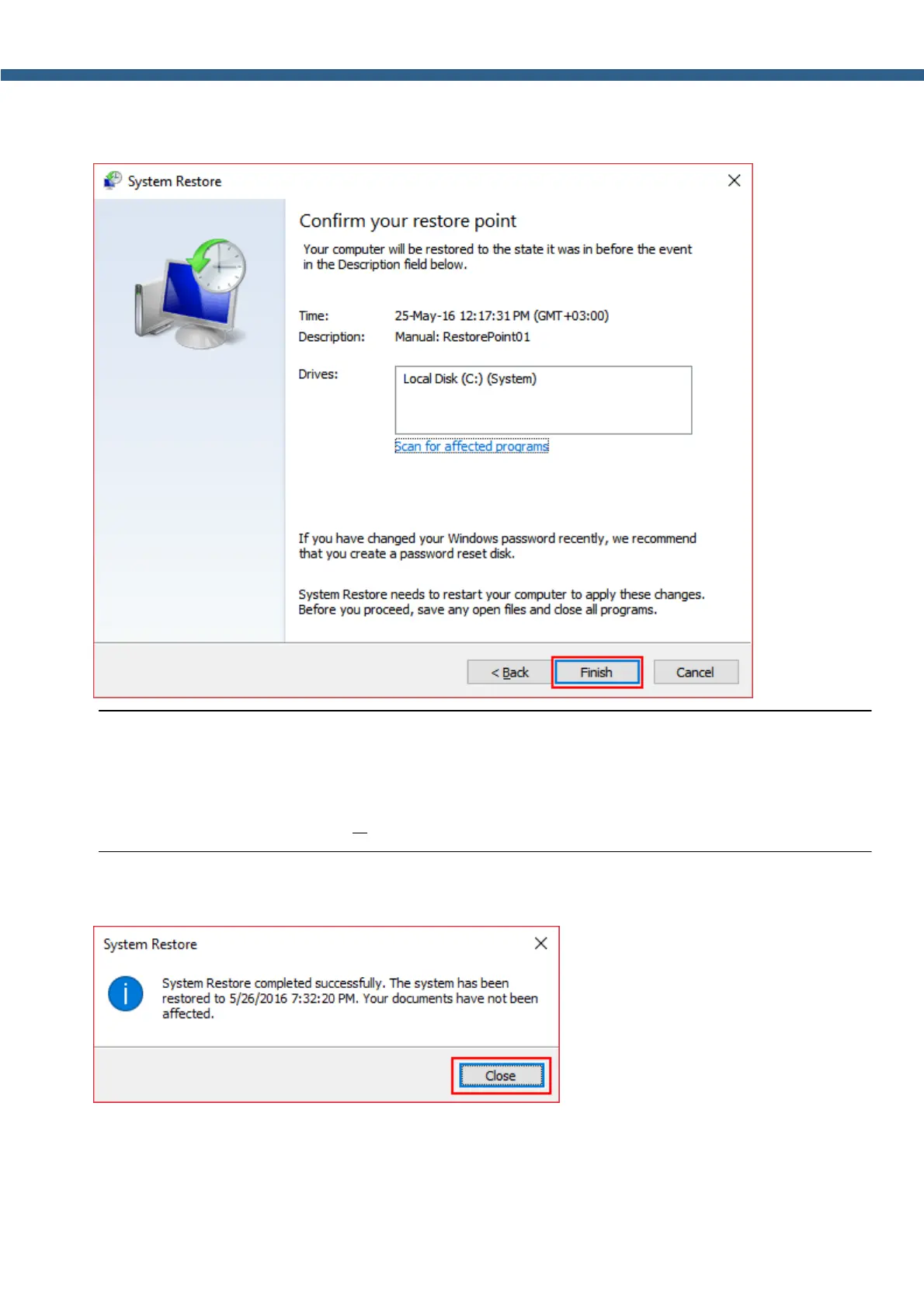
10. Confirm your restore point by pressing the Finish button.
Note:
(
You still can refuse to restore the system on this step, by pressing the Cancel button.
(
You still can refuse to restore the system from the selected restore point and change it to
another one by pressing the <B ack button.
11. Windows will inform about successful system recovery. Press the Close button.



 To Next Page