111
MB1 User Manual
© 2016 Expert Electronics
MAIN SCREEN DESCRIPTION
5.10 Windows settings
Make some adjustments in the Windows 10 OS for correct operation of the MB1 transceiver.
Note:
(
All required adjustments are performed at the manufacturing.
5.10.1
Date and time settings
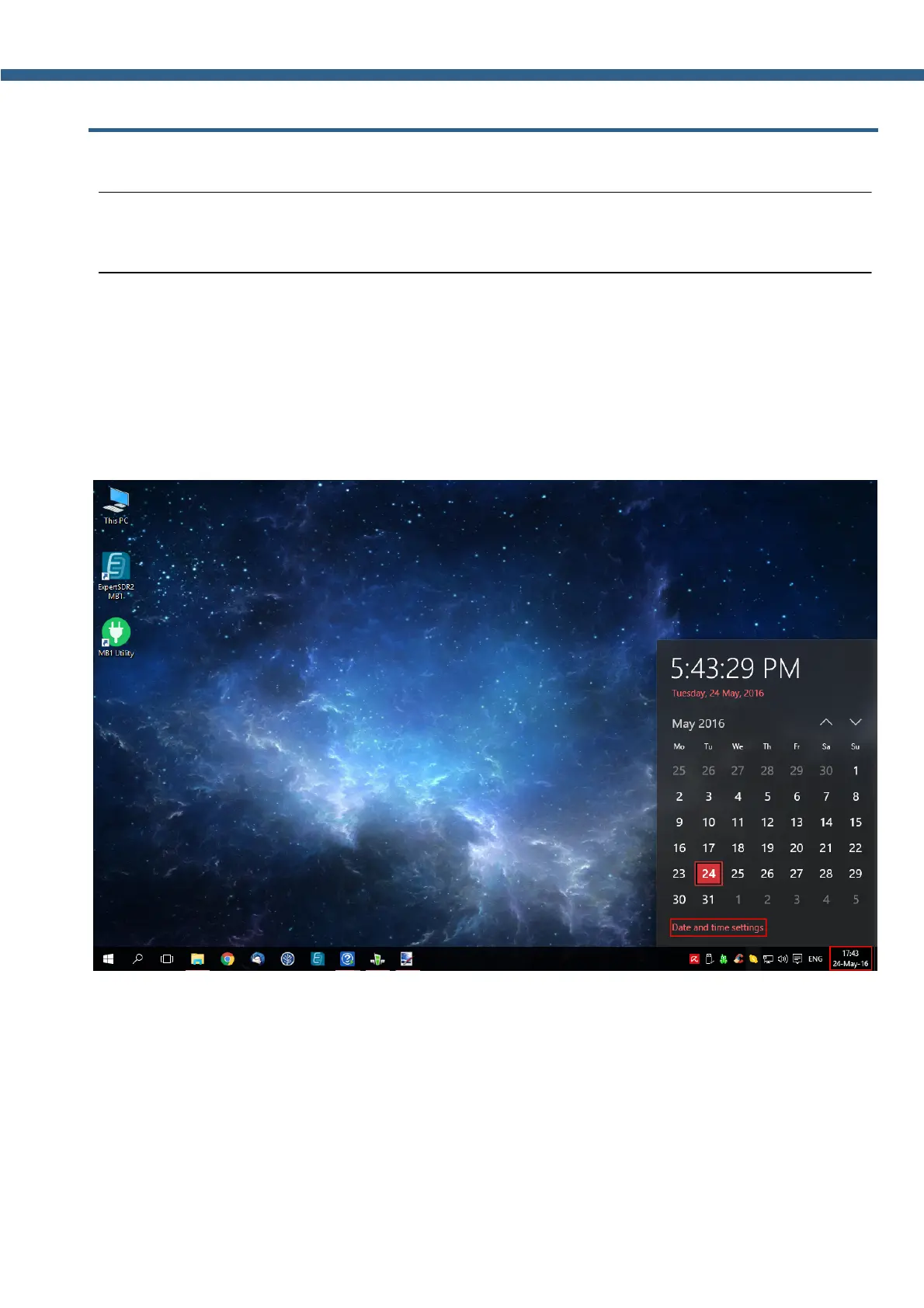
Do the following to set the date and time:
1. Click the left mouse button on the time in trey (marked with a red rectangle on the picture
below).
2. Click the left mouse button on the Date and time settings menu (marked with a red
rectangle on the picture below).



 To Next Page