171
MB1 User Manual
© 2016 Expert Electronics
TRANSCEIVER OPERATIONS
· RX ANT SWITCH - Switch to the next RX antenna in the list.
· TX ANT SWITCH - Switch to the next TX antenna in the list.
· RX ONLY A1 - Select RX antenna A1.
Used for HF and VHF bands.
· RX ONLY A2 - Select RX antenna A2.
Used for HF and VHF bands.
· RX ONLY A3 - Select RX antenna A3.
· RX ONLY A4 - Select RX antenna A4.
· CW SKIMMER - Make a connection with CW Skimmer.
· BAND SCOPE - Enable wide Band-Scope with 80 MHz band.
· KEYBOARD - Enable digital Windows keypad.
· WINDOWS MUTE - Disable the sound in the internal PC.
· WINDOWS VOLUME+ - Increase the volume of the internal PC.
· WINDOWS VOLUME- - Decrease the volume of the internal PC.
7.30 DRIVE level adjusting
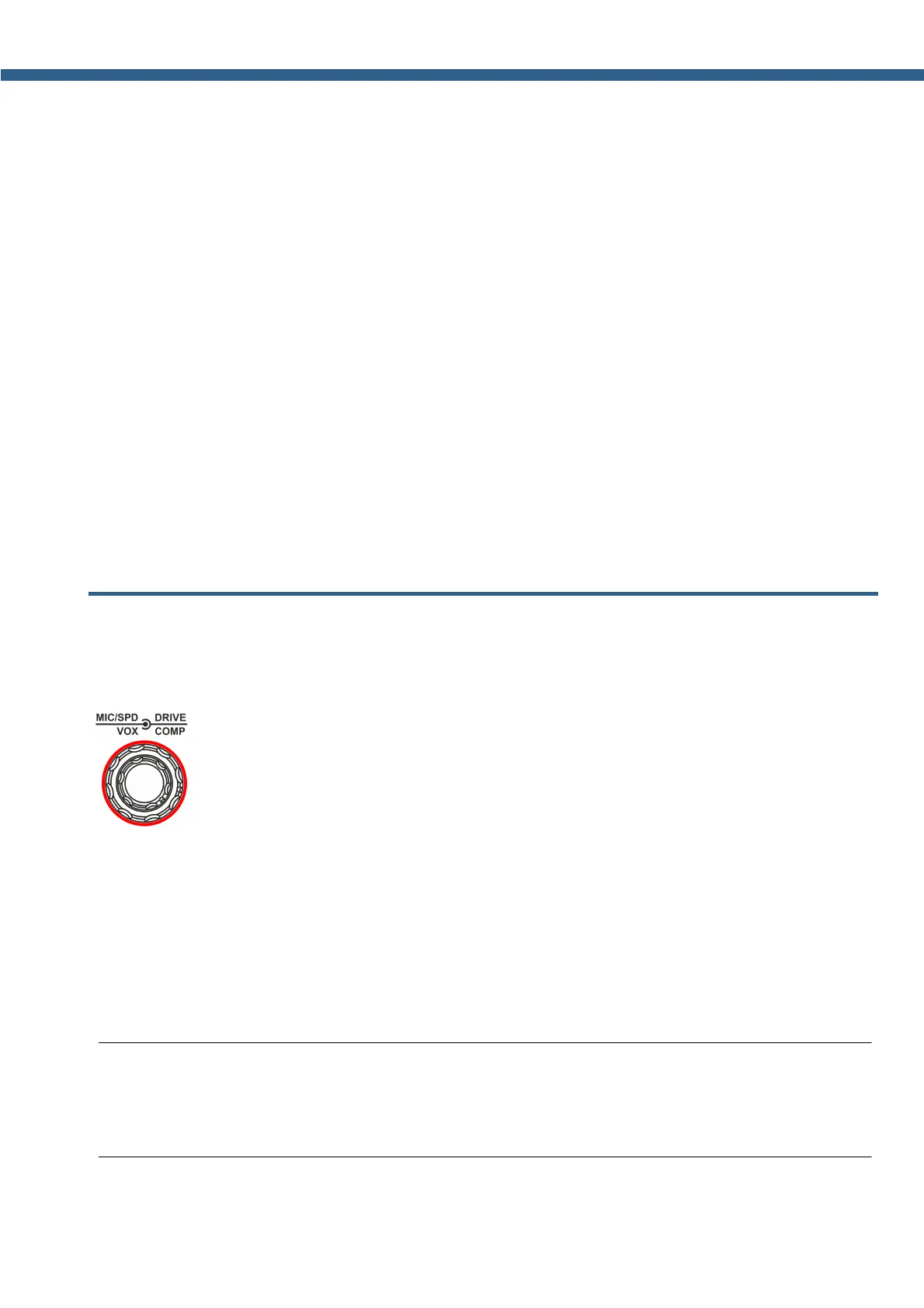
In the MB1 transceiver DRIVE level adjusting is carried out by rotating the DRIVE knob on
the front panel of the transceiver.
DRIVE - Drive output knob (in %).
Rotate the DRIVE knob to set the transceiver's output power.
The level of output power displayed in % in the software Main window
DRIVE - Drive output knob (in %).
Rotate the DRIVE knob to set the required transceiver's output power. Rotate the DRIVE
knob clockwise to increase output power, counter clockwise to decrease output power.
Output power in % is displayed in the software Main window on the PWR: XX% indicator.
Note:
(
Output power is stored for each band by default.
(
Output power in % doesn't always mean the same in Watt, may vary.



 To Next Page