151
MB1 User Manual
© 2016 Expert Electronics
TRANSCEIVER OPERATIONS
7.6 Internal speaker On/Off
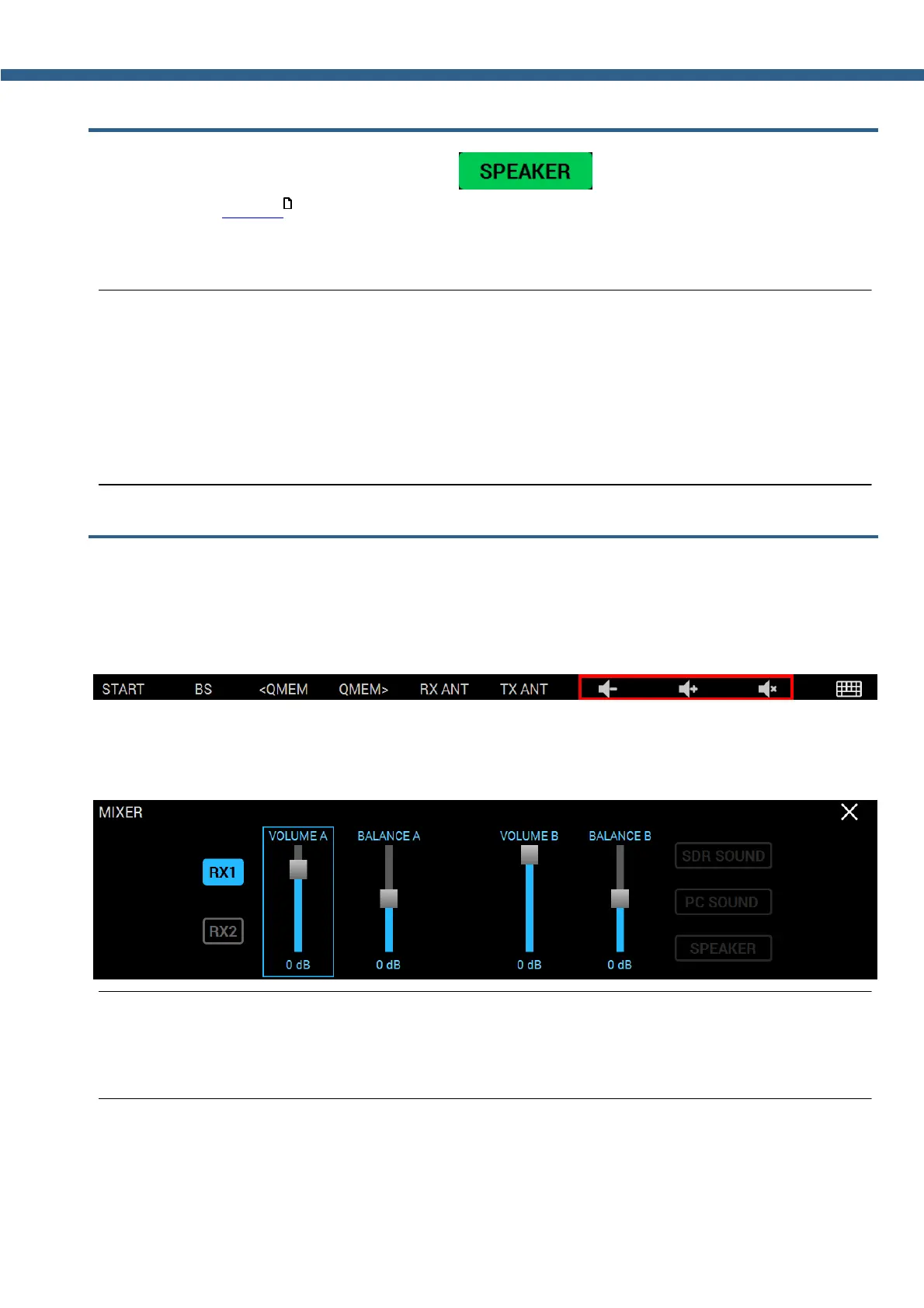
Turn on/off the internal speaker with the button in the MIXER local panel
(more details in MIXER ).
Press the SPEAKER button to turn on the internal speaker (speaker is on - green button).
Note:
(
Sound output to the internal speaker is possible only if the SPEAKER button is active in the
MIXER menu. Sound output to the internal speaker does not depend on the presence of the
phone's jack connector in the PHONES jack on the front panel.
(
Sound output to the phones via the PHONES jack is constant and does not depend on the
SPEAKER button state.
7.7 Audio signals routing
The transceiver has two signal generators: SDR-module, internal PC.
Volume of the internal PC can be adjusted with the mouse and standard Windows controls
or with the special functional buttons (e.g. the example of the special buttons below).
Control and routing of the audio signals of the SDR-module is carried out in the MIXER local
panel.
Note:
(
You can adjust the volume and balance when the SubRX is enabled. When the SubRX is
disabled the overall volume control is active with the AF knob.
57



 To Next Page