79
MB1 User Manual
© 2016 Expert Electronics
MAIN SCREEN DESCRIPTION
RAND - Checkbox to enable bits randomizing on the ADC's data bus.
Set the RAND checkbox to enable bits randomizing on the receiver's ADC data bus.
Note:
(
After set/unset of the RAND checkbox, press the Write button.
(
Bits randomizing on the ADC's data bus leads to lessening the noise from this bus to the
receiver.
(
It is recommended to keep this checkbox on all the time.
Default - Default hardware settings button.
Press the Default button to return to the default settings.
Read - Read the hardware settings from the transceiver's memory.
Press the Read button to read the hardware settings from the transceiver's memory.
Write - Store the hardware settings.
Press the Write button to store the hardware settings in the transceiver's memory.
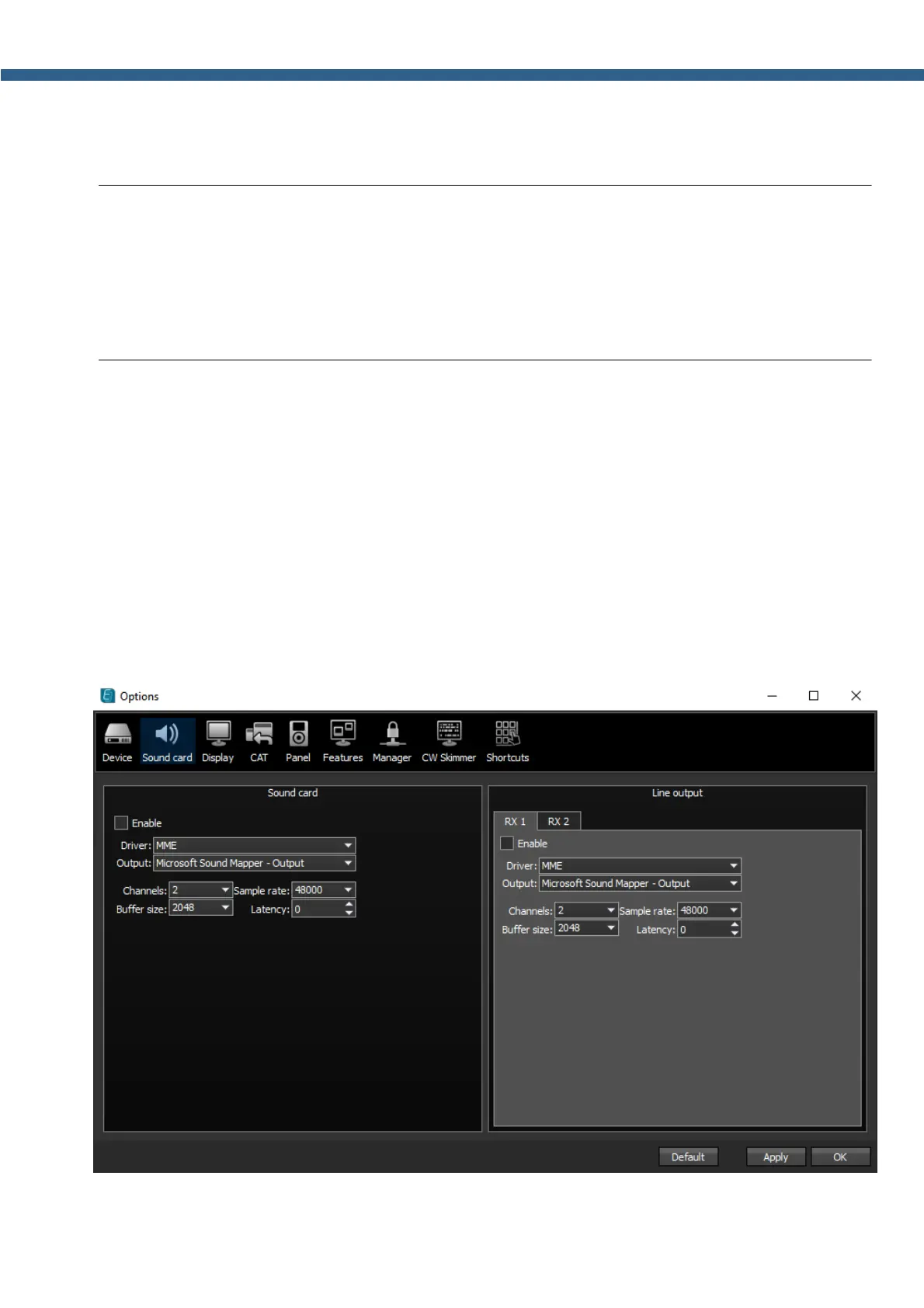
5.3.2 Sound card menu
In the Sound card menu you can see the settings of the audio devices, which can be used with
the transceiver.



 To Next Page