85
MB1 User Manual
© 2016 Expert Electronics
MAIN SCREEN DESCRIPTION
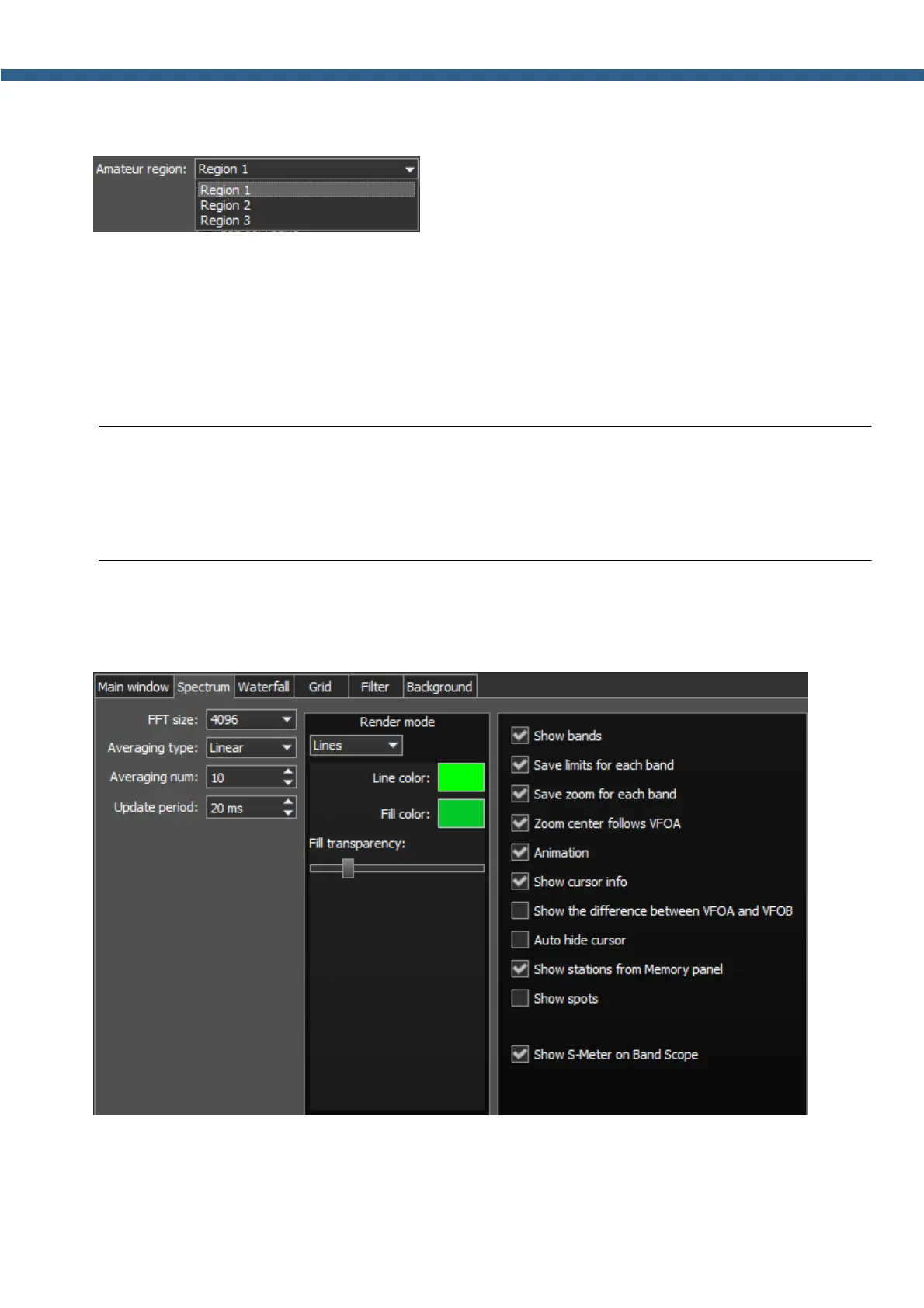
· Amateur region - Amateur region menu.
Choose the region you are currently in, in the Amateur region menu.
It affects the position of the amateur bands in the software.
· Use 11M band - 11М band enable checkbox.
Set the Use 11M band checkbox to enable 11М band.
· Use 60M band - 60М band enable checkbox.
Set the Use 60M band checkbox to enable 60М band.
Note:
(
After you choose the amateur region and/or set the checkbox Use 11M/60M band you'll
see the notification window, that the settings will be applied after the restart of the software.
Restart the software.
5.3.3.2 Spectrum
On the Spectrum tab you can see the transceiver's spectrum settings.
· FFT size - Fast Fourier Transform (FFT) size of the spectrum scope.
Choose the required FFT size. The higher FFT size, the higher spectrum scope resolution by
frequency, along with the higher processor load.



 To Next Page