64
MB1 User Manual
© 2016 Expert Electronics
MAIN SCREEN DESCRIPTION
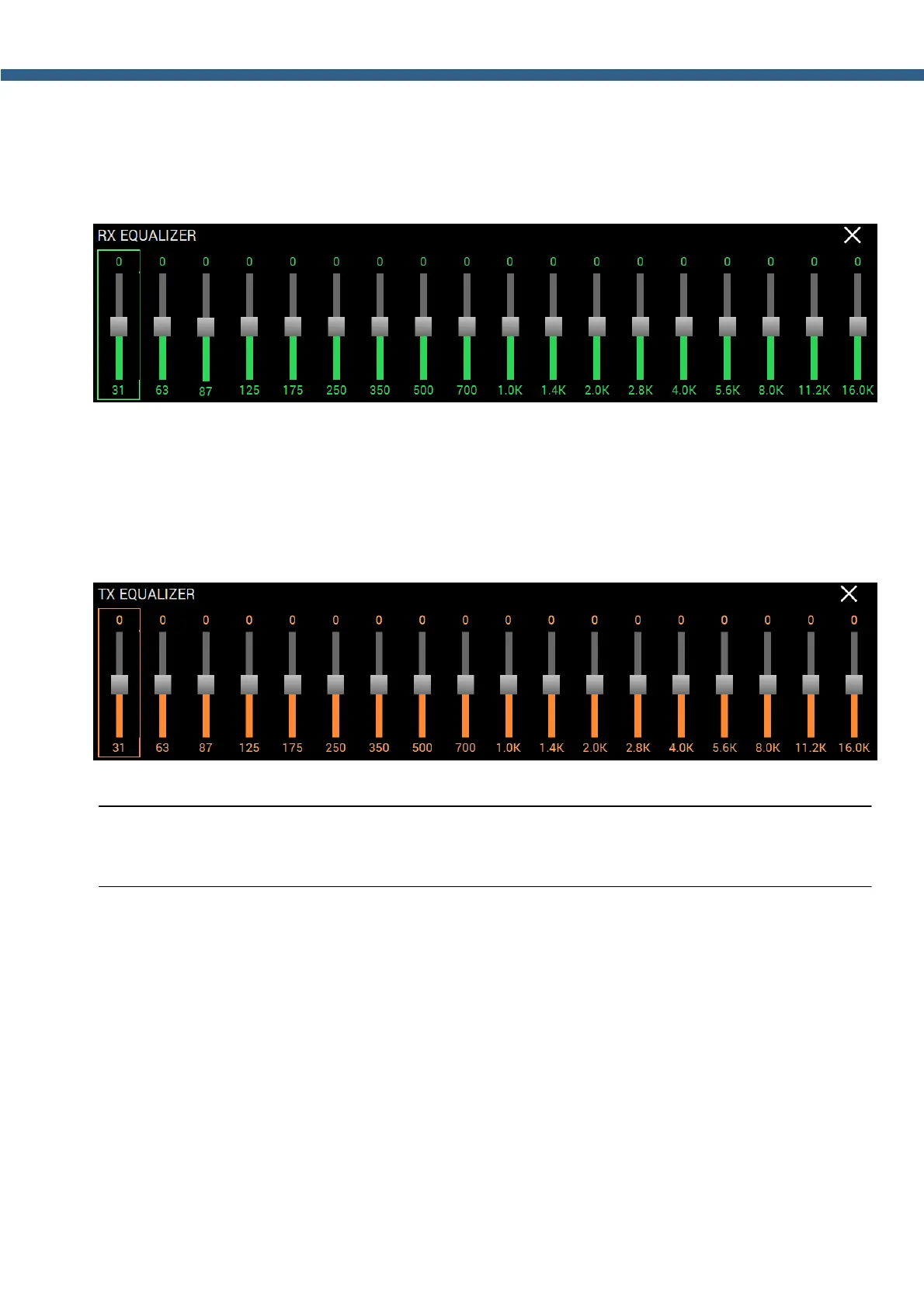
5.2.9 RX EQUALIZER
Press and hold the R.EQ button on the front panel of the transceiver to open/close the local
panel.
Set the required response for each RX equalizer frequency.
5.2.10
TX EQUALIZER
Press and hold the T.EQ button on the front panel of the transceiver to open/close the local
panel.
Set the required response for each TX equalizer frequency.
Note:
(
TX equalizer settings are saved for each microphone separately.



 To Next Page