60
MB1 User Manual
© 2016 Expert Electronics
MAIN SCREEN DESCRIPTION
SHIFT - Repeater shift slider.
Set the frequency shift with the SHIFT slider or enter the required number from the keyboard in
the input box.
CTCSS - CTCSS tone mode button.
Press the CTCSS button to enable the CTCSS tone mode.
RX TONE - CTCSS tone RX frequency slider.
Set the RX tone frequency with the RX TONE slider or enter the required number from the
keyboard in the input box.
TX TONE - CTCSS tone TX frequency slider.
Set the TX tone frequency with the TX TONE slider or enter the required number from the
keyboard in the input box.
RX/TX - CTCSS mode for both RX and TX.
Press the RX/TX button to enable CTCSS tone for both RX and TX.
RX ONLY - CTCSS mode only for RX.
Press the RX ONLY button to enable CTCSS tone for both RX.
TX ONLY - CTCSS mode only for TX.
Press the TX ONLY button to enable CTCSS tone for both TX.
LEVEL - Tone level slider.
Set the CTCSS tone level with the LEVEL slider or enter the required number from the
keyboard in the input box. By default 15%.
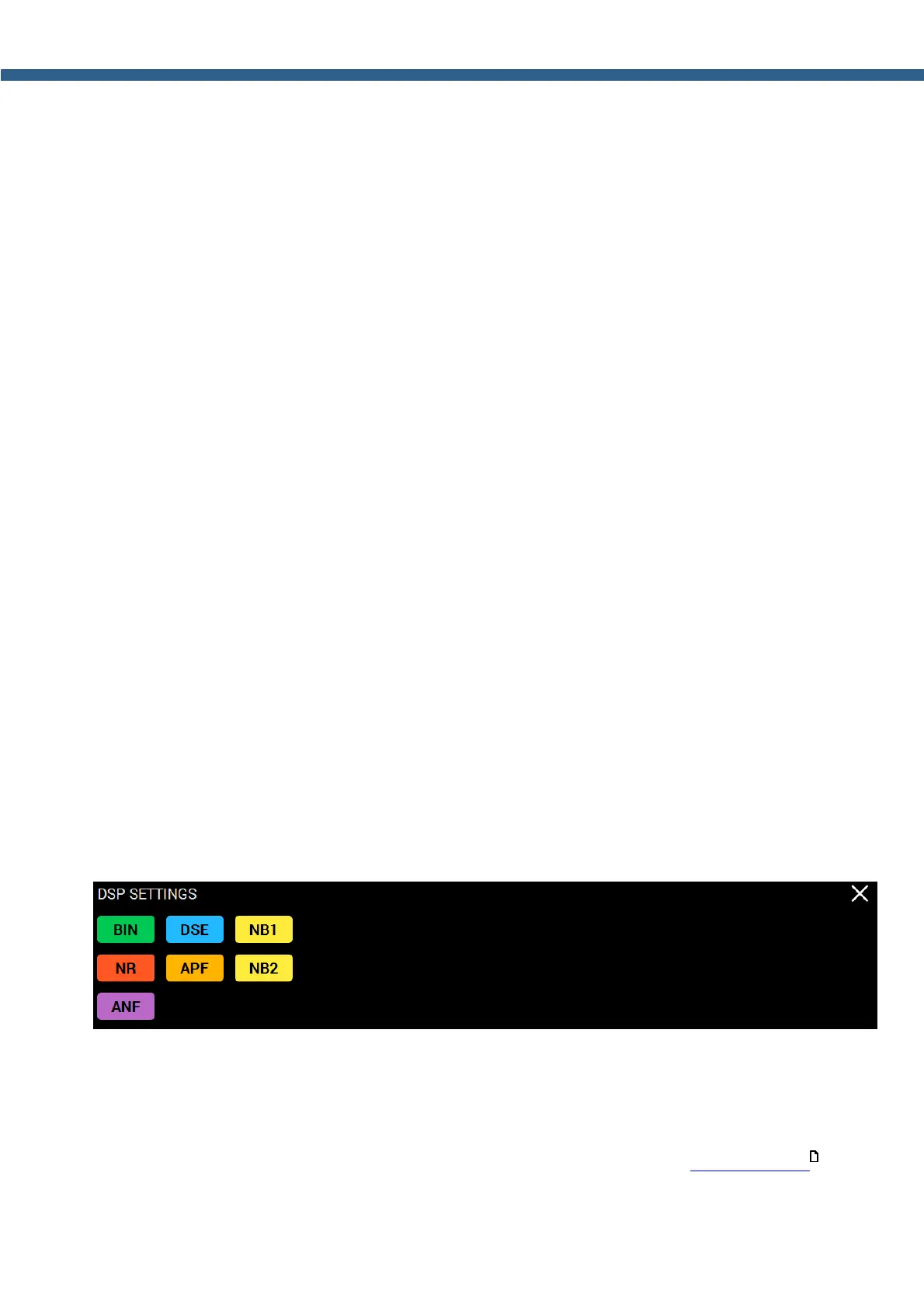
5.2.5 DSP SETTINGS
Press and hold the DSP button on the front panel of the transceiver to open/close the local
panel.
List of buttons on the front panel to open DSP local panel: NR, ANF, TNF, BIN, NB1, NB2.
BIN - Binaural mode button.
Press the BIN button to enable binaural mode. In one of the headphone channels, the signal
will be shifted in phase.
NR - Noise reduction button.
Press the NR button to enable receiver's noise reduction (more details in DSP functions ).
164



 To Next Page