161
MB1 User Manual
© 2016 Expert Electronics
TRANSCEIVER OPERATIONS
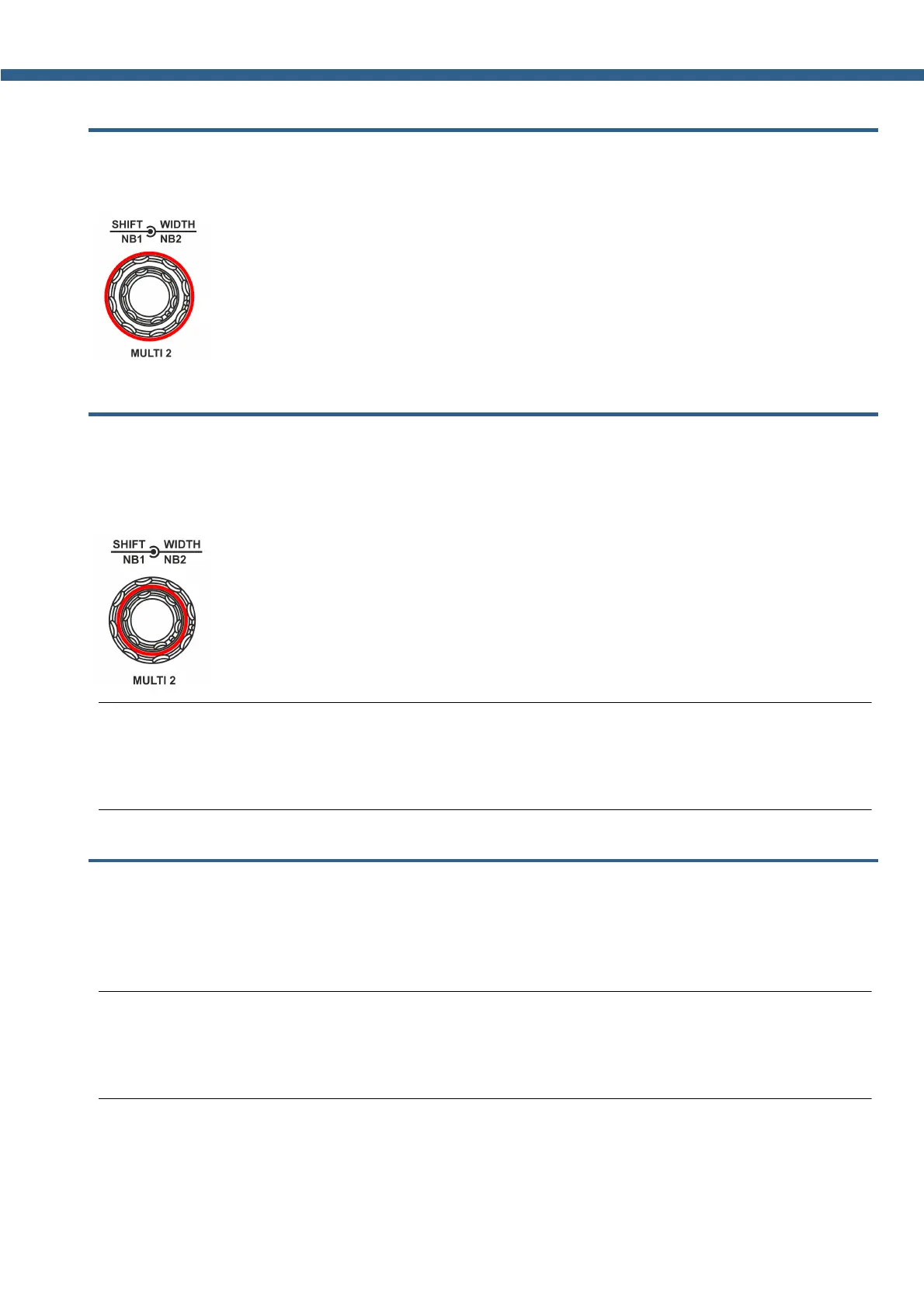
7.15 Changing RX Filter width by knob
Changing the RX Filter width - is carried out with the help of the WIDTH knob.
Rotate the WIDTH button clockwise to widen the filter, counter clockwise to narrow the filter.
7.16 RX Filter Shifting
RX Filter Shifting - is carried out with the help of the SHIFT knob.
Rotate the SHIFT button clockwise to shift the filter right, counter clockwise to shift the filter
left.
Note:
(
At the bottom (on the low frequency) filter width is limited by the tuning frequency and cannot
be shifted or widened beyond the limits.
7.17 Select RX Filter presets
Choosing RX Filter presets - is carried out with the help of the FU and FD buttons.
Press the FU button to select the next in the list, wider receiver's filter.
Press the FD button to select the previous in the list, narrower receiver's filter.
Note:
(
The last in the list - the widest, is the User filter, it can be tuned by your own wish and can vary
in the filter width from the default value.



 To Next Page