149
MB1 User Manual
© 2016 Expert Electronics
TRANSCEIVER OPERATIONS
· Rotating mouse wheel on the digit position of the frequency indicator.
Rollover mouse cursor on the required digit position of the frequency indicator and rotate
mouse wheel forward - digit position value will be increased.
Rollover mouse cursor on the required digit position of the frequency indicator and rotate
mouse wheel backward - digit position value will be decreased.
· Mouse wheel click on the digit position of the frequency indicator.
Rollover mouse cursor on the required digit position of the frequency indicator and click
mouse wheel - lower digit positions will turn 0.
· Synchronous frequency tuning by the click on the Band Scope.
Rollover mouse cursor on the required position on the spectrum scope or waterfall of the
Band Scope, then click with the left mouse button - receiver's filter will move to this position.
7.3 Adjusting the AF gain
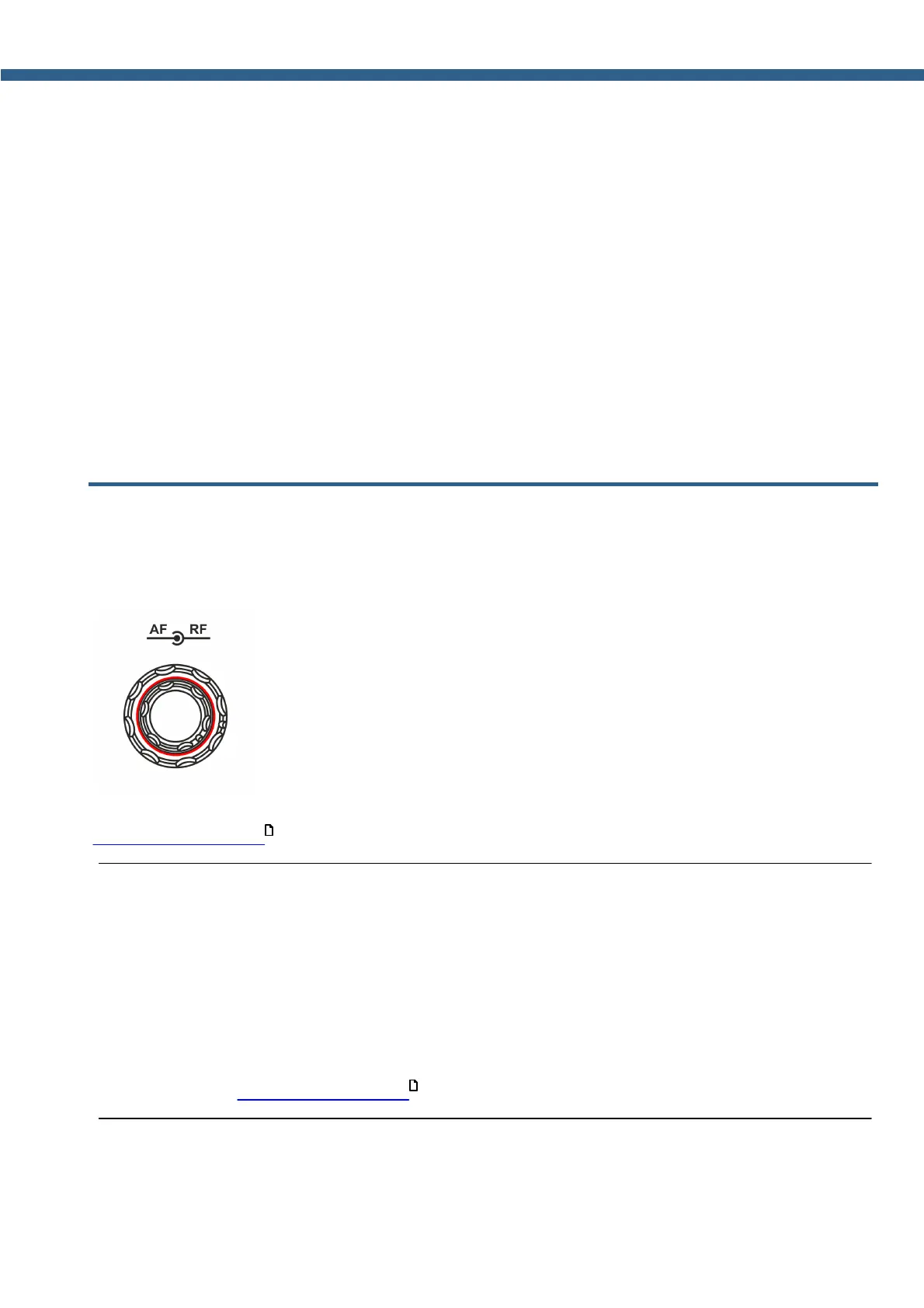
Adjust the overall transceiver volume with the help of the AF knob, on the front panel of the
transceiver (marked with the red circle).
Separate volume adjusting for each VFO is carried out in the MIXER menu (more details in
Audio signals routing ).
Note:
(
Rotate the knob clockwise to increase the volume, counter clockwise to decrease the volume.
(
In some cases volume might equal 0:
CTSS receiver's tone differs from the received signal tone - set the receiver's tone value the
same as the received signal value.
SQL level is higher than the received signal level - lower the SQL trigger threshold.
(
Adjusting the volume with the AF knob does not apply to the volume of the internal PC audio
(more details in Audio signals routing ).
151
151



 To Next Page