150
MB1 User Manual
© 2016 Expert Electronics
TRANSCEIVER OPERATIONS
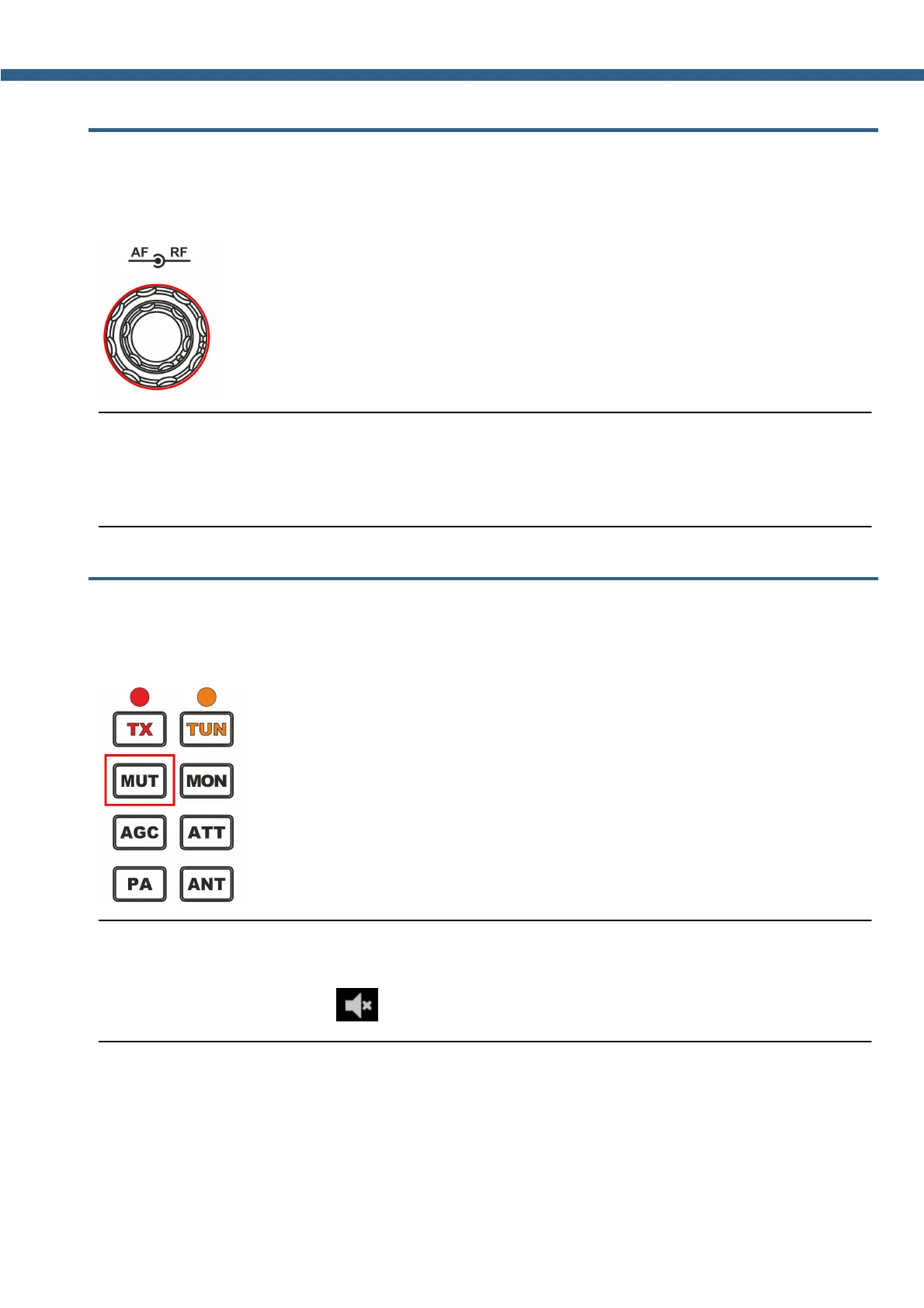
7.4 Adjusting the RF gain
Adjust the AGC gain by rotating the RF knob on the front panel of the transceiver (marked with
the red circle).
Note:
(
Set the max AGC gain level, that the air noise level is at its minimum.
(
When the AGC is OFF , RF knob controls the IF gain.
7.5 Muting the received audio
Mute the transceiver by pressing MUT button (marked with the red rectangle).
Turn on the sound by pressing MUT button again.
Note:
(
Pressing MUT button will turn off only transceiver volume. To turn off internal PC volume use
special button with function



 To Next Page