88
MB1 User Manual
© 2016 Expert Electronics
MAIN SCREEN DESCRIPTION
· Offset top - Offset input box by the top dB level relatively to signals level.
Set the offset in the Offset top box to determine the maximum brightness relatively to the
max signals' levels.
· Offset bottom - Offset input box by the bottom dB level relatively to signals level.
Set the offset in the Offset bottom box to determine the minimum brightness relatively to the
min signals' levels.
· Render mode - Waterfall render mode menu: Rainbow, Monochrome, Custom.
Choose the required color render of the waterfall, depending on your choice or tasks.
· Remove flicker - Checkbox to remove the waterfall flickers.
Set the Remove flicker checkbox to get rid of the texture flickers in the waterfall. Also it
slightly clears the waterfall from air noises.
· Rate - Waterfall movement speed slider.
Set the Rate slider according to the required waterfall movement speed.
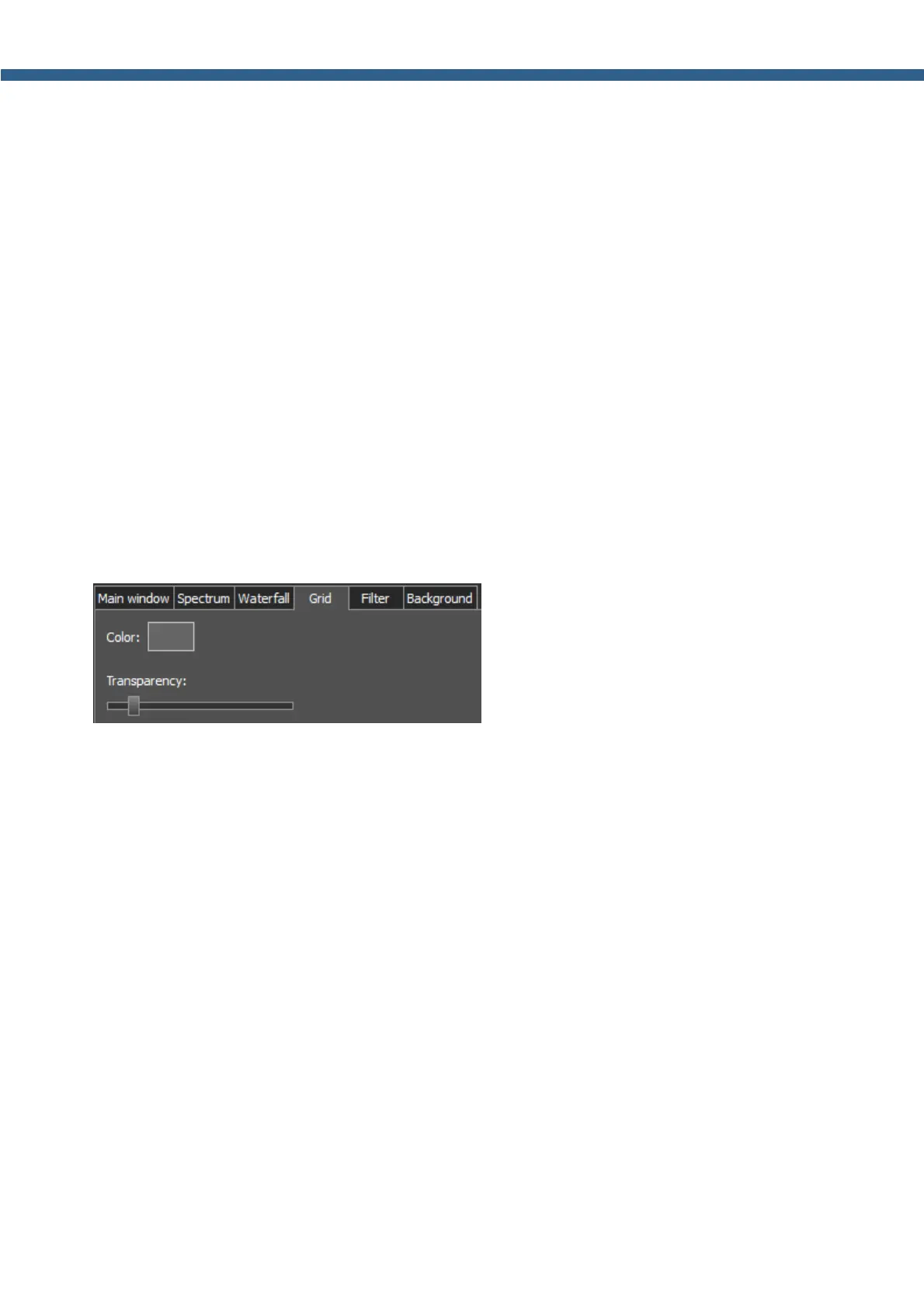
5.3.3.4 Grid
On the Grid tab you can see the spectrum scope grid display settings.
· Color - Color of the the spectrum scope grid.
Choose the required grid color from the palette.
· Transparency - Grid transparency slider.
Set the required grid transparency by moving the slider.



 To Next Page