163
MB1 User Manual
© 2016 Expert Electronics
TRANSCEIVER OPERATIONS
7.19 Squelch level adjusting
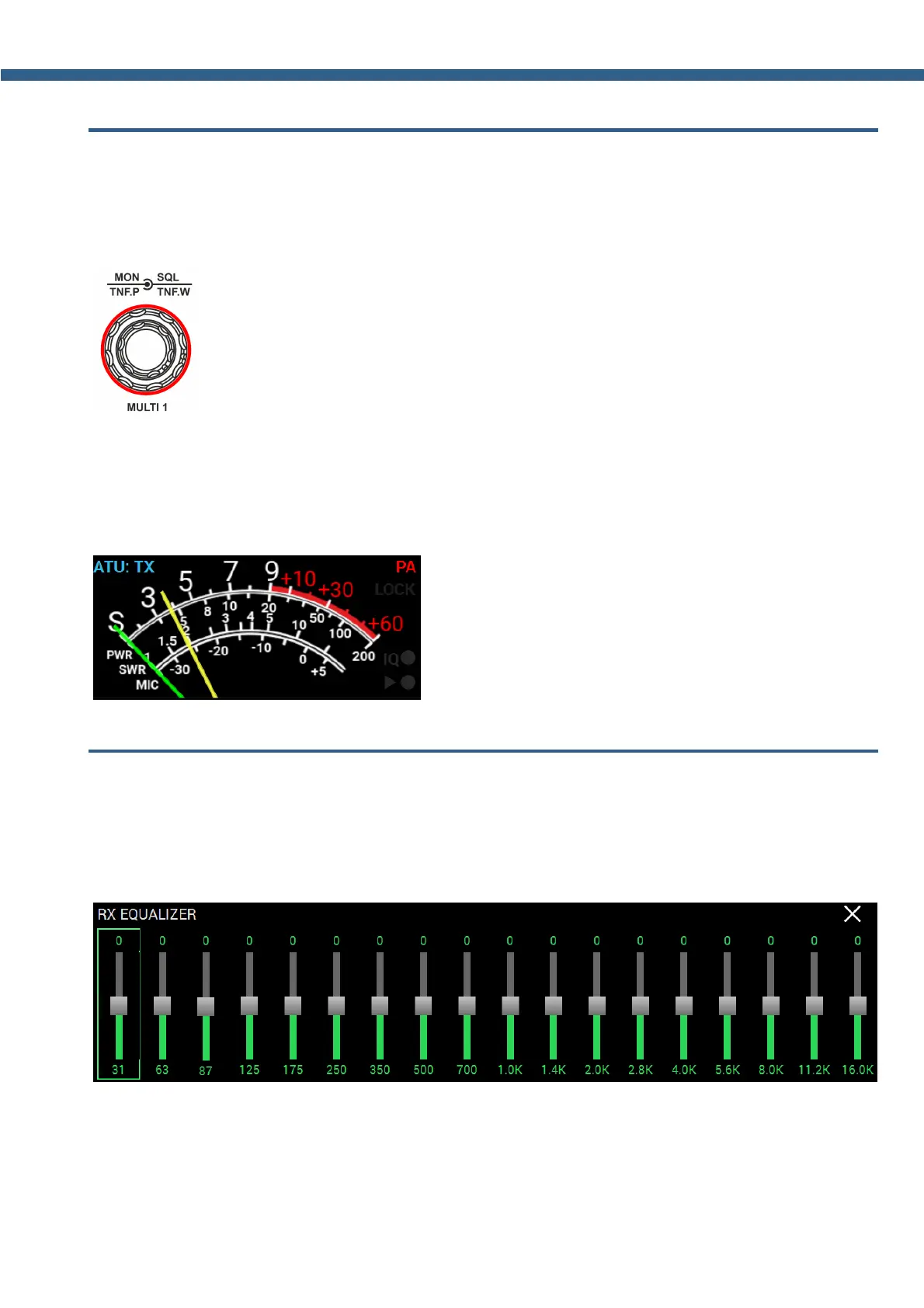
Squelch trigger threshold adjusting - is carried out by rotating the SQL knob on the front
panel of the transceiver.
Rotate the SQL knob to set the required squelch trigger threshold.
SQL threshold level is displayed on the S-meter as the yellow needle. If the air signal - green
needle, surpasses the SQL trigger threshold - yellow needle, then you'll hear the sound of the
received station on the receiver's LF output. If the signal level is lower than the trigger threshold
you'll hear nothing.
7.20 Adjusting RX Equalizer
Adjusting 18-band RX Equalizer - is carried out via the RX Equalizer local panel.
Press and hold the R.EQ button on the front panel of the transceiver to open/close the local
panel.
Set the required response for each RX equalizer frequency.



 To Next Page