113
MB1 User Manual
© 2016 Expert Electronics
MAIN SCREEN DESCRIPTION
5.10.2 Switch off screen saver
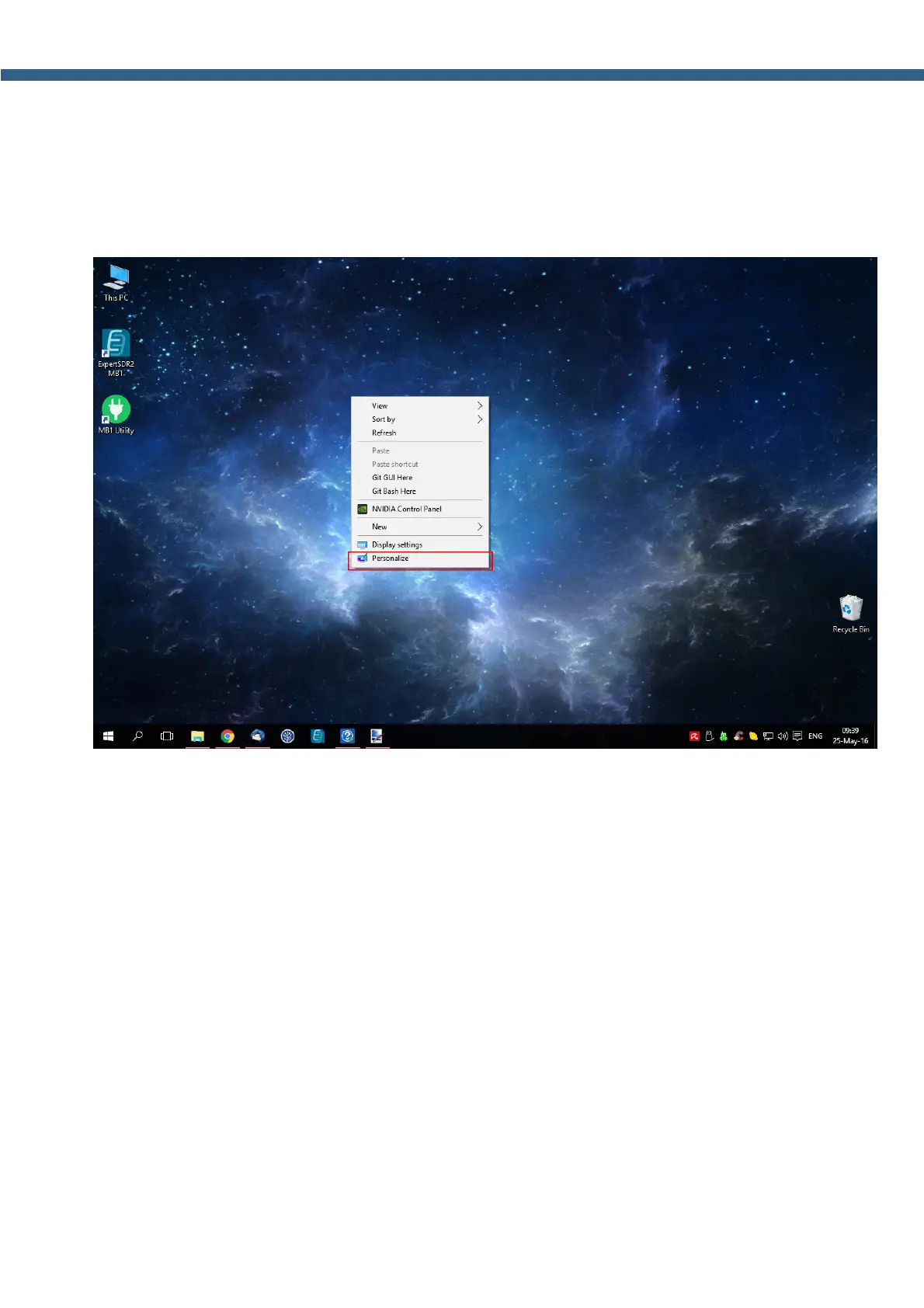
To switch off the screen saver do the following:
1. Click the right mouse button anywhere on the home screen.
2. In the appeared menu select the Personalize section, by the click of the left mouse button
(marked with a red rectangle on the picture below).



 To Next Page