90
MB1 User Manual
© 2016 Expert Electronics
MAIN SCREEN DESCRIPTION
5.3.3.6 Background
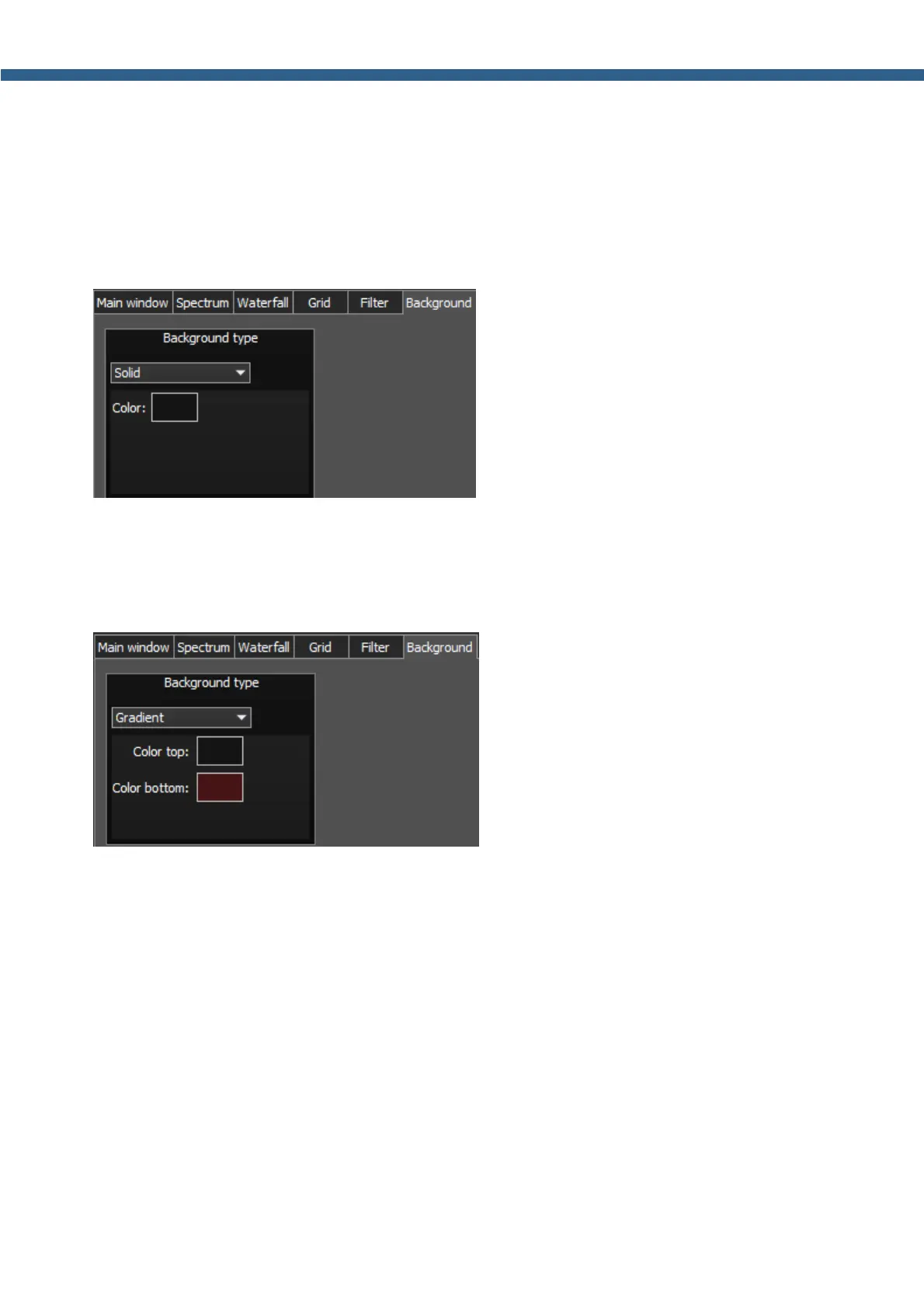
On the Background tab you can see the spectrum scope background settings.
Background type - Spectrum scope background type menu: Solid, Gradient, Image.
Choose in the Background type menu spectrum scope background render type.
In the Solid mode available settings are:
· Color – Background color menu.
Choose the required background color from the palette.
In the Gradient menu available settings are:
· Color top – Top gradient color of the background.
Choose the required top gradient color from the palette.
· Color bottom – Bottom gradient color of the background.
Choose the required bottom gradient color from the palette.



 To Next Page