106
MB1 User Manual
© 2016 Expert Electronics
MAIN SCREEN DESCRIPTION
· - Delete shortcut button.
Press the Delete shortcut button near the shortcut you want to delete.
5.9 MB1 Utility
MB1 Utility is the support program which is constantly active along with the main ExpertSDR2-
MB1 software. It's purpose is to collect system sensor's data and control rerouting of the sound
paths of the audio switch.
MB1 Utility works in a minimized mode in a system trey (right, button corner of the display).
MB1 Utility has the following tabs:
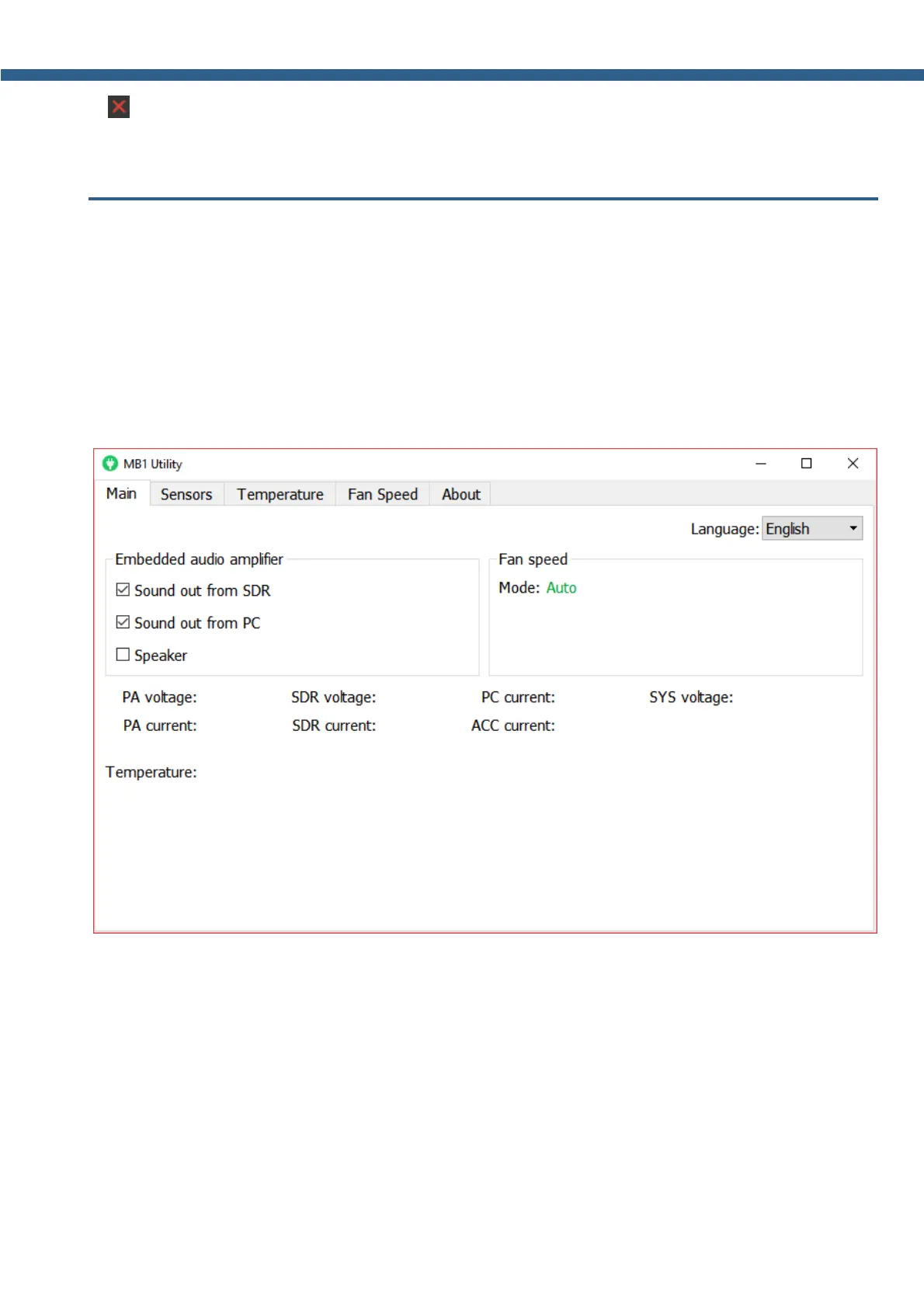
5.9.1 Main
Language - Language menu of the MB1 utility.
Select the required interface language. Two languages are available: Russian and English.
Embedded audio amplifier category:
Sound out from SDR - Sound output from the SDR-module's codec goes in the mixer.
Set the Sound out from SDR checkbox, if you want the sound output from the SDR-module's
codec pass in the mixer, to listen to the received signals via the internal speaker and/or
headphones via the PHONES jack.



 To Next Page