101
MB1 User Manual
© 2016 Expert Electronics
MAIN SCREEN DESCRIPTION
5.5 Features menu
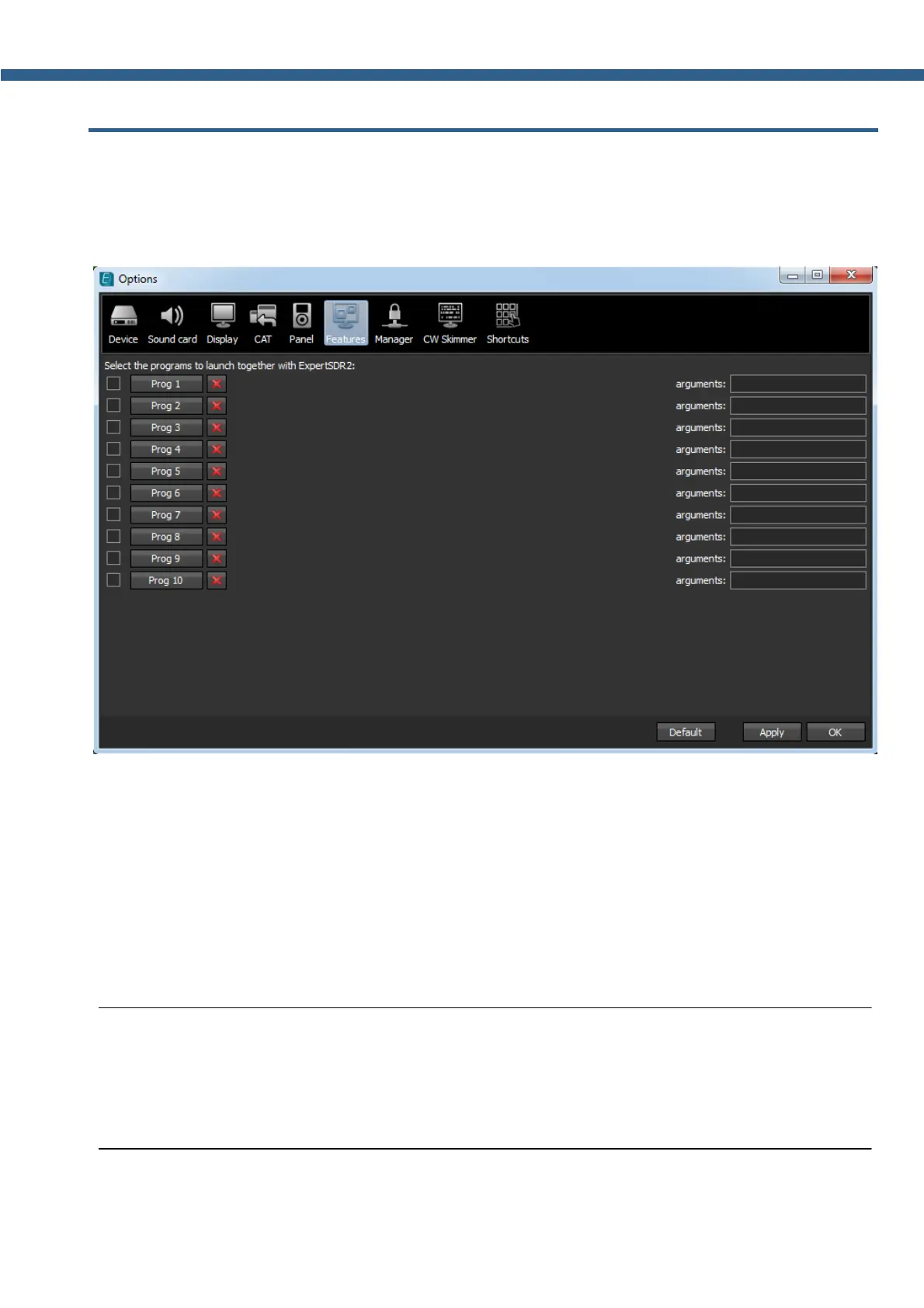
In the Features menu you can see the settings to launch other programs along with the
transceiver software.
This feature allows you to launch required programs by launching the transceiver software.
Enable checkbox - Enable program autorun in the list.
Set the Enable checkbox in front of the corresponding program in the list.
Program 1-10 - program's button.
Press the Prog X button to open the window and select .exe file of the required program.
Delete button - Program delete button.
Press the Delete button if you need to delete a program from the autorun list.
Arguments - Input box to enter the argument after program's launch.
Enter some text message in the arguments input box for the corresponding program.
Note:
(
Arguments allow to the same program to be launched with the different settings files etc.
(
Read the instruction for the certain software you are going to use, in terms of which
arguments are supported.



 To Next Page