100
MB1 User Manual
© 2016 Expert Electronics
MAIN SCREEN DESCRIPTION
· Encoder Led - enable backlit encoder.
· RX1/RX2 menu - switching between RX1 and RX2 receivers, or assign exact E-Coder panel
to your receiver.
· Volume - set the volume change step for one knob's clack.
· Mic Gain - set the Mic gain change step for one knob's clack.
· SQL - set the squelch threshold change step for one knob's clack.
· Filter High - set the filter's high limit change step for one knob's clack.
· Filter Low - set the filter's low limit change step for one knob's clack.
· Filter Width - set the filter's width change step for one knob's clack.
· Filter Shift - set the filter's shift change step for one knob's clack.
· Drive - set the output level power change step for one knob's clack.
· RF Gain - set the RF gain change step for one knob's clack.
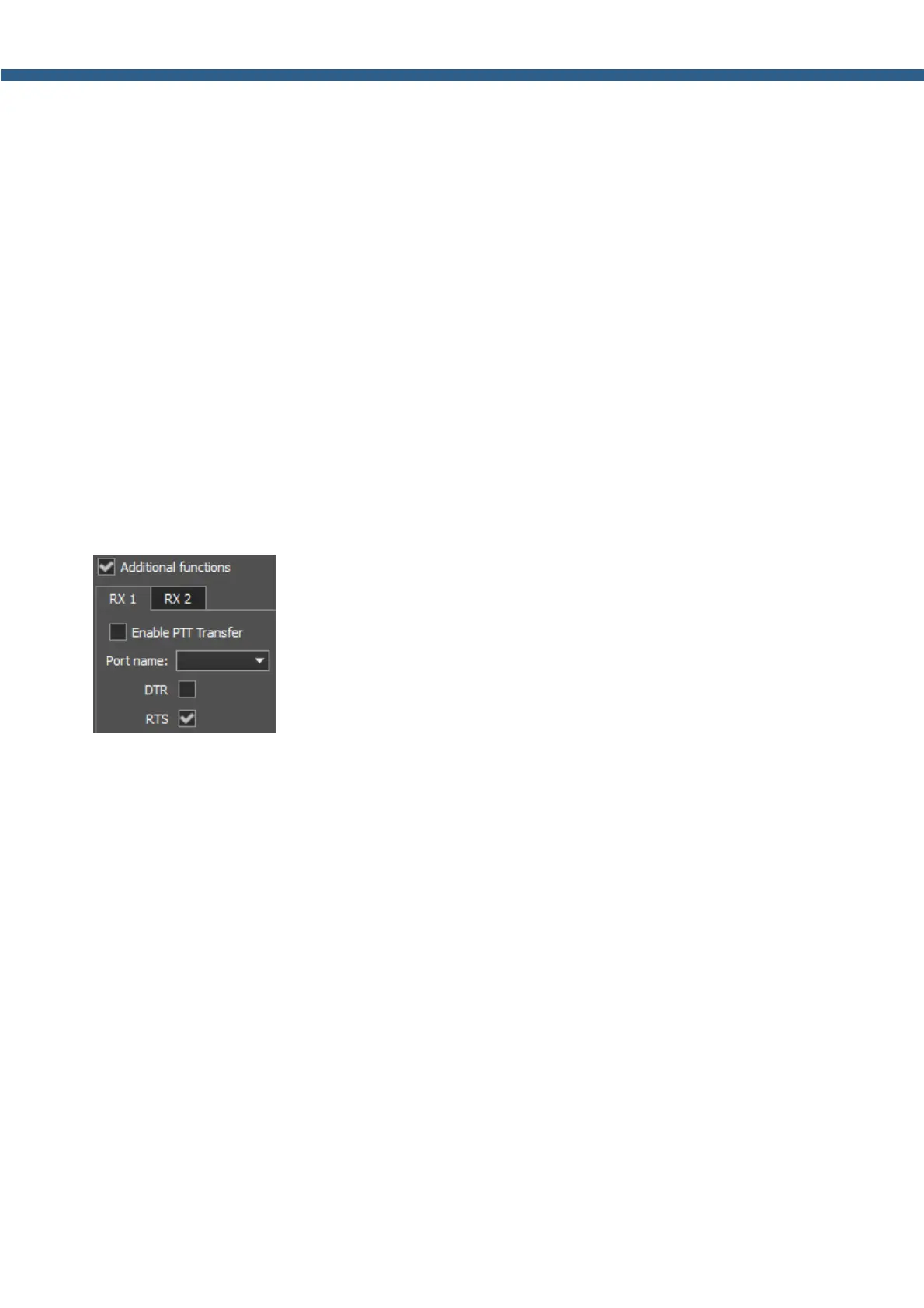
Additional functions - Additional panel settings.
· RX1/RX2 tab - Com-port settings tab for rerouting the PTT signal from the panel to the
COM-port.
Enable PTT Transfer - Rerouting of the PTT signal from the panel to the COM-port.
Set the Enable PTT Transfer checkbox to enable rerouting the PTT signal.
· Port name - COM-port number.
· DTR/RTS - Select the COM-port line, which is used for transferring the PTT commands.
Set one of the DTR/RTS line checkbox to set it as the control line.



 To Next Page