66
MB1 User Manual
© 2016 Expert Electronics
MAIN SCREEN DESCRIPTION
5.3.1 Device menu
There are software functions of the signal processing and hardware settings in the Device
menu.
5.3.1.1
Device settings
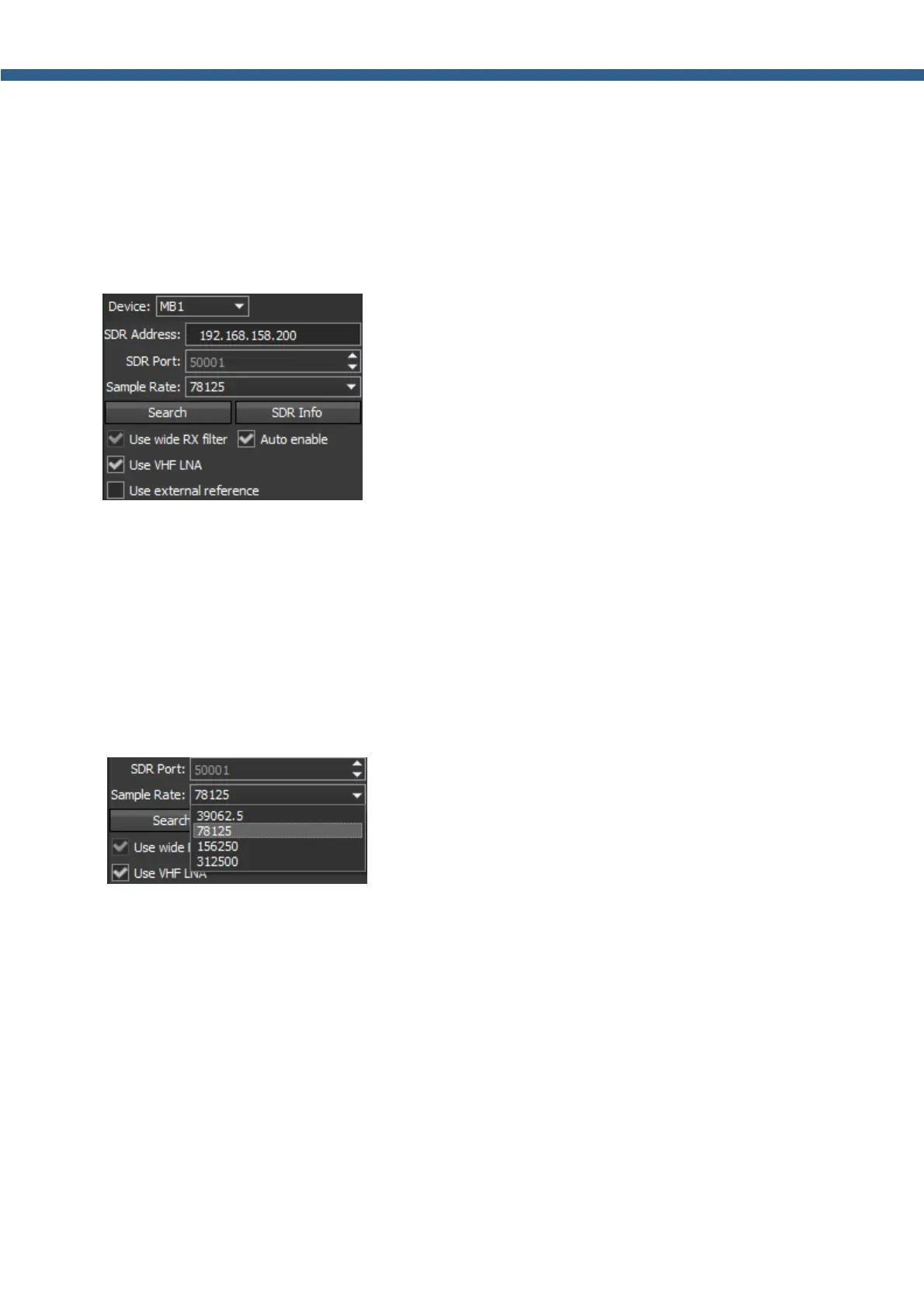
The left part of the Device menu is for the main system functions of communications between
the transceiver's software and hardware.
· Device – Transceiver type menu.
Shows that the ExpertSDR2 software works in the MB1 mode.
· SDR Address – Physical IP-address of the MB1 transceiver, 192.168.158.200 by default.
This setting cannot be changed.
· SDR Port – Port number, which used for the date exchange, 50001 by default.
This setting cannot be changed.
· Sample Rate – IF sample rate, equals the panorama bandwidth.
You can choose one of four panorama bandwidth values.
· Search – Search the device in the local network.
When you press the Search button, software searches for the SDR-transceivers in the
network.
· SDR Info – Button to show you the transceiver serial number, firmware revision, PCB revision
and set options.
You can use this button to test the connection between the software and transceiver. If the
connection is successfully setup - you'll see the transceiver's info, if not - nothing will show up.



 To Next Page