174
MB1 User Manual
© 2016 Expert Electronics
TRANSCEIVER OPERATIONS
7.33 Compression level adjusting
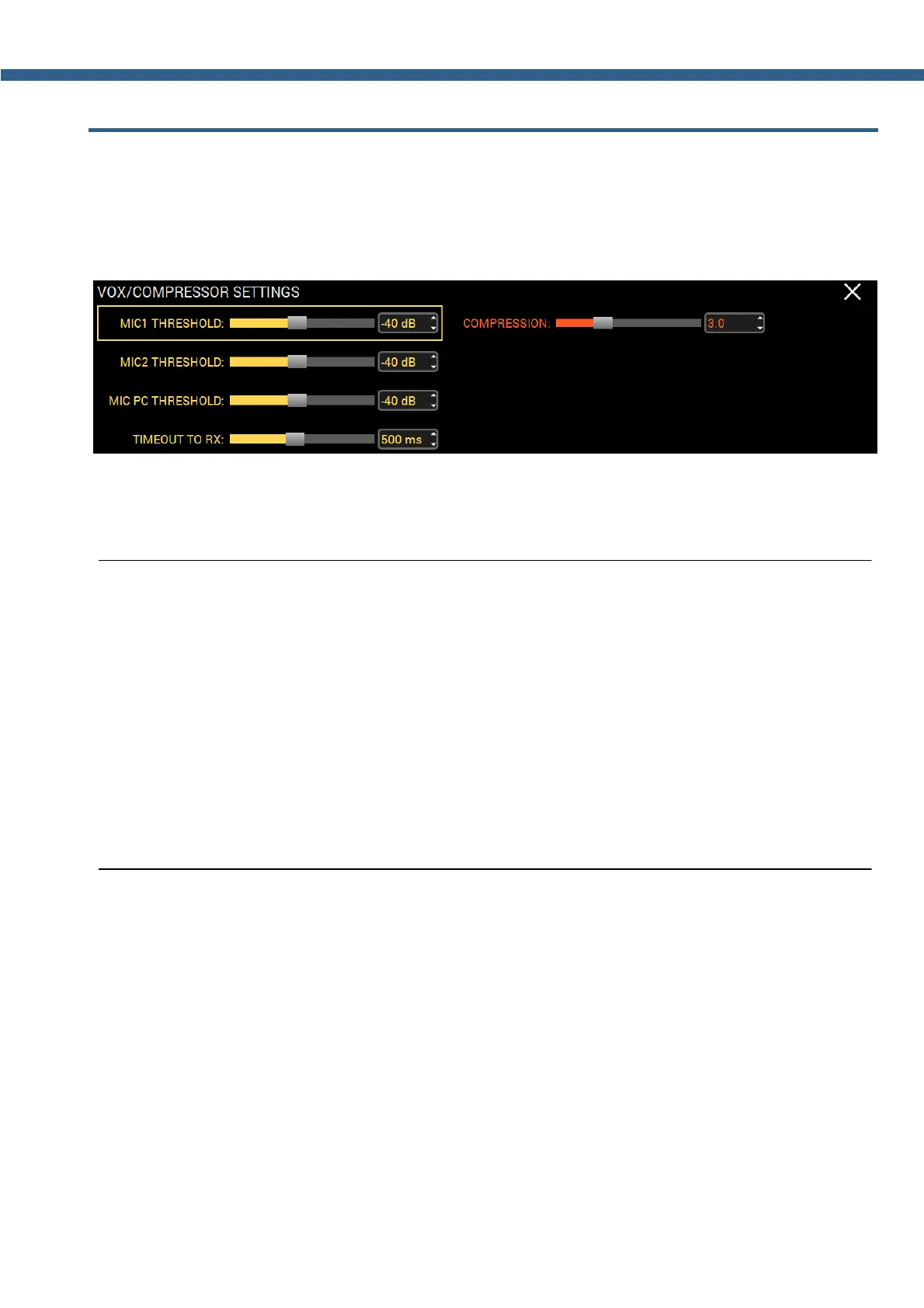
Compression level adjusting is carries out in the VOX/COMPRESSOR local panel.
Press and hold the CMP or VOX button on the front panel of the transceiver to call up the local
panel.
COMPRESSION - Compression of the transmitted signal.
Set the required compression level for the transmitted signal
Note:
(
The higher the compression level the higher the average power of the voice signal.
(
Check the quality of the generated signal for transmission with TX monitoring function!
Excessive COMP level may worsen the signal quality!
(
With disabled compressor pick-factor of the voice signal equals 3. That means average/actual
power of the voice signal will be 3 times less than the pick values of this signal. On practice it is
expressed as slight deviation of the transceiver's power meter needle, approximately on 30W,
with max power output. Compressor purpose is to lower the pick-factor, by increasing the
compression of the signal, thus increasing the average/actual power. Power meter needle will
deviate more.



 To Next Page