53
MB1 User Manual
© 2016 Expert Electronics
MAIN SCREEN DESCRIPTION
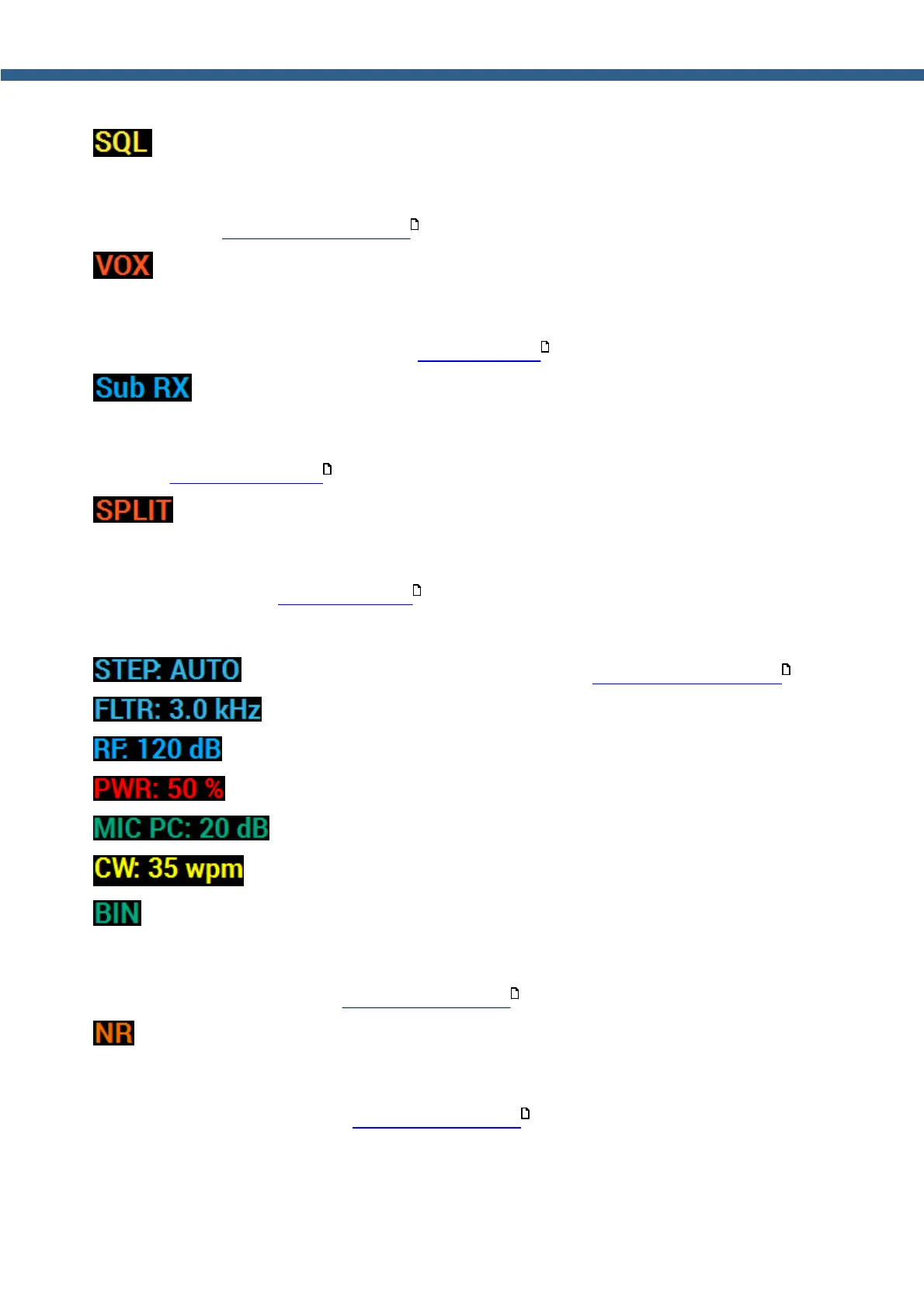
- Receiver squelch indicator/button.
SQL indicator shines with a yellow light if the receiver squelch is enabled. Press this indicator/
button with either the mouse cursor or via touch screen to enable/disable receiver squelch.
(more details in Squelch level adjusting ).
- VOX indicator/button.
VOX indicator shines with an orange light if the Voice-Operated Transmission is enabled. Press
this indicator/button with either the mouse cursor or via touch screen to enable/disable Voice-
Operated Transmission (more details in VOX operation ).
- Sub-receiver indicator/button.
Sub RX indicator shines with a green light if the sub-receiver is enabled. Press this indicator/
button with either the mouse cursor or via touch screen to enable/disable sub-receiver (more
details in Sub-receiver using ).
- SPLIT indicator/button.
SPLIT indicator shines with a red light if the split operation for the transmit frequency is enabled.
Press this indicator/button with either the mouse cursor or via touch screen to enable/disable
SPLIT (more details in SPLIT operation ).
5.1.4 Section 4
- Frequency step indicator (more details in Tuning STEP changing ).
- Filter width indicator.
- Receiver AGC maximum gain.
- Output power level.
- Current MIC and maximum gain indicator.
- Speed of the CW signal being sent.
- Receiver binaural audio indicator/button.
BIN indicator shines with a green light if the receiver binaural audio is enabled. Press this
indicator/button with either the mouse cursor or via touch screen to enable/disable receiver
binaural audio (more details in DSP functions using ).
- Receiver Noise Reduction indicator/button.
NR indicator shines with an orange light if the receiver noise reduction is enabled. Press this
indicator/button with either the mouse cursor or via touch screen to enable/disable receiver
noise reduction (more details in DSP functions using ).
163
175
188
186
166
164
164



 To Next Page