52
MB1 User Manual
© 2016 Expert Electronics
MAIN SCREEN DESCRIPTION
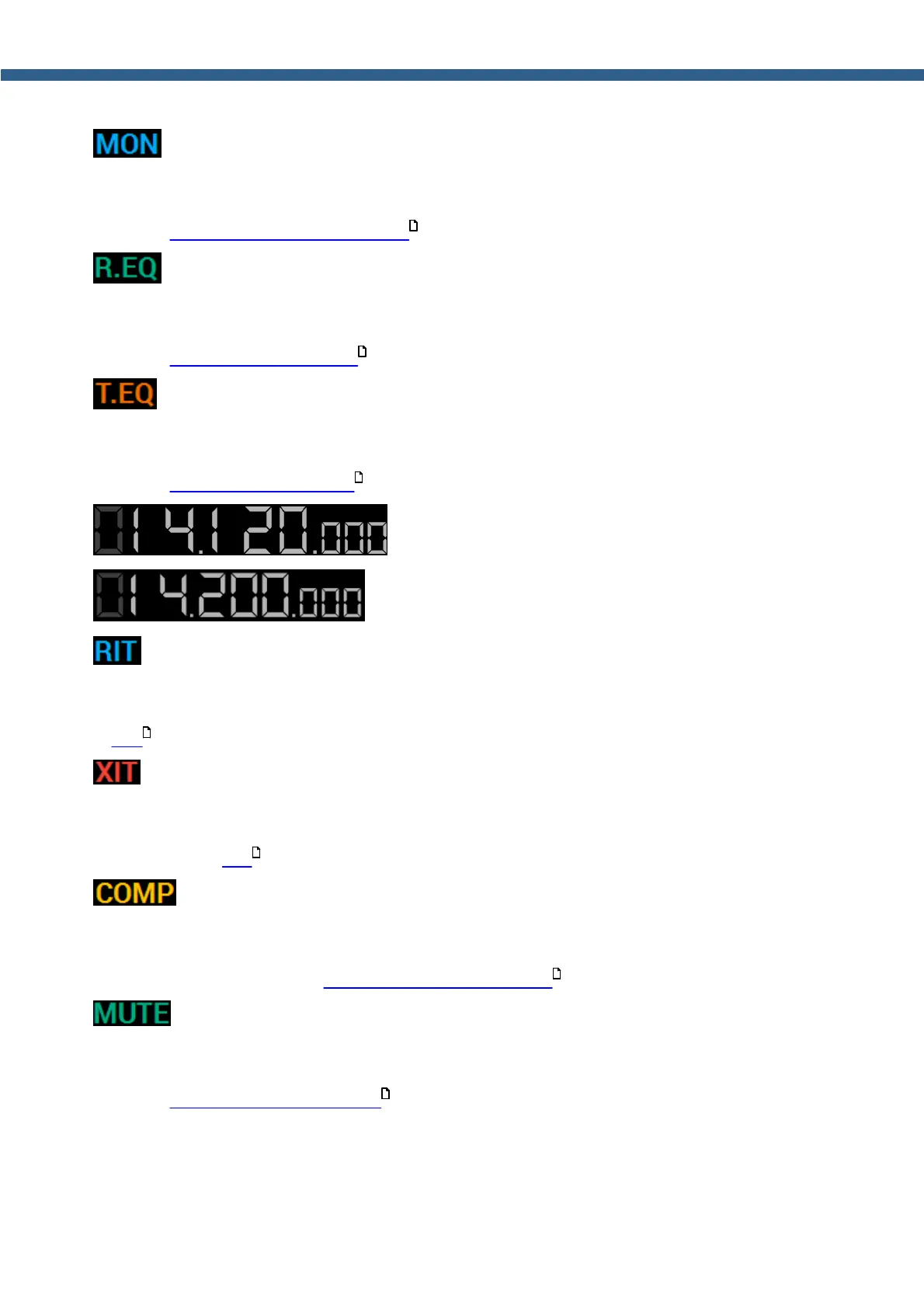
- TX monitor Indicator/menu.
MON indicator shines with a blue light if the monitor is enabled. Press this indicator/button with
either the mouse cursor or via touch screen to enable/disable the monitor in TX mode. (more
details in Adjusting the Monitoring gain ).
- RX equalizer indicator/button.
R.EQ indicator shines with a green light if the RX equalizer is enabled. Press this indicator/
button with either the mouse cursor or via touch screen to enable/disable RX equalizer (more
details in Adjusting RX equalizer ).
- TX equalizer indicator/button.
T.EQ indicator shines with a orange light if the TX equalizer is enabled. Press this indicator/
button with either the mouse cursor or via touch screen to enable/disable TX equalizer (more
details in Adjusting TX equalizer ).
- First VFO A receiver frequency tuning indicator.
- First VFO B receiver frequency tuning indicator.
- RIT indicator/button (Receive Incremental Tuning).
RIT indicator shines with a blue light if the receiver offset is enabled. Press this indicator/button
with either the mouse cursor or via touch screen to enable/disable receiver offset (more details
in RIT ).
- XIT indicator/button (Transmit Incremental Tuning).
XIT indicator shines with an red light if the transmitter offset is enabled. Press this indicator/
button with either the mouse cursor or via touch screen to enable/disable transmitter offset
(more details in XIT ).
- Transmitter compressor indicator/button.
COMP indicator shines with a yellow light if the transmitter compressor is enabled. Press this
indicator/button with either the mouse cursor or via touch screen to enable/disable transmitter
compressor (more details in Compression level adjusting ).
- Mute indicator/button.
MUTE indicator shines with a green light if the receiver volume is disabled. Press this indicator/
button with either the mouse cursor or via touch screen to enable/disable receiver volume (more
details in Muting the received audio ).
175
163
176
189
190
174
150



 To Next Page