160
MB1 User Manual
© 2016 Expert Electronics
TRANSCEIVER OPERATIONS
· If the Sub-receiver or the SPLIT mode is enabled, then for the Fast tuning by the mouse click
between VFO A and VFO B press the mouse wheel on the spectrum scope or waterfall. While
tuning, color of the mouse cursor will match the controlled receiver - color of the mouse cursor
also match the receiver's tuning line.
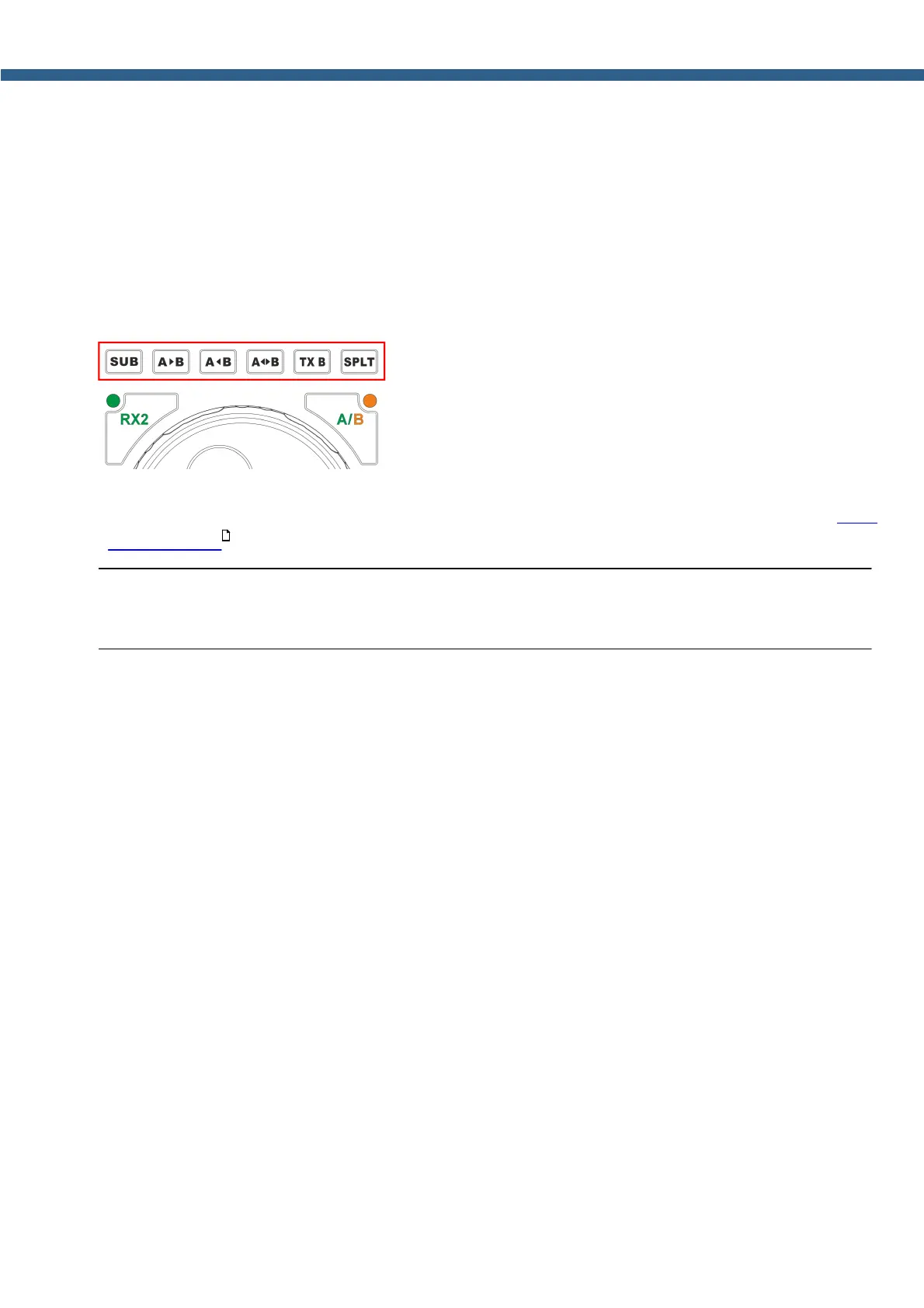
VFOA and VFOB control knobs are placed on the front panel of the transceiver (marked
with the red rectangle).
· SUB - Sub-receiver button.
Press the SUB button to enable the sub-receiver. Controlled via VFO B (more details in Sub-
receiver using ).
Note:
‘
Reception will function in the panorama's bandwidth.
· A>B - Button to assign the frequency from heterodyne VFO A to heterodyne VFO B.
Press A>B button to assign the frequency from heterodyne VFO A to heterodyne VFO B.
· A<B - Button to assign the frequency from heterodyne VFO B to heterodyne VFO A.
Press A>B button to assign the frequency from heterodyne VFO B to heterodyne VFO A.
· A<>B - Button for frequency exchange between VFO A and VFO B.
Press A<>B to exchange the frequency values between VFO A and VFO B.
· TX B - Button to activate Transmission mode in Sub-receiver.
Press TX B button to activate the transmission mode of Sub-receiver.
Press again TX B button to return the transmission mode to heterodyne VFO A.
· SPLIT - Button to enable SPLIT.
Press the SPLIT button to activate reception mode on the separate frequencies.
188



 To Next Page