139
MB1 User Manual
© 2016 Expert Electronics
MAIN SCREEN DESCRIPTION
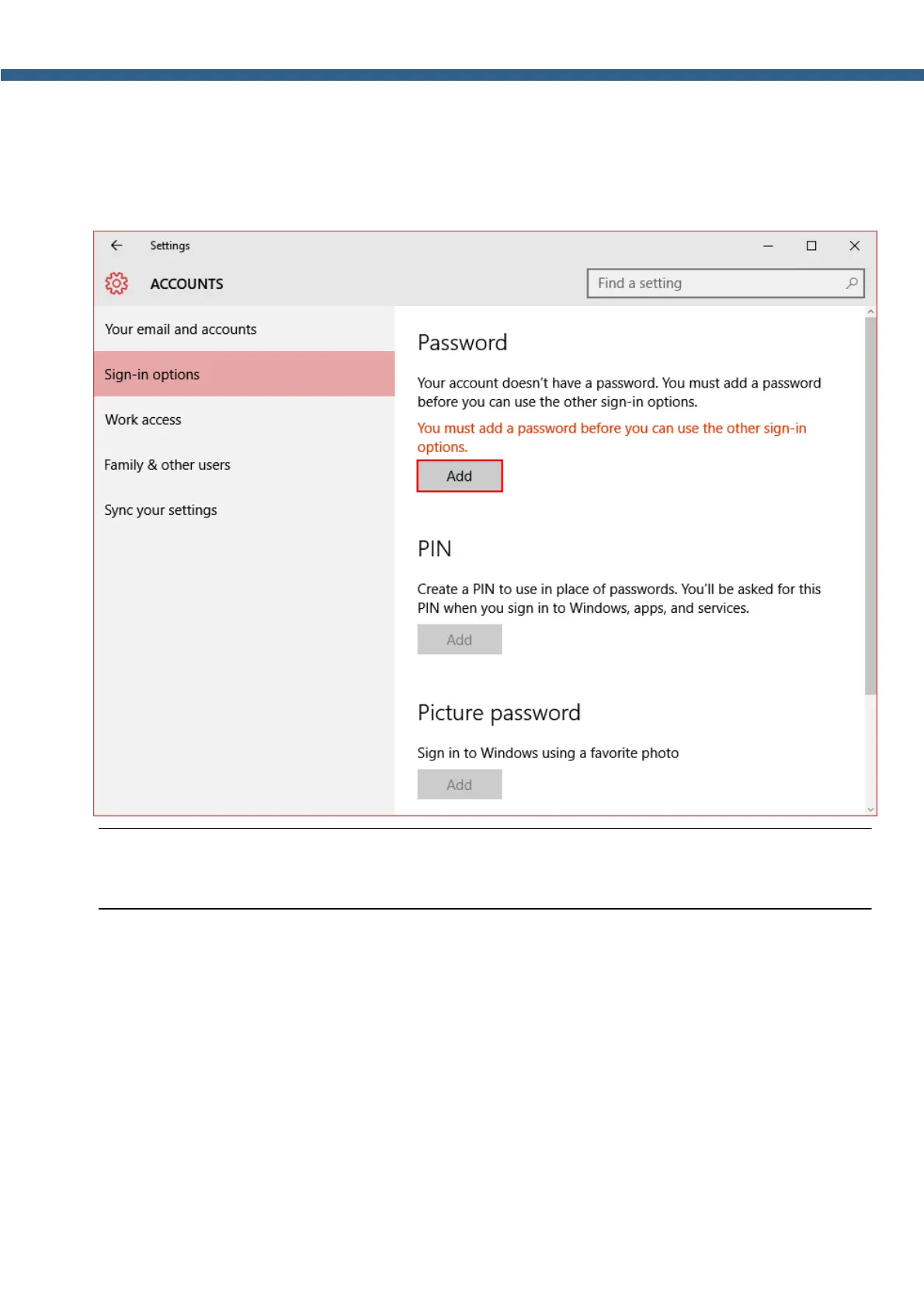
2. In the Accounts window select Sign-in options menu.
3. In the Require sign-in drop-down menu, in case you are absent for a while, select Never.
Press the Add button and follow the instructions.
Note:
(
Now Windows will require the password each time you launch the transceiver.



 To Next Page