143
MB1 User Manual
© 2016 Expert Electronics
MAIN SCREEN DESCRIPTION
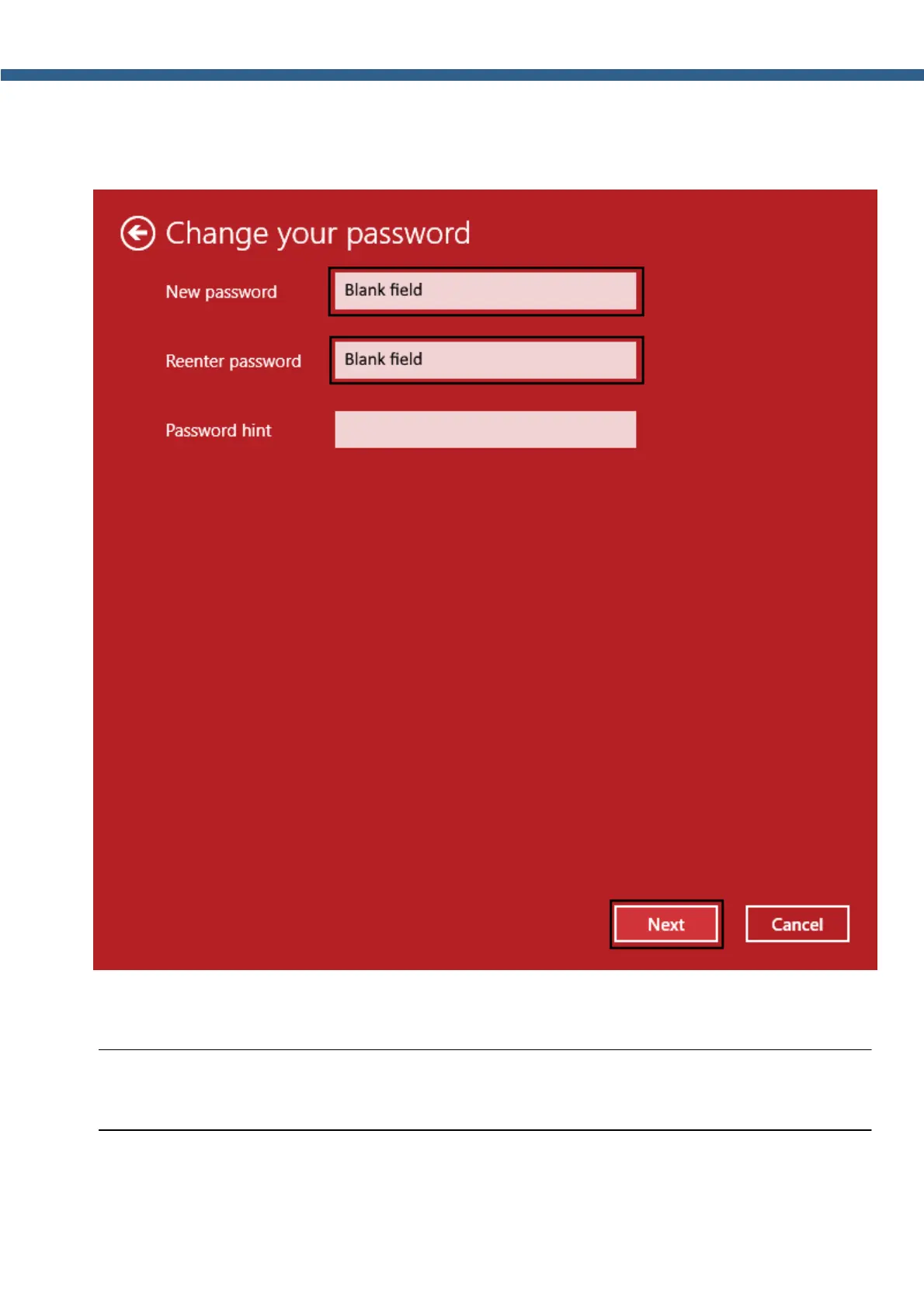
6. In the next Change your password window left New password and Reenter password
fields blank, press the Next button, the window will be closed automatically.
7. Close the Accounts window.
Note:
(
Now Windows will not require the password each time you launch the transceiver.



 To Next Page