FT-111, User Manual Rev. 2.0.0, June 2022 Page 28 of 137
5 FT-111 FUNCTIONS
5.1 BASIC FUNCTIONS
Switching on
The instrument will be switched on after pressing the power on / off key. FT-111 will start weighing operation
after announcing the name and software version, load date and display testing.
Switching off
The instrument will be switched off after pressing the power on / off key for more than 2 seconds. [ - OFF - ]
message appears short time on the display before power off.
Zeroing
Zeroing corrects the drifts of the unloaded scale from the zero point.
1. Unload the scale.
2. Press key.
3. Centre of zero symbol appears on the display.
4. Check the centre of zero symbol on the left of the display. If it does not appear, press the key
once more for correct zeroing.
Zeroing is available in the limited range by zeroing parameter 514, page 62.
Automatic zero-point correction
Zero point is corrected automatically for minor deviations if the change is within the range of limited zeroing
range value. Disable this correction at the applications like tank weighing, batching, filling etc. against wrong
zeroing at feeding. Refer to Automatic Zero Tracking parameter 515, page 62.
Automatic zero-point correction range is limited together with zeroing range above.
Automatic zeroing at power on
Zero point is corrected automatically at power on the instrument to compensate zero drifts of the scale if the
scale is always power on when unloaded. This feature should be disabled for tank, silo, hopper scales etc.
Power on zero has a limited range and the instrument announces [ POWER ON ZERO ERR ] error prompt in
case of out of range.
Press key to start indication without zeroing and call service. If the range is 2%LK, the residual drift
cannot be displayed. Refer to Power on Zero parameter 513., page 61.
Basic weighing
1. Zeroing the unloaded scale.
2. Place weighing item on the scale.
3. Wait until the motion monitor disappears.
4. Read the weighing result.
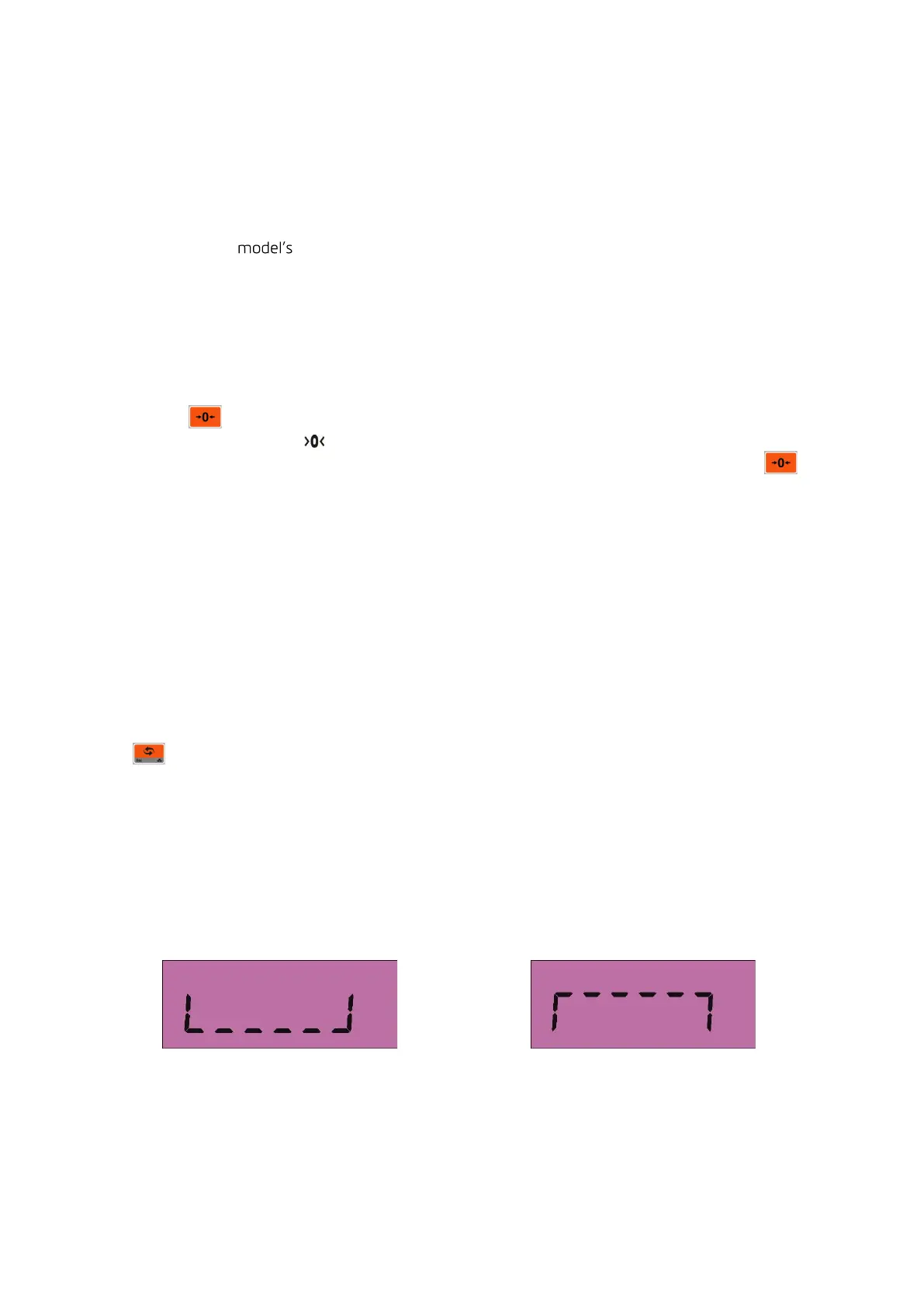
If the loading is out of the indication range the prompts below are displayed.
Under of negative indication limit Over than positive indication limit



 To Next Page