FT-111, User Manual Rev. 2.0.0, June 2022 Page 31 of 137
Time adjustment
1. Enter the programming and go to parameter 253, page 57.
2. Press key to enter the parameter.
3. Press key to increase or press key to decrease the blanking digit and press key to
select digit.
4. Press key to confirm.
5. Press key until [ SAVE : YES ] prompt seen.
6. Press key to save or press
Tilt switch
Tilt switch is used to prevent wrong weighing in case of over tilting of platform. Connect tilt switch to the
Input 4 of the instrument and enable tilt switch by setting the parameter 51A.
[ DUE TO TILTING ] [ ------ ] prompt is displayed in case of over tilting.
User Language
RELATED PARAMETERS: Parameter 236.
You may set the operation and printout language of the instrument. The available languages are English,
German, French, Italian, Spanish and Turkish.
Language selection
1. Enter the programming and go to parameter 236, page 57.
2. Press keys to select language and press key to confirm.
3. Press key until [ SAVE : YES ] prompt seen.
4. Press key to save or press
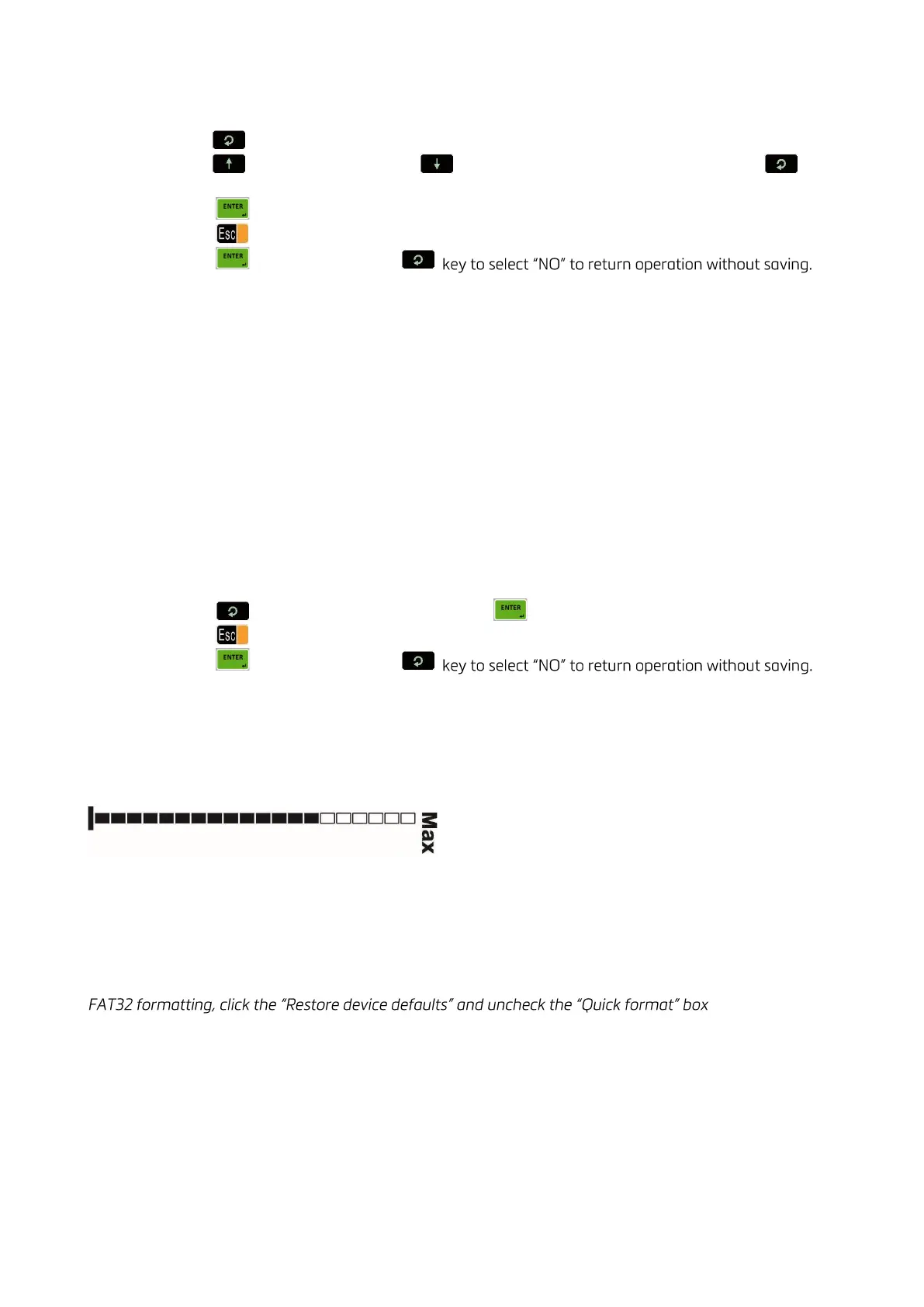
Bar graph to display the capacity usage
The Bar graph, which is located on the right side of the display, is used for the graphical visualization of the
measured value. It changes according to the Gross weight even the scale is displaying in Net. The usage of
the scale capacity and the available range are seen on the bar graph. In the example below 70% of the
capacity is used and 30% is available.
5.3 BACKUP AND RESTORE (WITH SD CARD)
RELATED PARAMETERS: Sub-block 96
IMPORTANT NOTE: To back up FT-111 , use an SD card with 16Gb maximum and formatted as FAT32. For
on the PC.
Set-up and calibration data of the FT-111 can be copied to an SD card to back up the instrument. After
restoring this data to the instrument, you may go on operation without entering any data.
During the backup operation, setup (parameter groups 1,2 and 3) and calibration (parameter group 5)
parameters are copied into the SD card.
There are three choices for restoring: Restoring all the data, only setup data, or only calibration data.
Restoring the calibration data, the previous one gets lost. This feature is commonly used for loading set-up,
calibration data to the new FT-111. The scale can be recalibrated after restoring the data if need be.



 To Next Page