FT-111, User Manual Rev. 2.0.0, June 2022 Page 46 of 137
[1-- INTERFACE] Interface Block
INTERFACE MAIN BLOCK
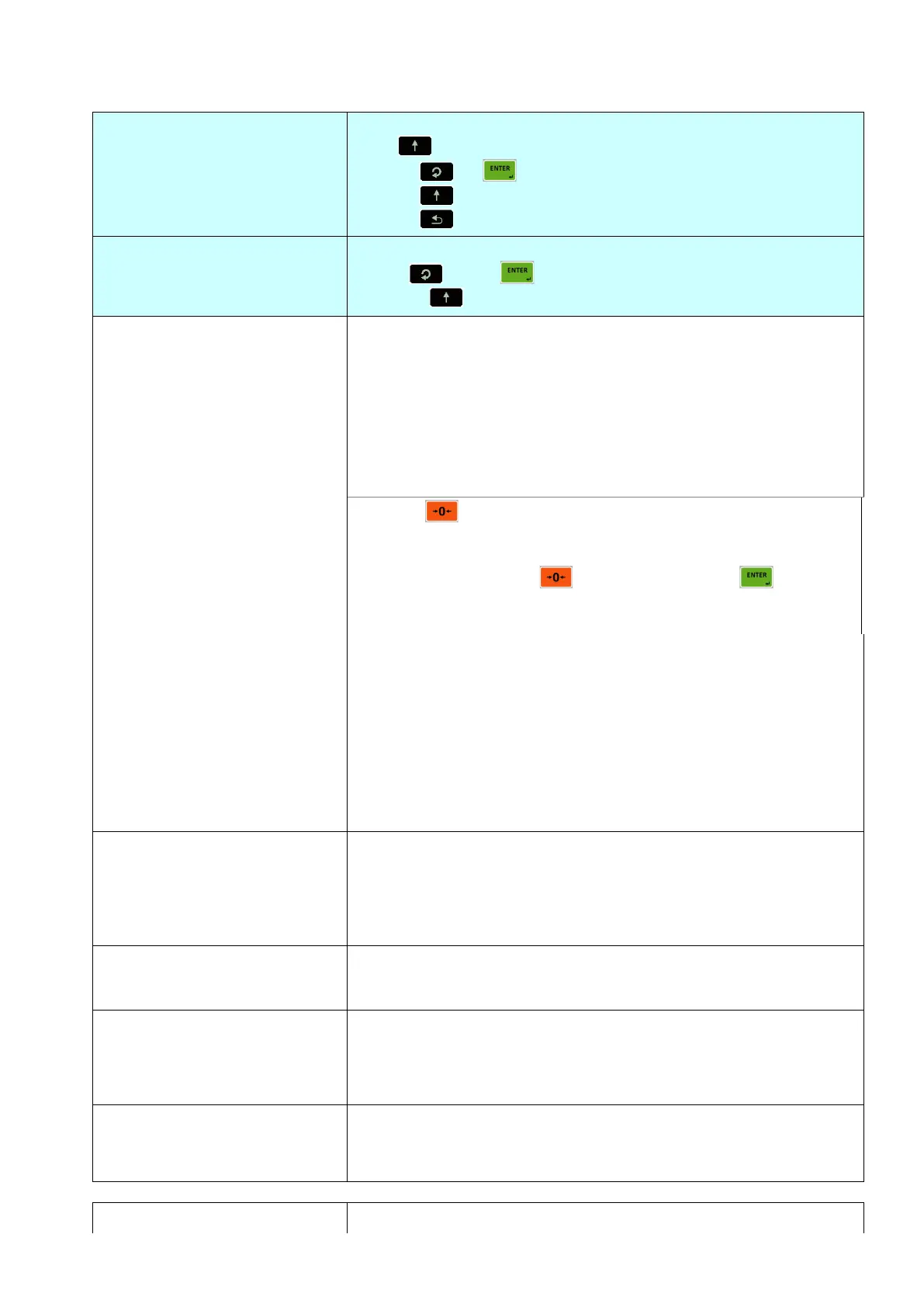
Press key sequentially to access this main block,
or press or key to enter configuration parameters,
or press key to go to the next block,
or press key to exit from programming.
1st RS 232C SERIAL PORT
Press key or key again to enter this menu.
Or press key to go to the next sub-block.
Data format of the serial port
NO
CONT
FAST
PRNT
BSI
MBHL
MBLH
Port is disabled
Continuous data output
High speed continuous data output
Printout
BSI format for PC, PLC interface
Modbus RTU High-Low format
Modbus RTU Low-High format
Press key to select output format different than
Flintec´scontinuous data format while the selection is CONT in the
information display. Available functions are seen on the weight
display after pressing key sequentially. Press key after
selecting the data format.
Refe Refer to Continuous Data Formats, page 88 for details
FLINTEC
HBM
TOLEDO
SYSTEC
SMA
BASTER
RINSTR
AVERY
SARTOR
LM2
LLINE2
Flintec continuous format.
Commonly used by HBM, GSE, PT, Systec, Rinstrum.
Commonly used by Toledo, Mettler Toledo.
Commonly used by Systec.
Commonly used by USA producers, Cardinal, Rice Lake etc.
Commonly used by Baster.
Commonly used by PT, Rinstrum, HBM, GSE.
Commonly used by Avery E1205.
Commonly used by Sartorious.
Flintec LM2 (par.000=6 )
Commonly used by Tunaylar.
1200 19K2 : 19200
2400 38K4 : 38400
4800 57K6 : 57600
9600
No parity
Odd parity
Even parity
Checksum at continuous and BSI formats.
Checksum disable
Checksum enable
Carriage return at continuous formats.



 To Next Page