EasyManua.ls Logo

Flintec FT-111 - [3- APPLICATION] Application Block

Flintec FT-111
137 pages
Print Icon
To Next Page IconTo Next Page
To Previous Page IconTo Previous Page
Loading...
FT-111, User Manual Rev. 2.0.0, June 2022 Page 58 of 137
[3-- APPLICATION] Application Block
[
3--
APPLICATION
]
APPLICATION RELATED PARAMETERS MAIN BLOCK
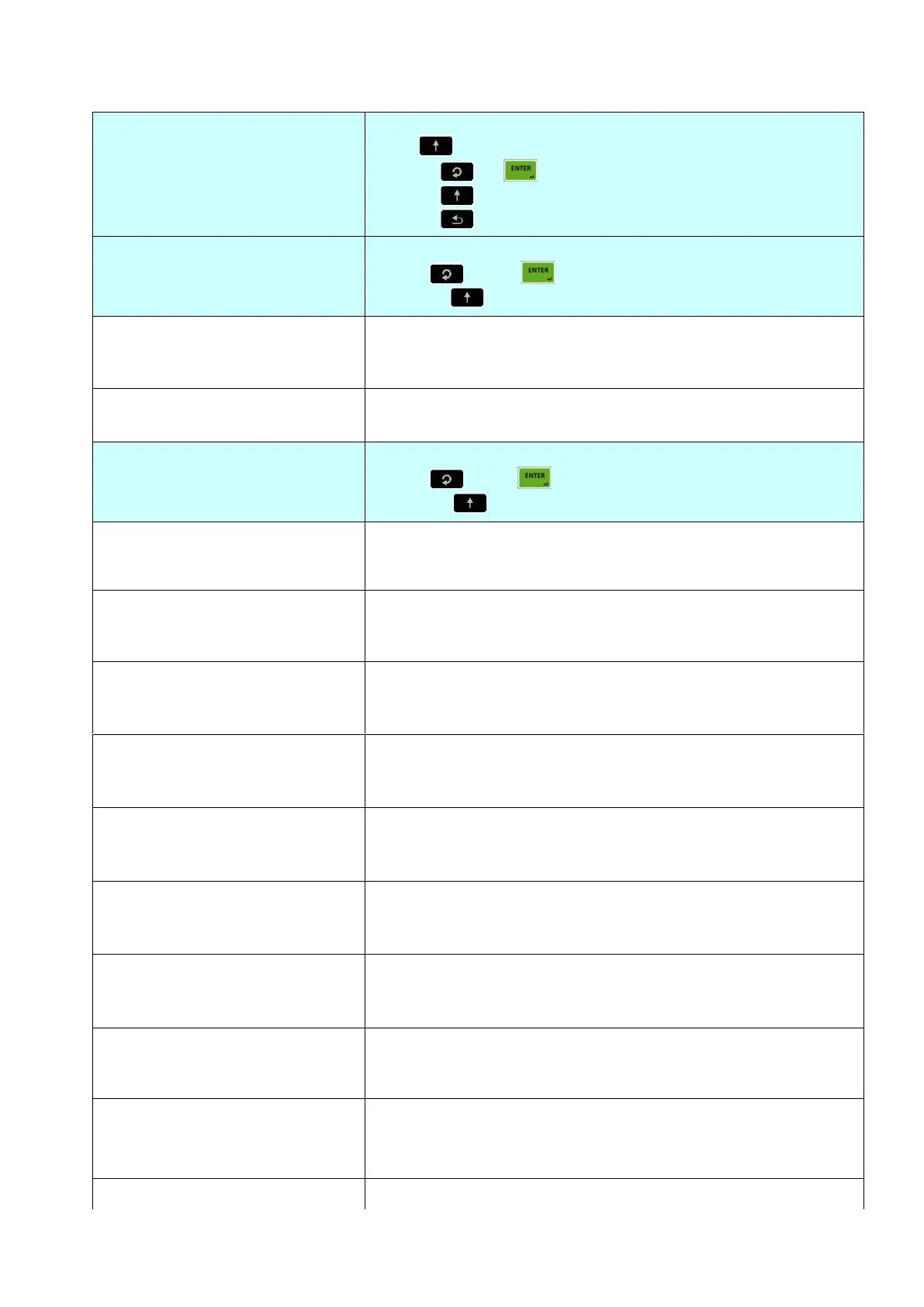
Press key sequentially to access this main block,
or press or key to enter configuration parameters,
or press key to go to the next block,
or press key to exit from programming.
[
33-
AVERAGE FILT
]
WEIGHING OF UNSTABLE LOADS
Press key or key again to enter this menu.
Or press key to go to the next sub-block.
[
331
OPERATE
:
NO
]
Operation type
Page 29
NO
YES
:
:
Disable
Continuous dynamic weighing.
[
332
FILTER
:
3.0
]
Dynamic filtering time
X.X seconds.
[
34-
KEY LOCK
]
KEY LOCK
Press key or key again to enter this menu.
Or press key to go to the next sub-block.
[
341
ON/OFF
:
USE
]
ON/ OFF key locking
USE
LOCK
:
:
Not locked
Locked
[
342
DATE
:
USE
]
Date&Time key locking
USE
LOCK
:
:
Not locked
Locked
[
343
G/N
:
USE
]
Gross/Net key locking
USE
LOCK
:
:
Not locked
Locked
[
344
SP
:
USE
]
Set point key locking
USE
LOCK
:
:
Not locked
Locked
[
345
PRINT
:
USE
]
Print out key locking
USE
LOCK
:
:
Not locked
Locked
[
346
UNIT
:
USE
]
Unit change key locking
USE
LOCK
:
:
Not locked
Locked
[
347
HIGHRE
:
USE
]
High resolution key locking
USE
LOCK
:
:
Not locked
Locked
[
348
TARE
:
USE
]
Tare key locking
USE
LOCK
:
:
Not locked
Locked
[
349
CLEAR
:
USE
]
Clear key locking
USE
LOCK
:
:
Not locked
Locked
[
34A
ZEROING
:
USE
]
Zeroing key locking

Table of Contents

Related product manuals