FT-111, User Manual Rev. 2.0.0, June 2022 Page 81 of 137
11.4 BSI PROTOCOL TO INTERFACE WITH PC AND PLC
New generation FLINTEC weighing terminals launched on the market support the standardized command set
BSI (Flintec Serial Interface) data form, depending on the functionality of the instrument. This easy data
format gives the reliable and speedy interface advantages with communicating PLC or PC for process control
or transactional applications. FT-111 has BSI-Base commend set as described in this section.
General Rules:
Commands are only in CAPITAL.
CHK (2 ASCII char) can be enabled or disabled from both command and response.
Weight data and set point values are 8-byte with dot and non-significant zeros on the left.
Address (2 ASCII char) will be located in the structure, if not 00.
Command format:
A general description of the command is as follows
[ADR][COMMAND][CHK][CR][LF]
Response format with weight:
A general description of the response is as follows
[ADR][COMMAND][STATUS][SIGN][WEIGHT][CHK][CR][LF]
Response format without weight:
[ADR][COMMAND][STATUS][CHK][CR][LF]
Note: CHK, CR and LF will not be shown in below data format descriptions in this section.
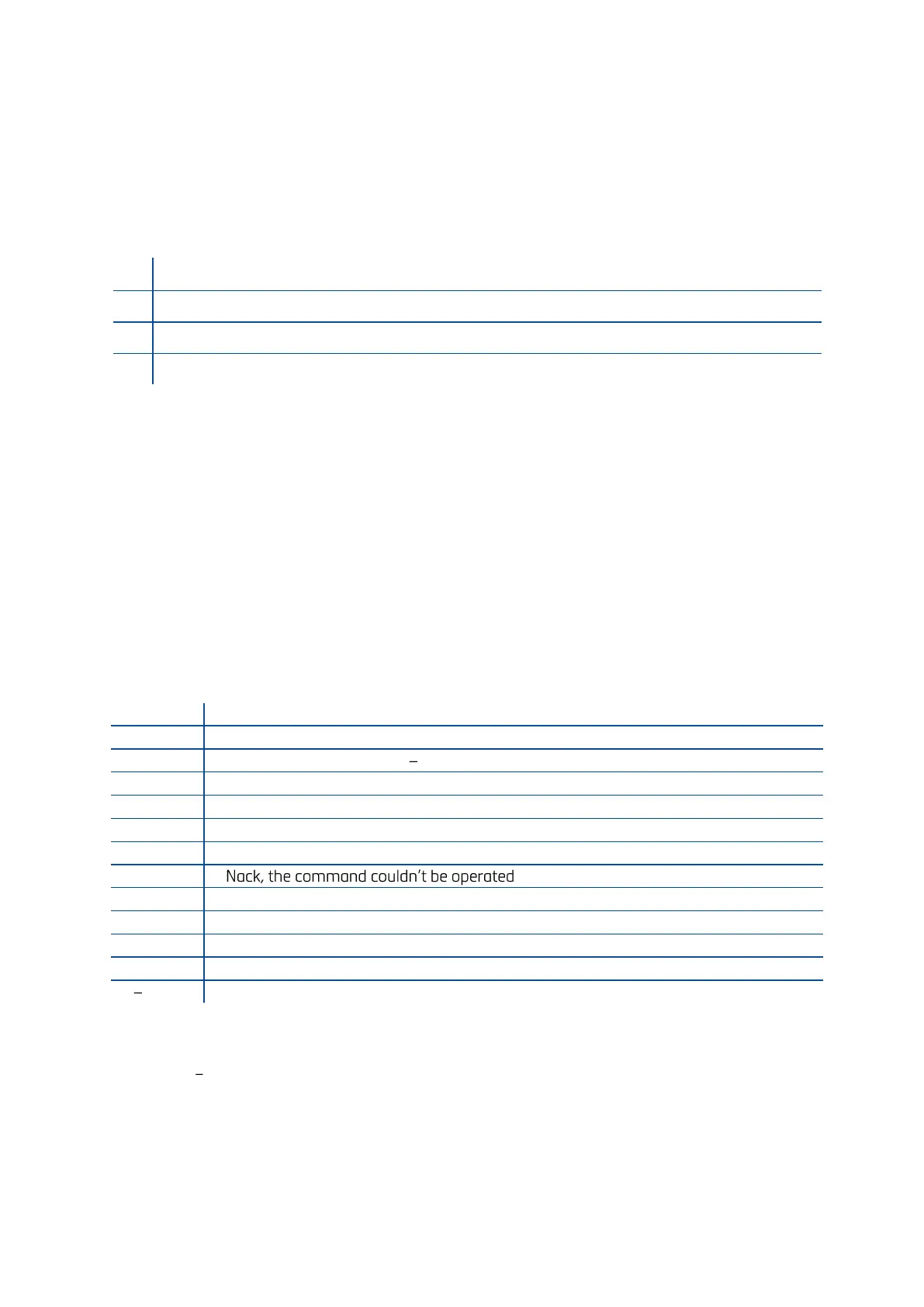
Status Table
The status data in the interfacing are listed below
Ack, the command is operated successfully
Errors except of H, L, O, +, .
Syntax error ( not recognized the received command )
Checksum Calculation
CHK is transmitted as two ASCII characters calculated with the Checksum formulation.
Checksum = 0 (SUM of all response data before CHK)
Example: Read stable current weight data.
BSI Examples: (CHK is enabled, and instrument address is 01)



 To Next Page