FT-111, User Manual Rev. 2.0.0, June 2022 Page 30 of 137
Key lock
FT-111 has a capability to lock the keys to avoid unauthorized person´s interfering. The key(s) which would be
locked are programmed in the setup at sub-block 34- .
Lock the keys:
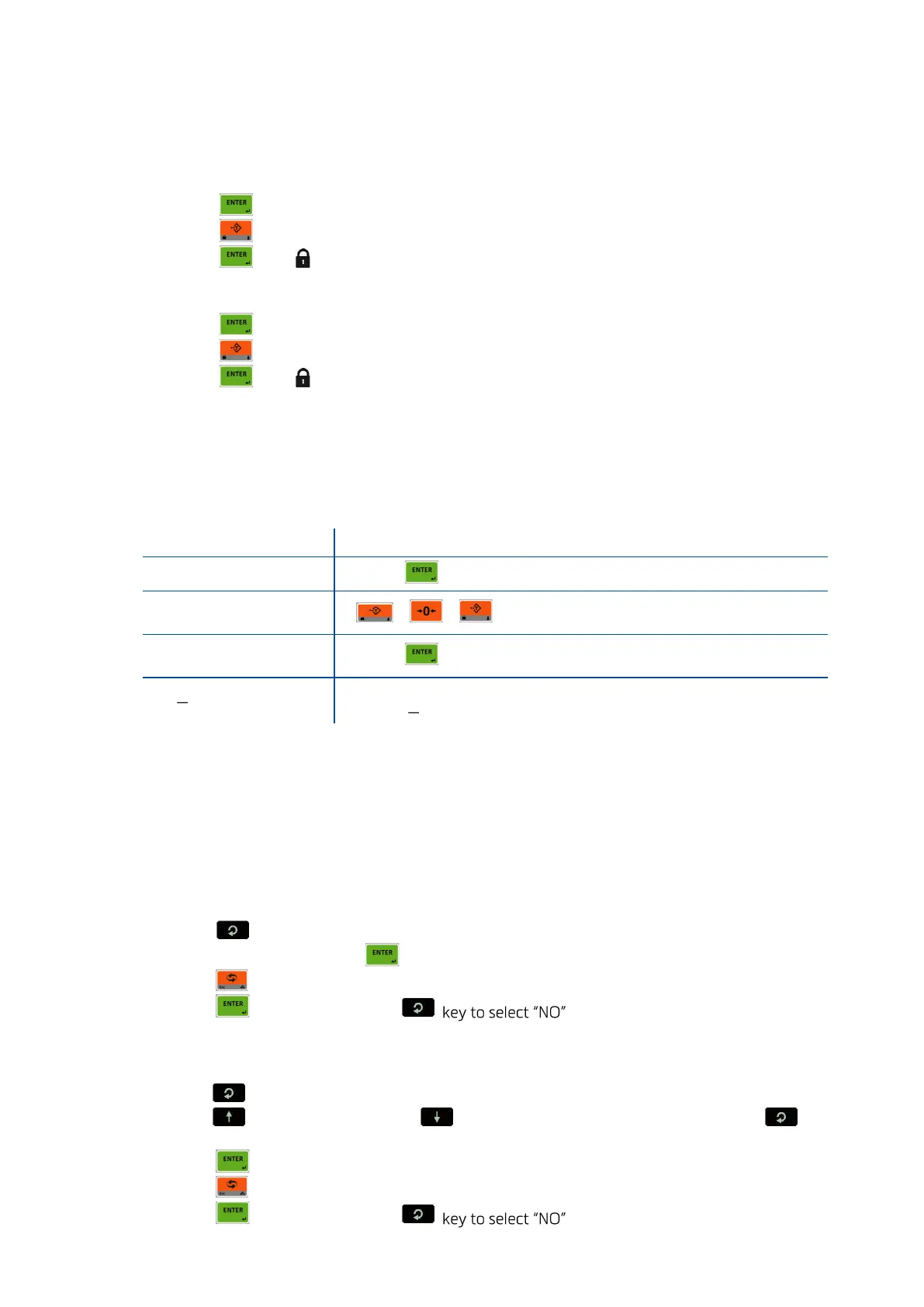
1. Press key for more than 2 seconds. [PASSWORD: ] prompt appears on the display.
2. Press key.
3. Press key. symbol appears on the display.
Unlock the keys:
1. Press key for more than 2 seconds. [PASSWORD: ] prompt appears on the display.
2. Press key.
3. Press key. symbol disappears.
Passwords
User password
This password is used to setup the interface, usage configuration and application related parameters for
your application.
To enter the programming.
Service password
This password is used by trained technical persons to access parameters of the instrument and
calibration only. Refer to section 8.2 on page 44.
Date and Time
RELATED PARAMETERS: Parameters 251, 252 and 253.
Date format of the country
1. Enter the programming and go to parameter 251, page 57.
2. Press key to select date format: DMY ( DD.MM.YYYY ), MDY ( MM.DD.YYYYY) or YMD
( YYYY.MM.DD ) and press key to confirm.
3. Press key until [ SAVE : YES ] prompt appears.
4. Press key to save or press to return operation without saving.
Date adjustment
1. Enter the programming and go to parameter 252, page 57.
2. Press key to enter the parameter.
3. Press key to increase or press key to decrease the blanking digit and press key to
select digit.
4. Press key to confirm.
5. Press key until [ SAVE : YES ] prompt seen.
6. Press key to save or press to return operation without saving.



 To Next Page