Settings
Clicking on this symbol expands the display of characteristics, material specifica-
tions and certain welding parameters for the power source's SmartManager.
The settings depend on which user is currently logged on.
Language selec-
tion
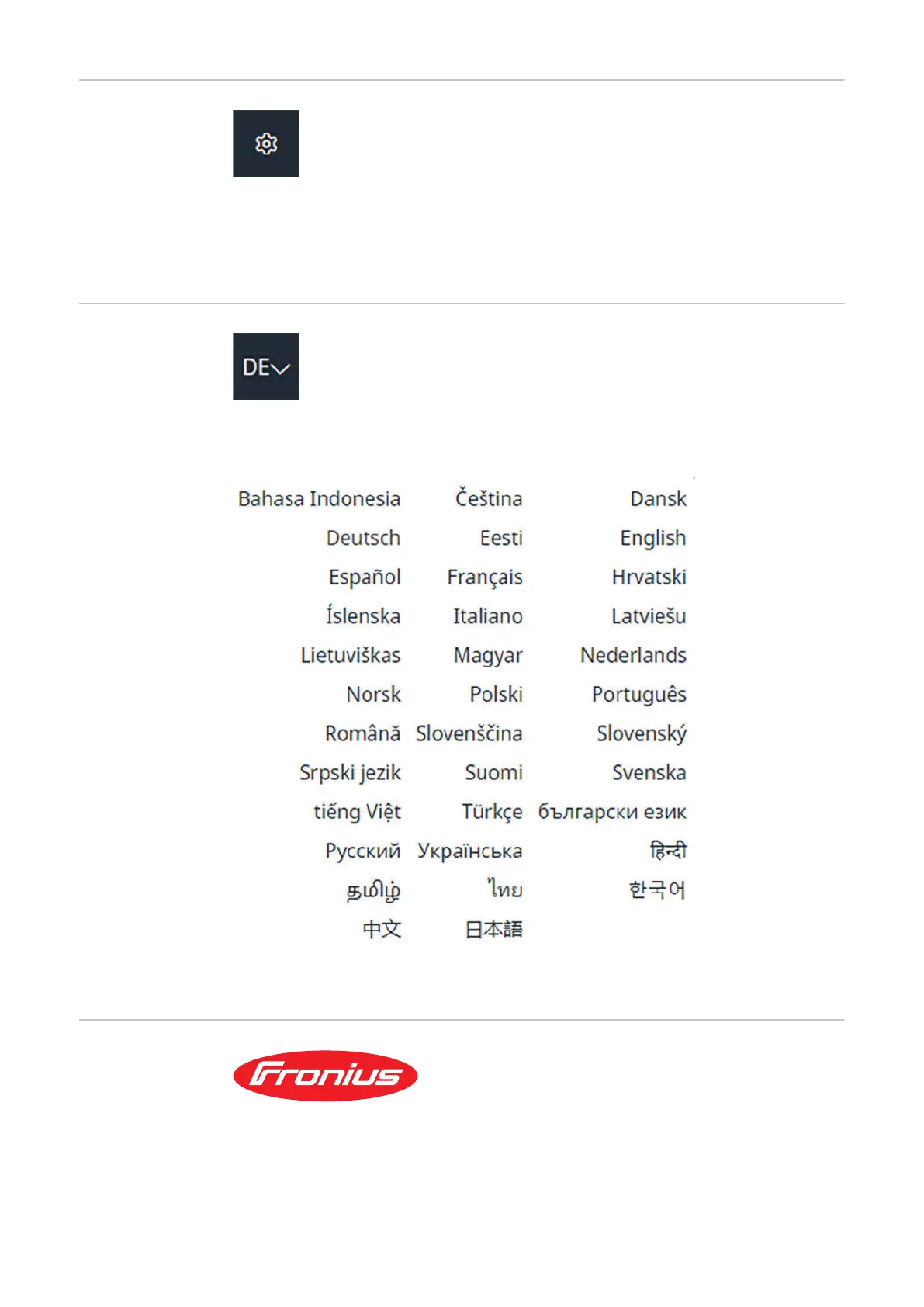
The languages available for SmartManager can be displayed by clicking on the
language abbreviation.
To change the language, click on the one you would like.
Fronius
A click on the Fronius logo opens the homepage of Fronius: www.fronius.com.
138











 To Next Page