MIG/MAG and CMT welding
Safety
WARNING!
Danger from incorrect operation and work that is not carried out properly.
This can result in serious personal injury and damage to property.
▶
All the work and functions described in this document must only be carried
out by technically trained and qualified personnel.
▶
Read and understand this document in full.
▶
Read and understand all safety rules and user documentation for this equip-
ment and all system components.
WARNING!
Danger from electrical current.
This can result in serious personal injury and damage to property.
▶
Before starting work, switch off all the devices and components involved and
disconnect them from the grid.
▶
Secure all devices and components involved so they cannot be switched back
on.
▶
After opening the device, use a suitable measuring instrument to check that
electrically charged components (such as capacitors) have been discharged.
MIG/MAG and
CMT welding –
overview
The "MIG/MAG and CMT welding" section comprises the following steps:
-
Switching on the power source
-
Selecting the welding process and operating mode
-
Retrieving the currently set filler metal
-
Selecting the filler metal
-
Setting the welding parameters
-
Setting the shielding gas flow rate
-
MIG/MAG or CMT welding
Switching on the
power source
1
Connect the mains cable
2
Move the mains switch to the "I" position
IMPORTANT! For optimum welding results, the manufacturer recommends per-
forming an R/L alignment when starting the device for the first time and when
any changes are made to the welding system.
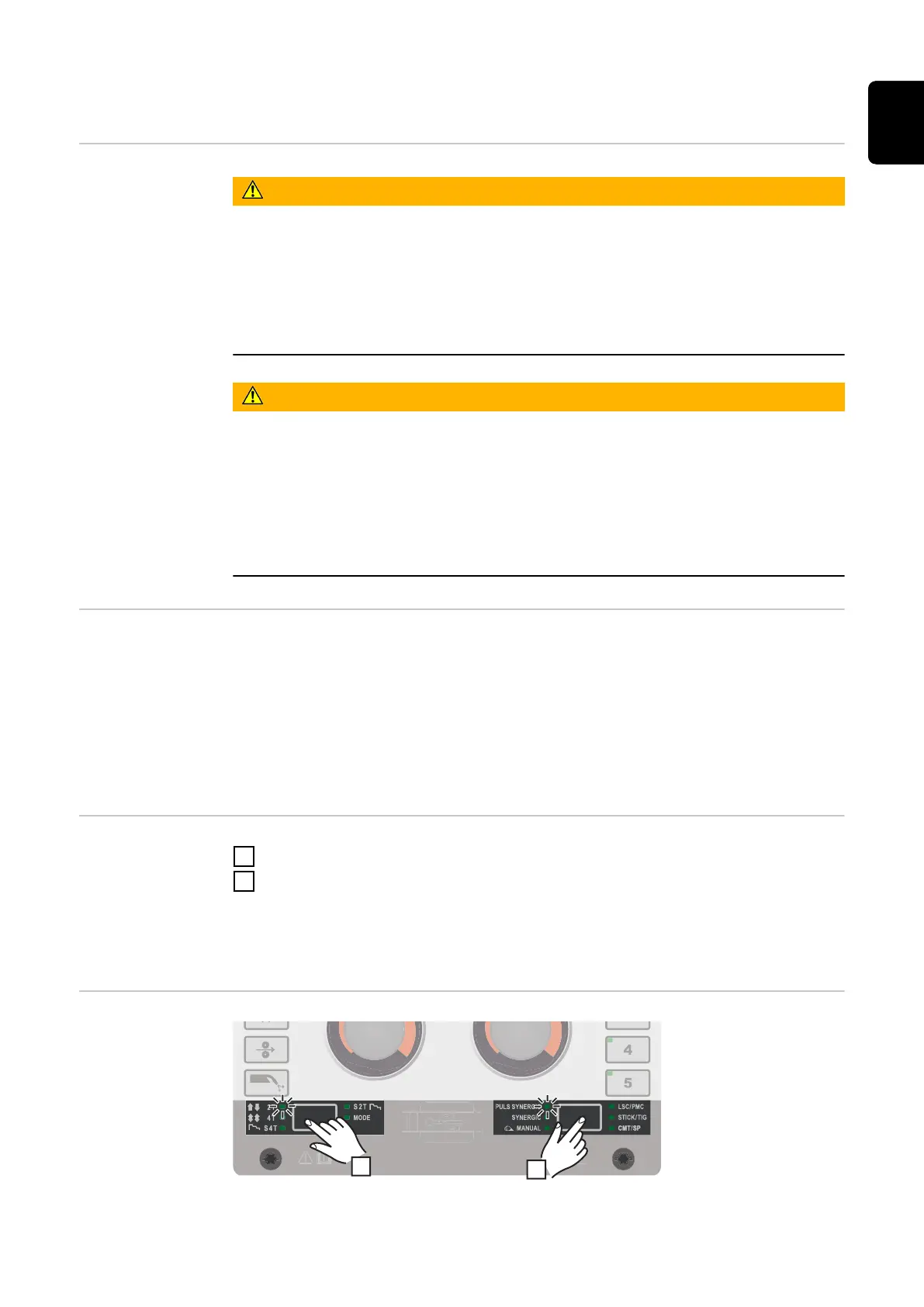
Setting the
welding process
and operating
mode
81
EN











 To Next Page