Displaying plain
text for paramet-
ers
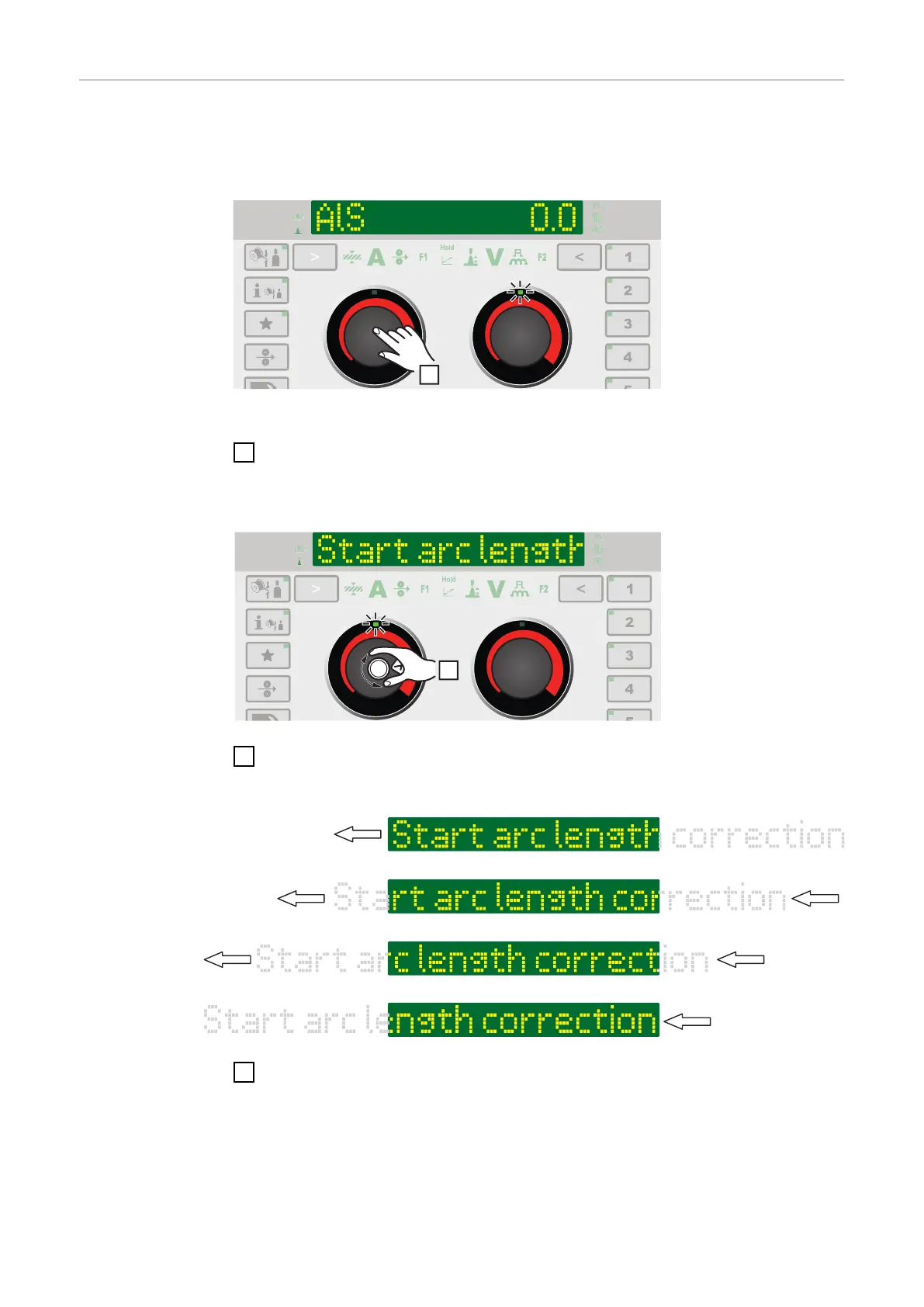
The left adjusting dial can be used to display the corresponding plain text for
each parameter abbreviation shown on the display.
Example:
Parameter or entry from the Setup menu has been selected using the right
adjusting dial; the LED on the right adjusting dial lights up.
1
Press the left adjusting dial
The plain text for the parameter is displayed; the LED on the left adjusting dial
lights up.
2
To display extended plain texts, turn the left adjusting dial
The plain text is moved across the display.
3
To make another selection, turn the right adjusting dial
50











 To Next Page