13
Press the right adjusting dial
The set filler metal is saved.
* The previous item can be called up by turning the right adjusting wheel
and selecting "back".
Setting the
welding para-
meters
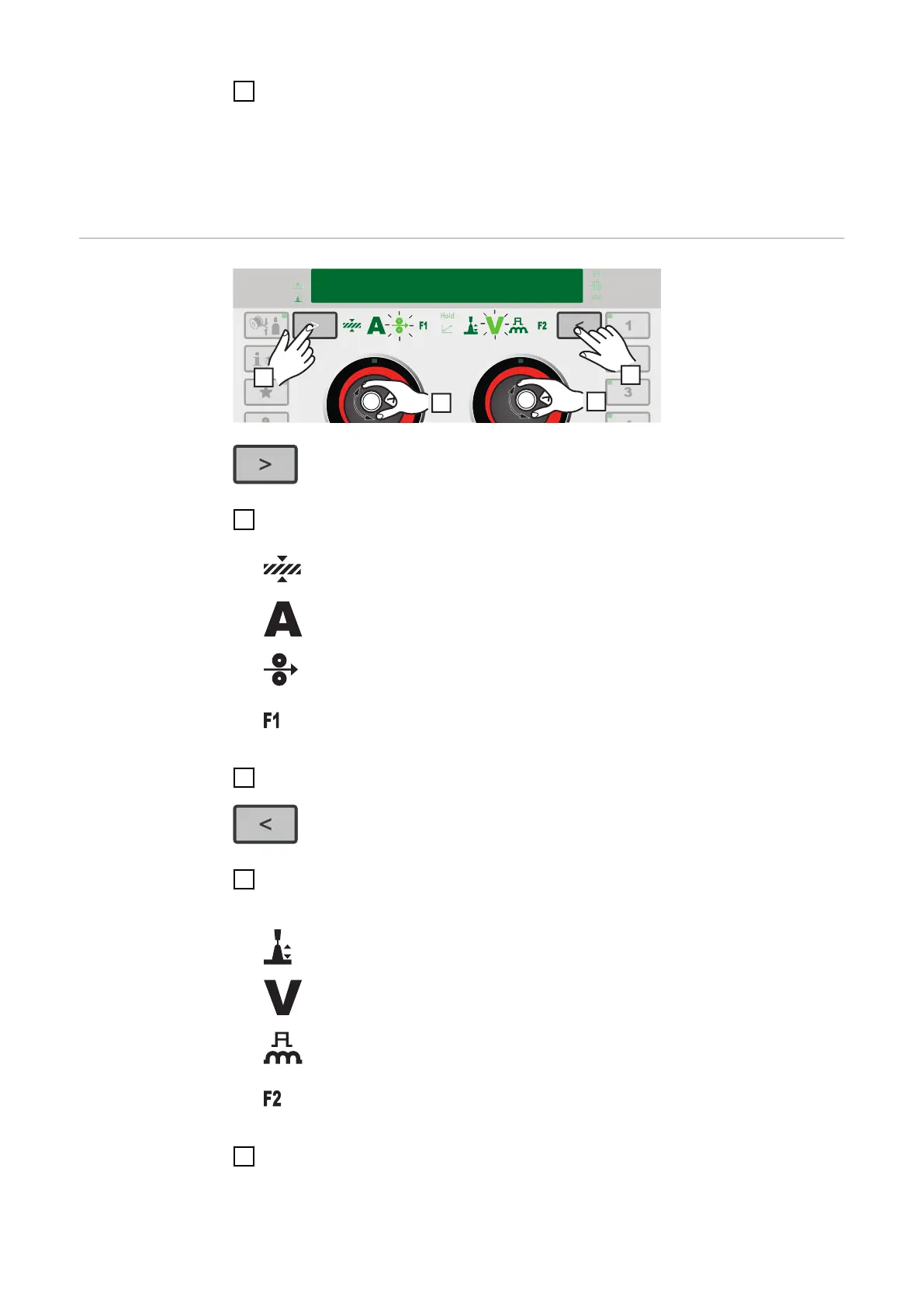
1
Press the button until the desired welding parameter lights up
Material thickness
Welding current
Wire speed
Special function
2
Turn the left adjusting dial to change the value of the welding parameter
3
If necessary:
press the button until the desired welding parameter lights up
Arc length correction
Welding voltage
Pulse/dynamic correction
Special function
4
Turn the right adjusting dial to change the value of the welding parameter
The amended parameter values are applied immediately.
If one of the wire speed, material thickness, welding current or welding voltage
84











 To Next Page