1
Press the "Filler metal selection" button
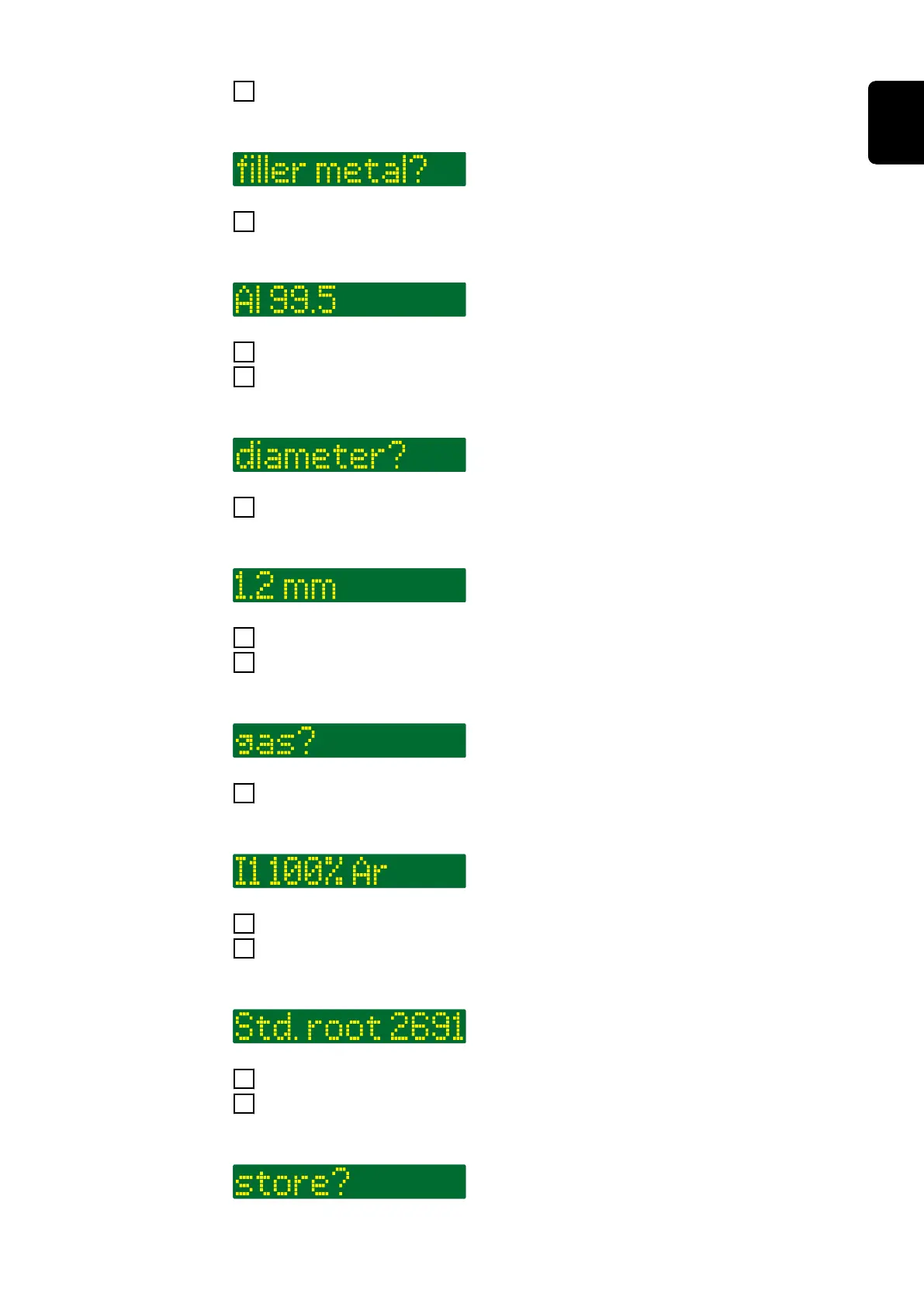
The LED on the button lights up and "filler metal?" is shown on the display:
2
Press the right adjusting dial
The first available filler metal is displayed:
3
Select the desired filler metal by turning the right adjusting dial
4
Press the right adjusting dial
"diameter?" is shown on the display: *
5
Press the right adjusting dial
The first available wire diameter is displayed:
6
Select the desired wire diameter by turning the right adjusting dial
7
Press the right adjusting dial
"gas?" is shown on the display: *
8
Press the right adjusting dial
The first available shielding gas is displayed:
9
Select the desired shielding gas by turning the right adjusting dial
10
Press the right adjusting dial
If available, the first available characteristic is displayed: *
11
Select the desired characteristic by turning the right adjusting dial
12
Press the right adjusting dial
A prompt to apply the new filler metal is displayed: *
83
EN











 To Next Page