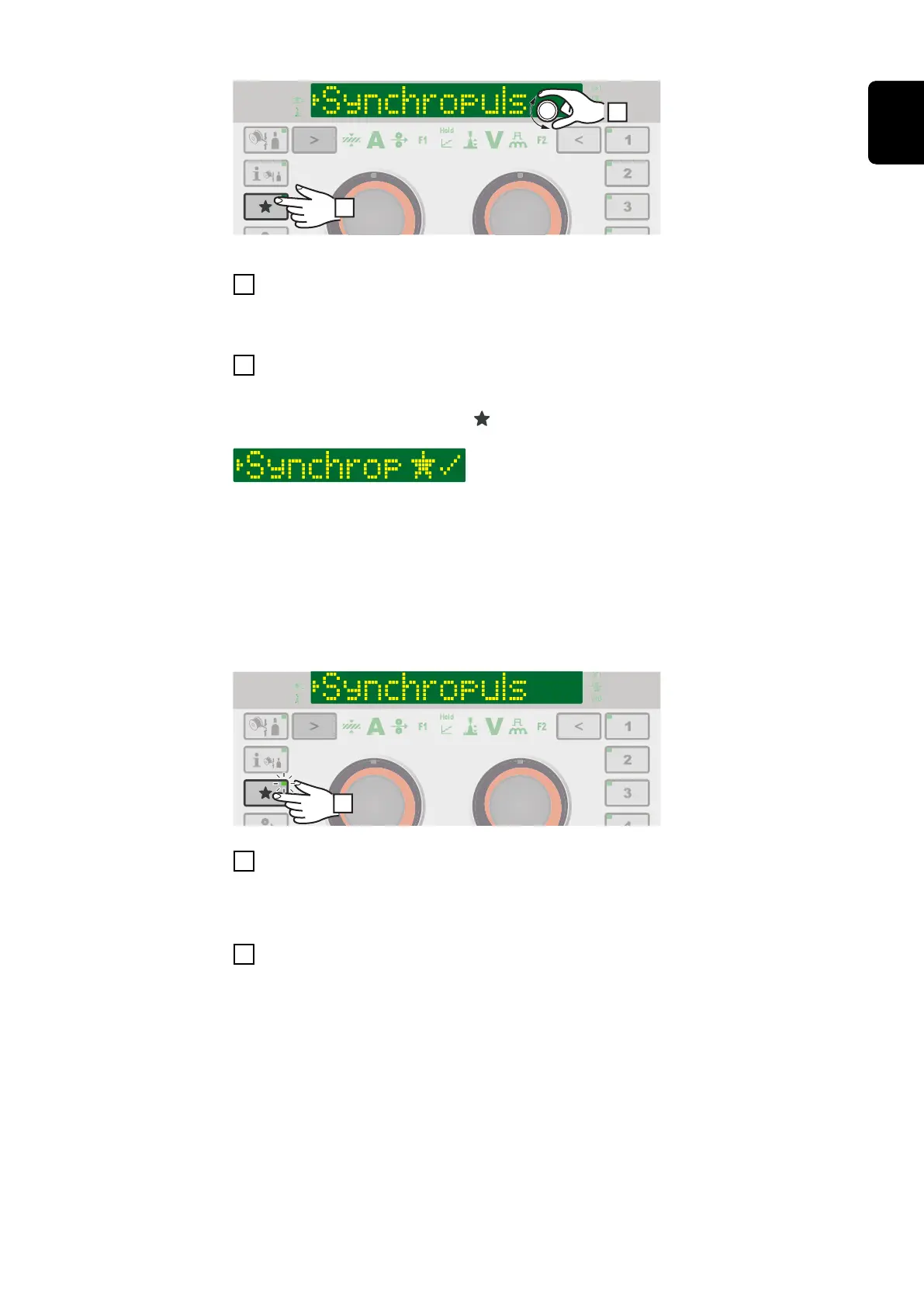
Example: The selected SynchroPulse folder is assigned to the Favourites button
1
Select the desired parameter or the desired parent folder in the Setup menu
Further information on the Setup menu can be found from page 103
2
To assign the selected parameter or folder to the Favourites button, press the
Favourites button for approx. 3 seconds
Next to the parameter or folder and a tick are shown:
The selected parameter or folder is now assigned to the Favourites button.
Retrieving favourites
Parameters or folders stored under the Favourites button can be retrieved in any
setting, except for when the Setup menu is active.
Ongoing selection processes or called up jobs are cancelled when favourites are
retrieved.
1
Briefly press the "Favourites" button (< 3 seconds)
The LED on the Favourites button lights up and the stored parameter or folder is
shown on the display.
2
To end retrieval of the favourite, briefly press the Favourites button again (< 3
seconds)
The LED on the Favourites button goes out and the display switches to the weld-
ing parameters.
Deleting favourites
53
EN











 To Next Page