Copyright © 2016 Frontier Communications. All Rights Reserved.
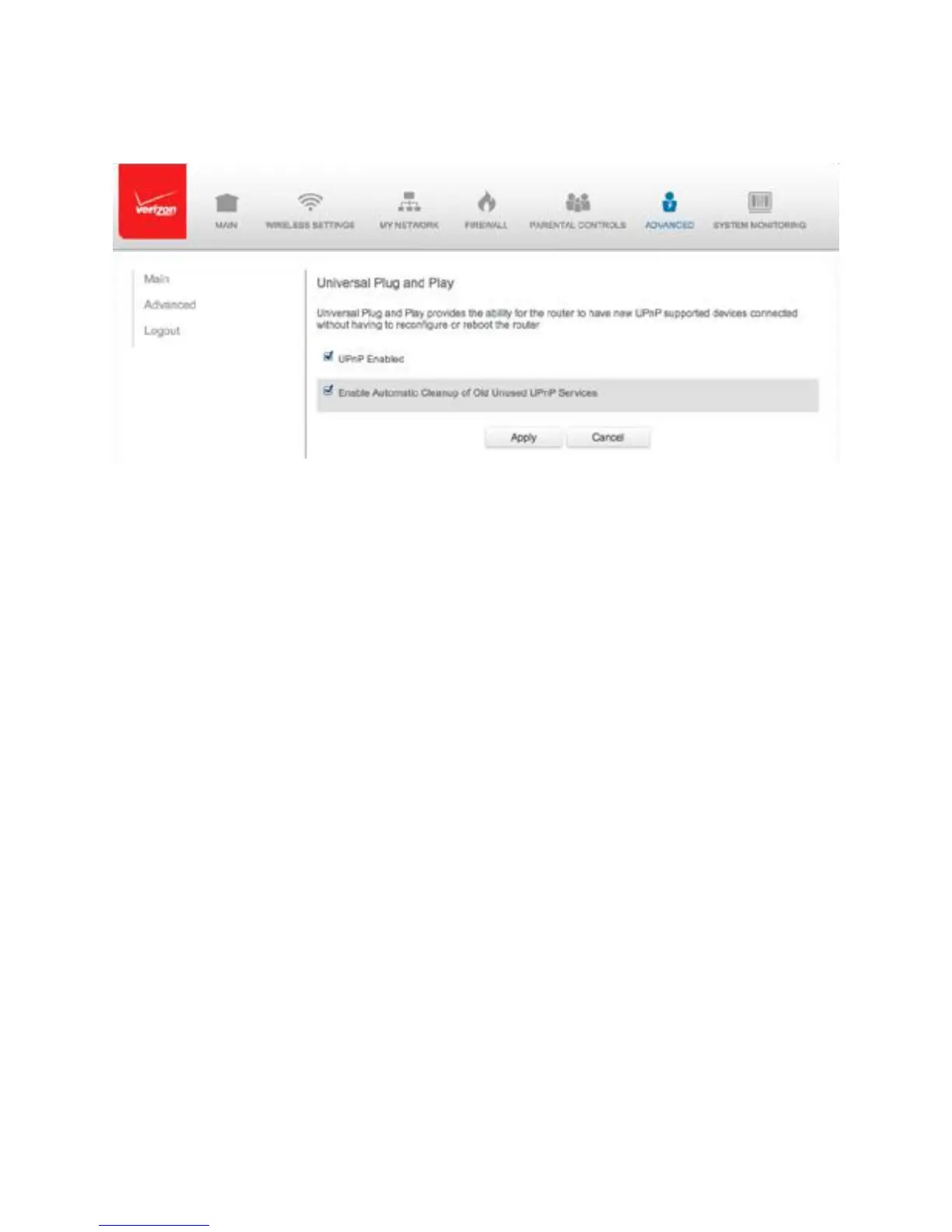
1. Select Universal Plug and Play in the Advanced page.
2. To enable UPnP and allow UPnP services to be defined on any
network hosts, select the UPnP Enabled check box.
3. To enable automatic cleanup of invalid rules, select Enable Automatic
Cleanup of Old Unused UPnP Services check box.
4. Click Apply to save changes.
8.3c/ PORT FORWARDING RULES
You can view, modify, and delete port forwarding rules. To access the
rules:
1. Select Port Forwarding Rules in the Advanced page.



 To Next Page