Copyright © 2016 Frontier Communications. All Rights Reserved.
• System Settings – configures various system and management
parameters
• Port Configuration – sets up Ethernet ports 8.6a/ CONFIGURATION
FILE
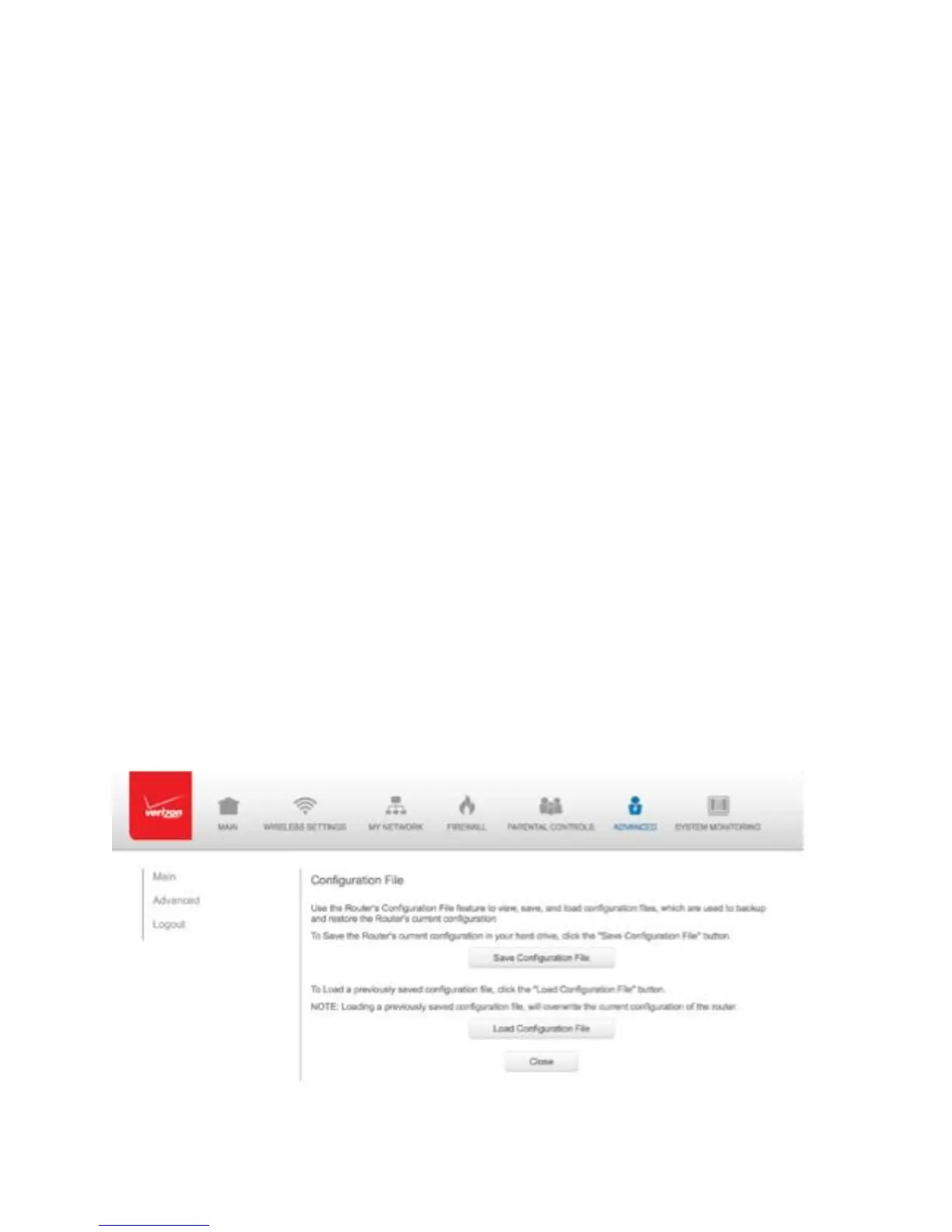
You can use the Configuration File functionality to view, save, and load
configuration files. These files are used to backup and restore the
current configuration of your Gateway.
Only configuration files saved on a specific Gateway can be applied to
that Gateway. You cannot transfer configuration files between
Gateways.
Warning: Manually editing a configuration file can cause your Gateway to
malfunction or become completely inoperable.
To save or load the configuration file:
1. Select Configuration File.
CONFIGURATION SETTINGS



 To Next Page