Copyright © 2016 Frontier Communications. All Rights Reserved.
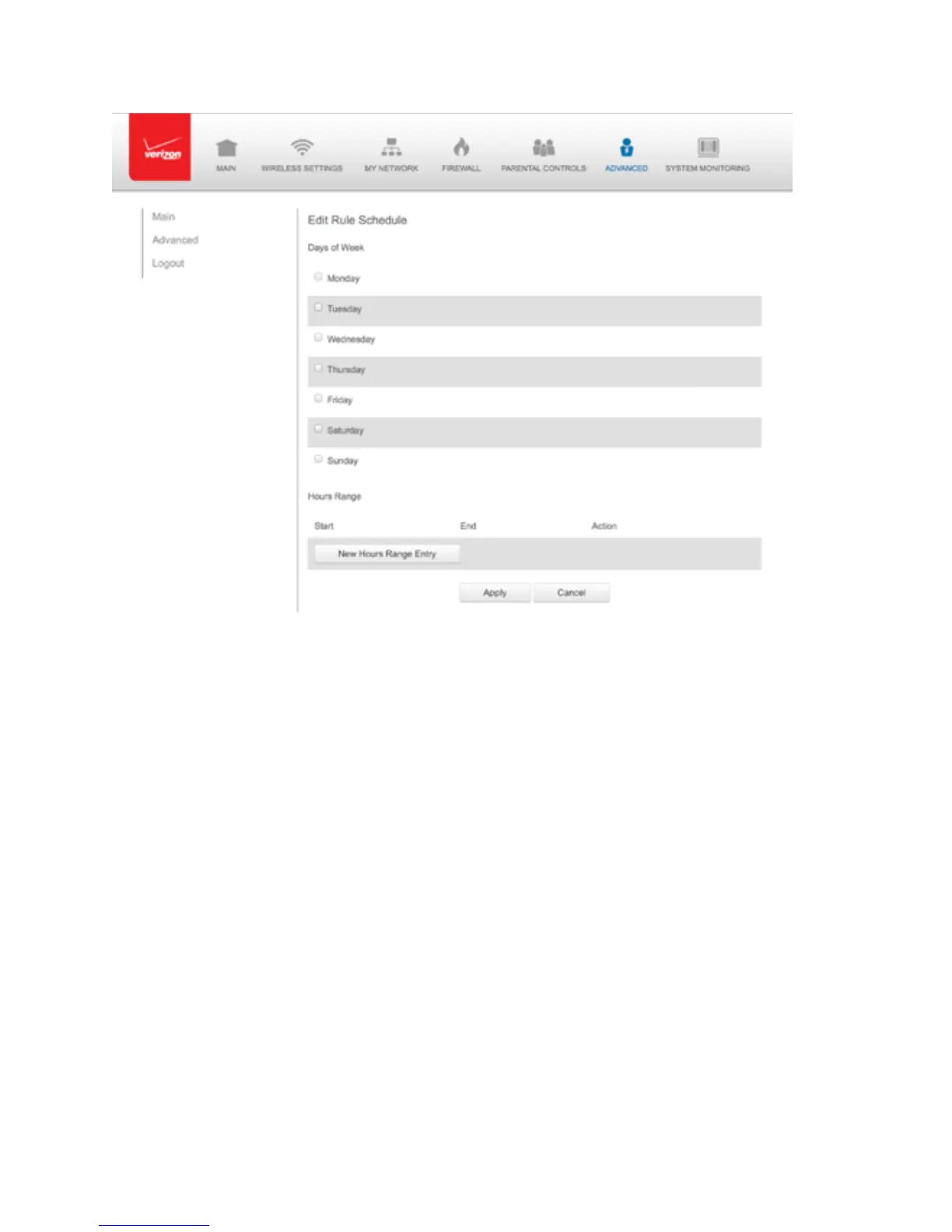
7. Select the active or inactive days of the week.
8. To define a new active or inactive hourly range, click New Hours
Range Entry.
9. Enter the start and end time, then click Apply to save changes.
10. Click Apply again to save the rule schedule.
8.6/ CONFIGURATION SETTINGS
You can configure the following configuration settings:
• Configuration File – used for file backups and restoring configuration
files



 To Next Page