Copyright © 2016 Frontier Communications. All Rights Reserved.
3. If desired, enter a new name for the wireless network in the SSID field
or leave the default name that displays automatically.
4. Select the channel you want the wireless radio to use to communicate
or accept the default Automatic channel, then select the Keep my
channel selection during power cycle check box to save your
channel selection when your Gateway is rebooted.
To configure the basic Wi-Fi Security settings, select a Security option:
WPA/WPA2 Mixed Mode
If WPA/WPA2 Mixed Mode (Wi-Fi Protected Access) was selected, the
WPA Key page displays. Selecting WPA/WPA2 Mixed Mode allows the
security mode to be automatically set by the gateway based on the
security capabilities of the client device. WPA/WPA2 mixed mode is the
default wireless security protocol.
To set the WPA/WPA2 Mixed Mode security:
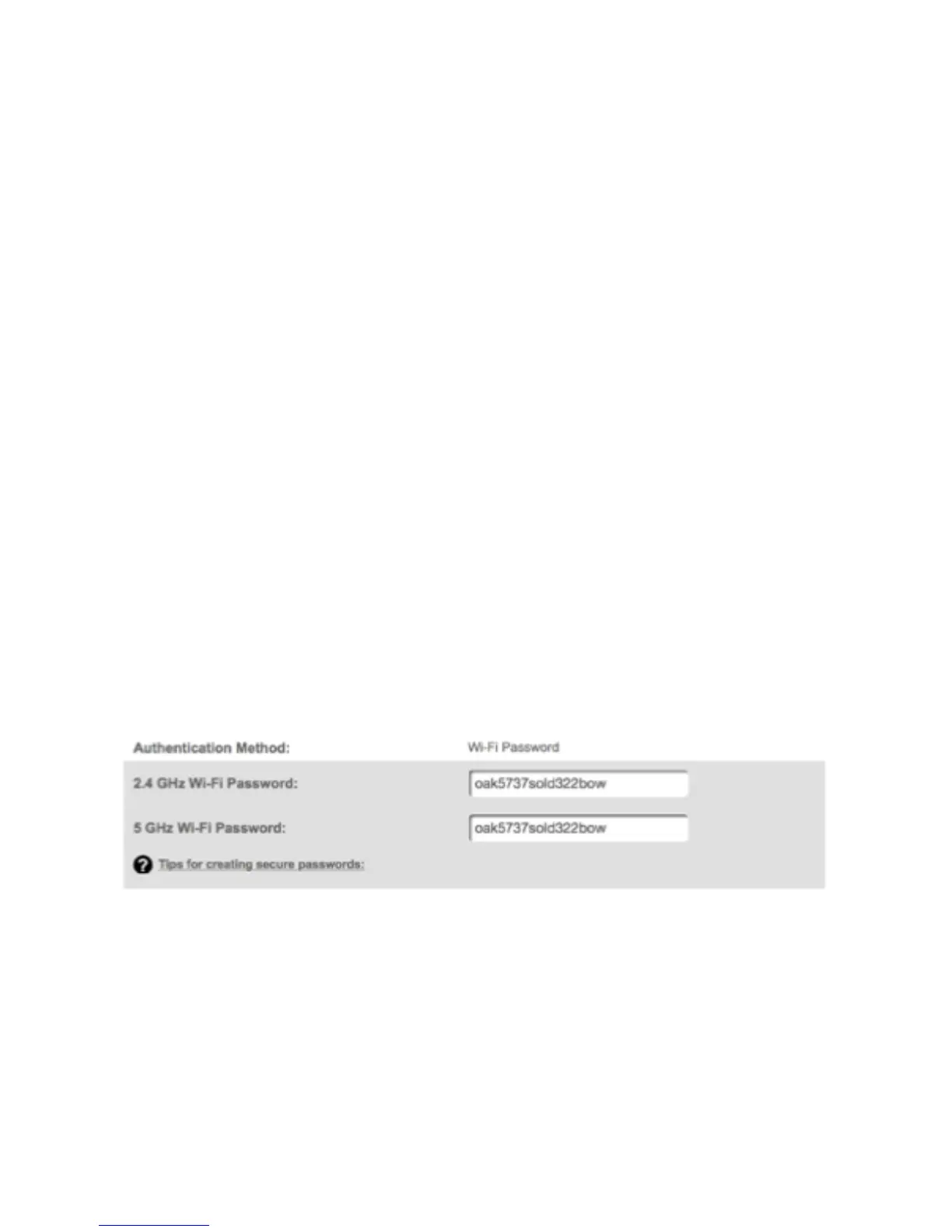
Enter the Pre-Shared Key as a wireless password.



 To Next Page