Copyright © 2016 Frontier Communications. All Rights Reserved.
03/ WIRELESS SETTINGS
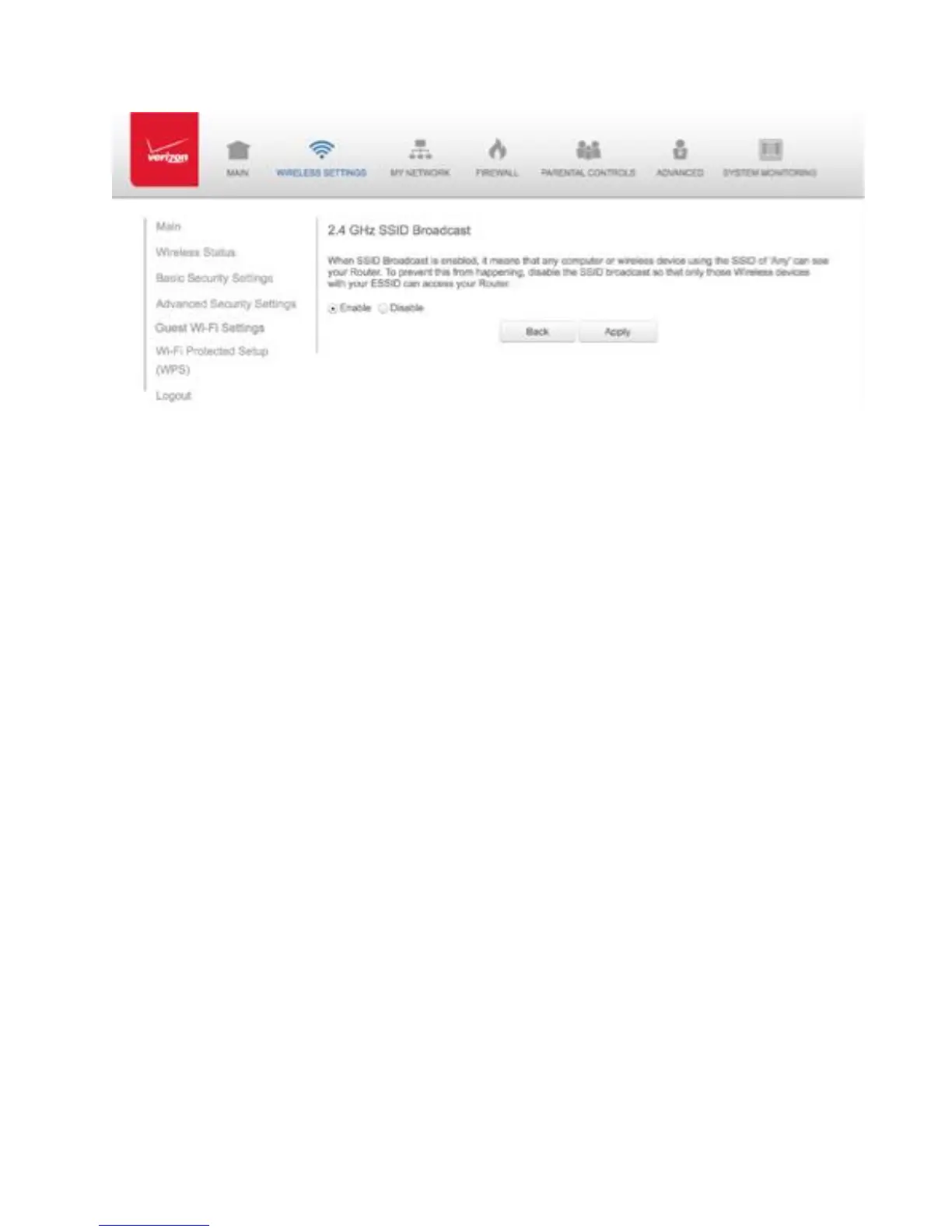
3. To enable SSID broadcasting, click the Enable radio button. SSID
broadcast is enabled by default. The SSID of the wireless network
will be broadcast to all wireless devices.
4. To disable SSID broadcasting, click the Disable radio button. The
public SSID broadcast will be hidden from all wireless devices. You
will need to manually configure additional wireless devices to join
the wireless network.
5. Click Apply to save the changes.
3.3c/ LEVEL 2: LIMIT ACCESS
You can configure your Gateway to limit access to your wireless
network allowing access only to those devices with specific MAC
addresses or based on the type of wireless technology used.
To limit access:
1. In the Advanced Settings page, locate the Level 2 section.



 To Next Page