Copyright © 2016 Frontier Communications. All Rights Reserved.
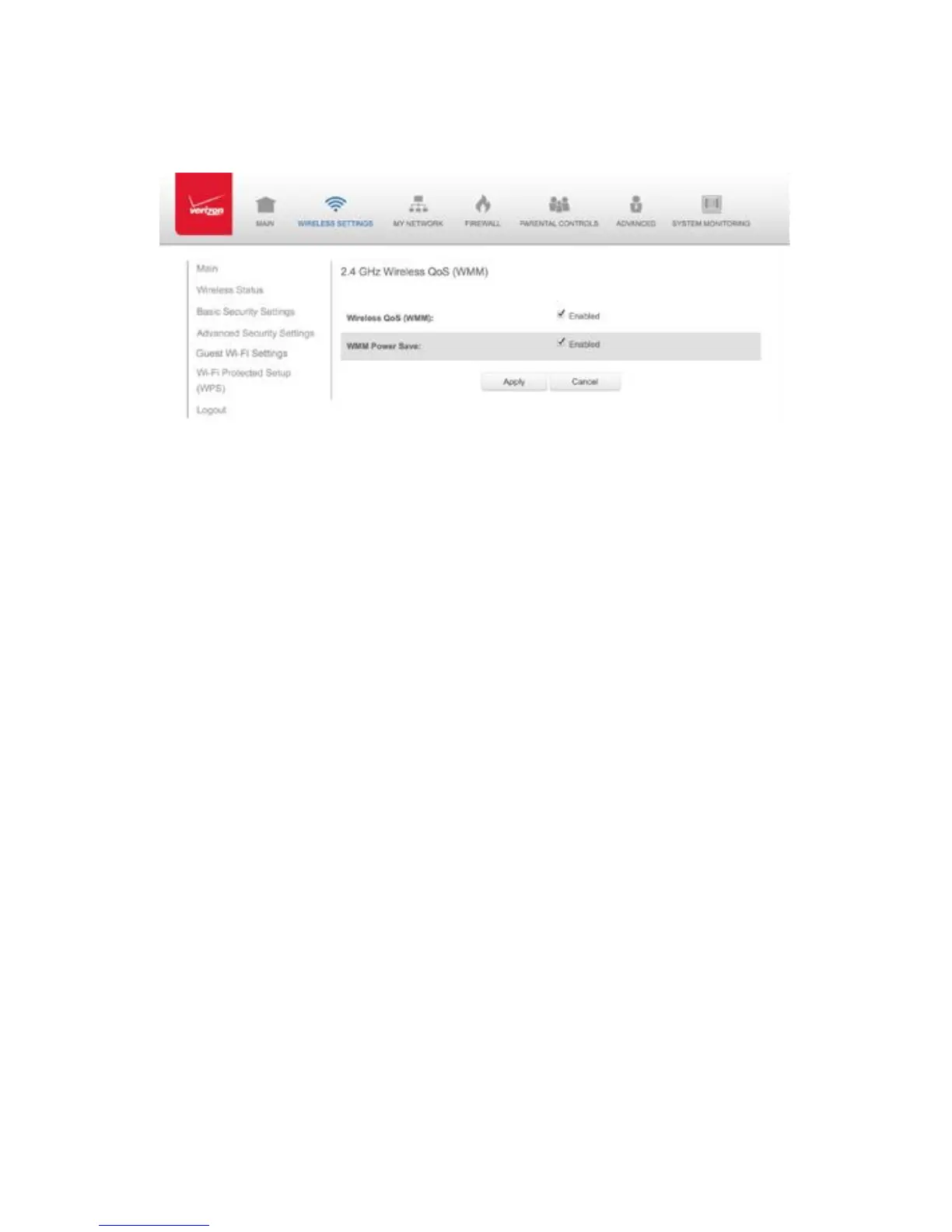
In the Advanced Wireless Options page, click WMM Settings link. A
warning message displays.
1. To enable WMM Power Save, enable Wireless QoS (WMM) first, then
enable WMM Power Save by selecting the Enabled check box.
2. Click Apply to save changes.
3.7/ GUEST WI-FI SETTINGS
The Guest Wi-Fi network is designed to provide Internet connectivity to
your guests but restricts access to your primary network and shared
files. The primary network and the guest network are separated from
each other through firewalls. You create one Guest Wi-Fi SSID and one
password and use it for all guests. Guest Wi-Fi can be managed using
either the Gateway’s web interface, or via the My app.
Click Yes. The WMM Settings page displays.
To enable Wireless QoS (WMM), select the Enabled check box.
GUEST WI-FI SETTINGS
guest network SSID does not change when you make a change to your
primary network SSID.



 To Next Page