Copyright © 2016 Frontier Communications. All Rights Reserved.
Your Gateway integrates multiple layers of security. These include
Wired Equivalent Privacy (WEP), Wi-Fi Protected Access (WPA/WPA2),
and firewall.
OVERVIEW
3.1/ WIRELESS STATUS
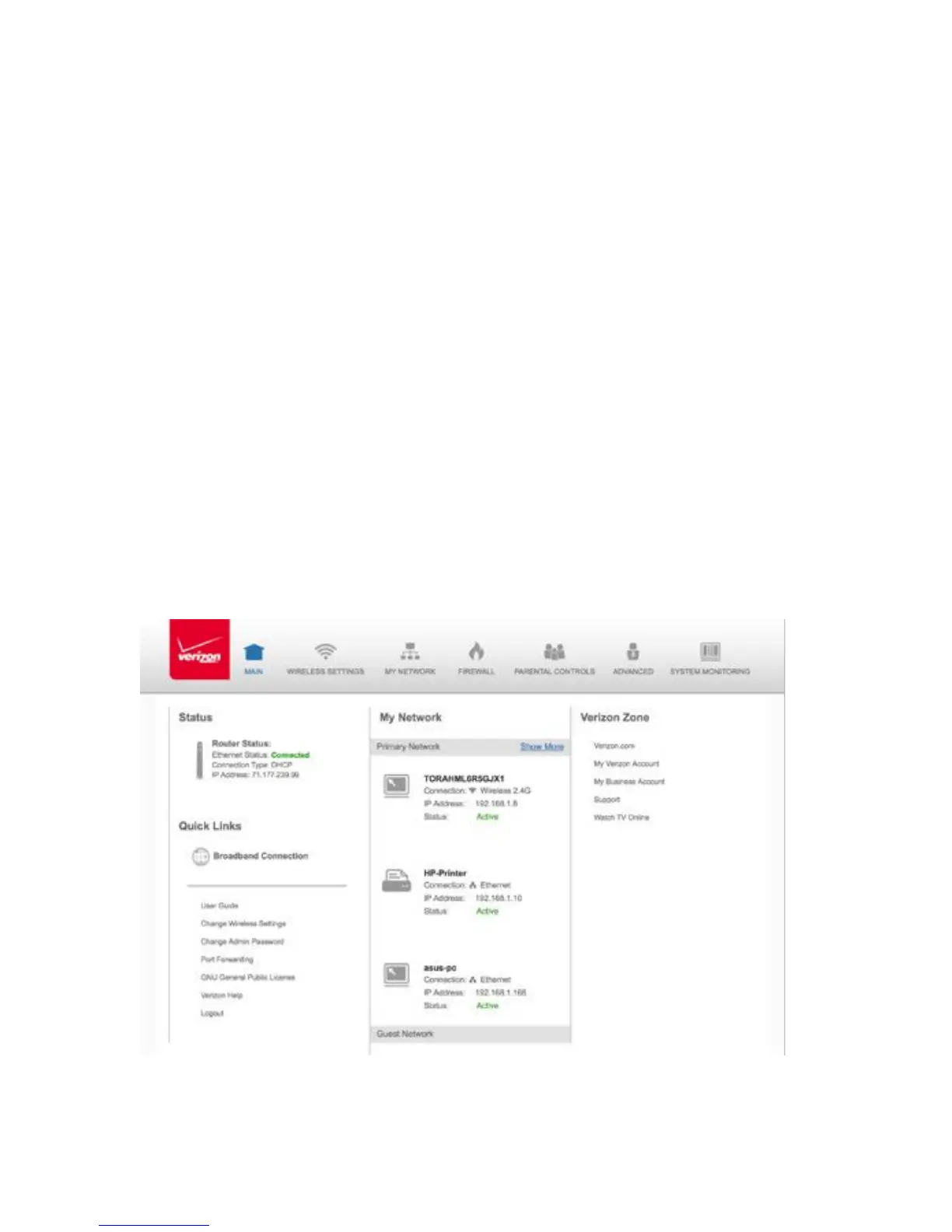
Use the Wireless Status feature to view the status of your Gateway’s
wireless network.
To view the status:
1. Access the Main page. You can quickly view your Gateway’s
wireless status in the My Network column. This includes all
devices that have recently accessed or are currently connected to
the network.



 To Next Page